What to look for when buying
First, decide what screen size will suit your room. Then compare how TVs handle sports and whether they can receive the matches you want to watch.
| What matters |
What to look for |
Who it matters most to |
| Motion handling |
Compare the native refresh rate of the specific model and how it displays sports footage. Consider TV signals separately from gaming features such as VRR. |
If I want to follow fast rallies clearly, how the TV handles sports footage matters to me. Around 36% of consumers say motion handling is their top priority. |
| Size and placement |
Check viewing distance, TV width, stand footprint, viewing angles and incoming light. HDTV viewing-distance charts are guidelines, not hard-and-fast rules. |
If space is limited or I need to take several seats into account, I want to plan the TV and viewing distance together. Around 29% of consumers put fit first. |
| Watching the matches |
Find out which channel or streaming service is showing the matches, then check the tuner, app access and any necessary decryption or activation. |
If I want to watch a particular match, my chosen reception method must actually give me access to the channel or service. Around 21% of consumers prioritise access to the broadcasts they want. |
| Energy consumption |
Compare the information on the EU energy label for similar TVs, and distinguish between SDR and HDR figures. |
If I use my TV regularly, I want to compare its energy consumption too, rather than focusing only on screen size. Around 14% of consumers prioritise running costs. |
Joybuy products
This selection includes compact 42- or 43-inch TVs, as well as larger 50-inch models if your viewing distance and available space allow.
 No image available
LG OLED42C67LA OLED evo AI C6, 42-inch
The 42-inch screen is a compact option. Check that the stand and viewing distance will suit your room.
4K OLED smart TV. The product specifications list a native refresh rate of 120 Hz and 165 Hz VRR. The VRR figure shouldn’t be confused with the frame rate of a tennis broadcast.
Listed reception methods: DVB-T2, DVB-C and DVB-S2.
View at Joybuy
 No image available
CHiQ U43QM10E, 43-inch
The 43-inch screen is one of the more compact options. Check the TV and stand dimensions against your available space.
4K QLED smart TV with Google TV. The specifications list MEMC as a motion-enhancement feature, but don’t state a specific frame rate that can be inferred from it.
Listed reception methods: DVB-T/T2, DVB-C and DVB-S/S2.
View at Joybuy
 No image available
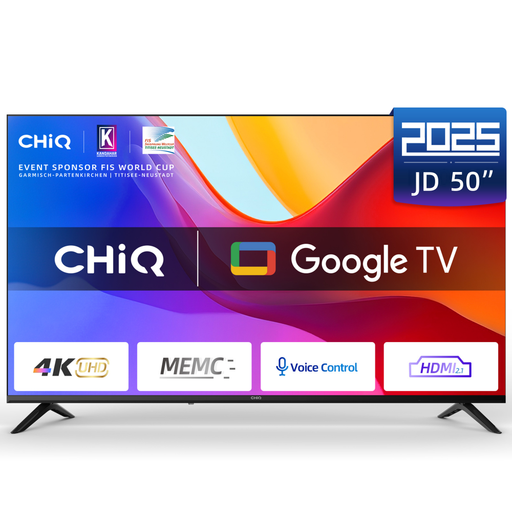
CHiQ U50JD, 50-inch
This larger screen could be an option if your viewing distance and available space allow. For a 50-inch HDTV, the Verbraucherzentrale gives 1,90–2,50 m as a guide to viewing distance.
4K QLED Google TV with HDR10, MEMC, HDMI 2.1 and ALLM. MEMC alone doesn’t establish a particular frame rate or picture quality for tennis.
Listed reception methods: DVB-T2, DVB-S2 and DVB-C.
View at Joybuy
 No image available
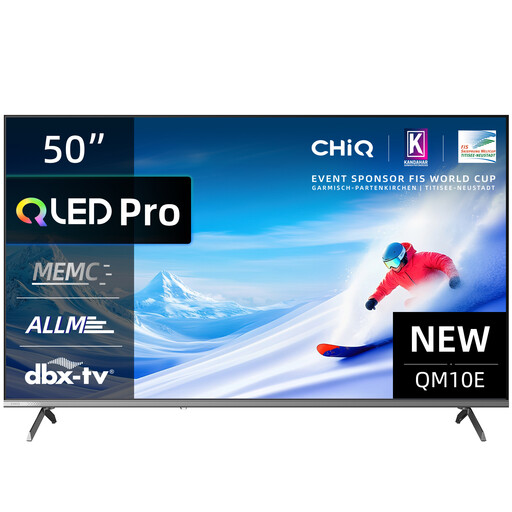
CHiQ U50QM10E, 50-inch
A 50-inch screen needs more space than a 42- or 43-inch TV. Choose a screen size that suits your viewing distance.
4K QLED smart TV with Google TV, HDR10, VRR and ALLM. The specifications list MEMC as a motion-enhancement feature, not as a specific frame rate.
View at Joybuy
 No image available
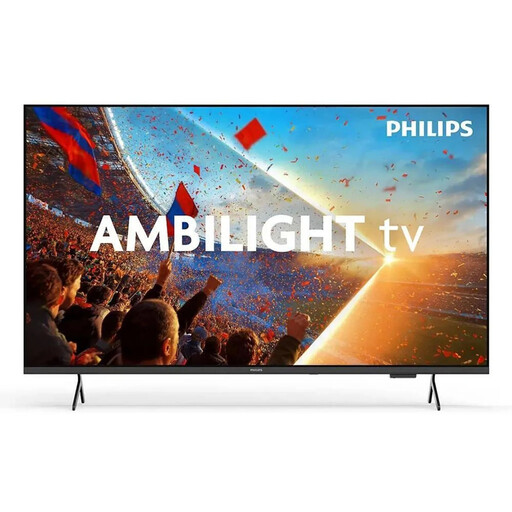
Philips Ambilight 43PUS8001/12, 43-inch
The 43-inch screen could suit a small living room, provided the viewing distance and full installation dimensions work for your space.
4K QLED smart TV. The stated refresh rate is 60 Hz.
Listed reception methods: DVB-T, DVB-T2, DVB-C, DVB-S and DVB-S2.
View at Joybuy
Frequently asked questions
Will 144 Hz VRR, as advertised, give me a better picture for tennis?
No, that figure alone isn’t enough to tell. VRR means a variable refresh rate for compatible signals. For tennis broadcasts, assess the native refresh rate and motion handling of the specific model.
What should I check before setting up a TV in a small living room?
Measure your viewing distance, the TV’s width and the space available for its stand. Also consider daylight and seats to the side. If you’re wall-mounting the TV, make sure the bracket and the model’s requirements are compatible.
Do I only need a DVB-T2 HD TV to watch a private HD channel via aerial?
No. Private channels received via DVB-T2 HD are encrypted, so you’ll also need suitable access or activation. Public-service channels are unencrypted via this reception method, but whether they’re showing the match you want is a separate matter.
How can I compare energy use, and what happens if something goes wrong after buying online?
Compare the SDR and, where applicable, HDR energy figures on the EU energy labels of similar TVs. Actual energy use also depends on how you use the TV. The Verbraucherzentrale distinguishes between your statutory rights against the seller and a voluntary guarantee. Online purchases also generally come with a 14-day right to cancel, as the Verbraucherzentrale explained in August 2026.
Do I need to register a new TV separately for the broadcasting fee in Germany?
The broadcasting fee generally applies per household, not per TV. You’ll need to check separately whether an exemption applies to your living situation.


