What should you look for when buying?
Start with your viewing distance and the quality of your recordings. Then compare picture performance, sound and access to the theatre services you actually use.
| What matters |
What to check before buying |
Who is this important to? |
| Screen size and viewing distance |
Distance from your seat and the resolution of typical recordings; dimensions of the TV and its stand. |
If I want to follow gestures and subtitles from further away, I check the picture from my own seat. Around 34 % of consumers put choosing the right screen size first. |
| Dark stage scenes and room lighting |
Compare OLED and LCD models using specific dark scenes and under your usual room lighting. |
If shadows and spotlights on stage matter to me, I want to judge the picture in my actual room lighting. Around 20 % of consumers prioritise stage contrast. |
| Speech and music |
Check sound tests for the specific model and the connections needed for an audio system. |
If I want to enjoy dialogue and music equally, I compare sound independently of screen size. Around 20 % of consumers put sound first. |
| Access to recordings |
Check that your preferred TV app or operating system is supported, and that you have the HDMI connections you need. |
If I want to watch specific theatre or opera services, I check that the service is available on the model and keep an alternative playback option open. Around 13 % of consumers prioritise access to playback. |
| Energy use and positioning |
Check the energy label and consumption figures for the exact model, as well as its dimensions and where you plan to put it. |
If I plan to use the TV for a long time or put it in a particular spot, I consider its energy use and how much effort installation will involve. Around 13 % of consumers prioritise running costs and positioning. |
Joybuy models for a long viewing distance
Each of the Joybuy models below has an 85-inch screen, making them useful for comparing sizes when you sit a long way from the TV. Whether this screen size is right for you also depends on your viewing distance and the resolution of your recordings.
 No image available
Hisense 85E8S, 85-inch, 4K UHD
The 85-inch screen could suit a long viewing distance; compare the distance with the resolution of your recordings.
Product specifications: QLED, Mini-LED backlighting, 144 Hz, VIDAA, Dolby Vision IQ and Dolby Atmos. Three HDMI connections and an integrated subwoofer are also listed.
For households with children or pets, the product description lists an anti-tip device; make sure the TV is positioned securely or wall-mounted.
View at Joybuy
 No image available
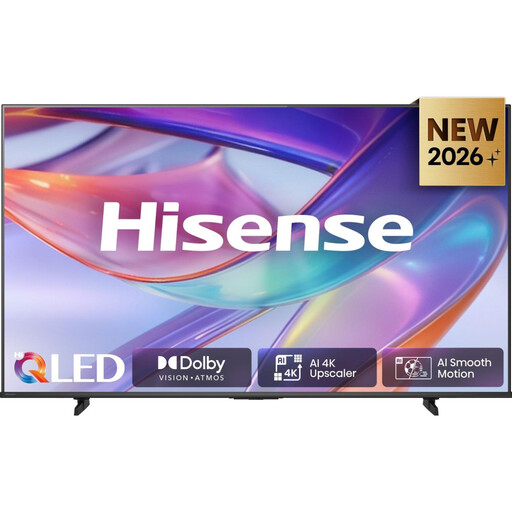
Hisense E7S, 85-inch, 4K UHD QLED
Compare the large screen with your viewing distance and the theatre recordings you typically watch.
Product specifications: HomeOS 9.5, Dolby Vision IQ and three HDMI connections. With the stand, the TV measures 189 × 113,5 × 43 cm and weighs 40 kg.
Check that you have enough space and that the TV can be positioned securely, taking its size and weight into account.
View at Joybuy
 No image available
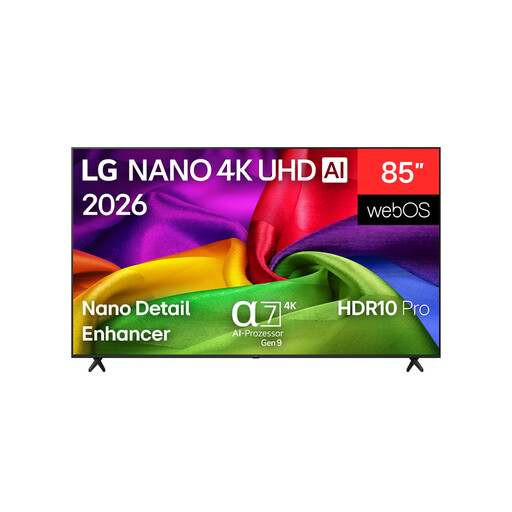
LG 85NU800B6LA, 85-inch, 4K NANO UHD
Compare the 85-inch screen with your viewing distance and check that it suits the resolutions of your recordings.
Product specifications: 60 Hz, HDR10, HLG, AI Sound Pro and webOS. Apple AirPlay 2, three HDMI connections and USB recording are also listed.
For wall mounting, the product description recommends using a qualified professional and a suitable bracket because of the TV’s size and weight.
View at Joybuy
 No image available
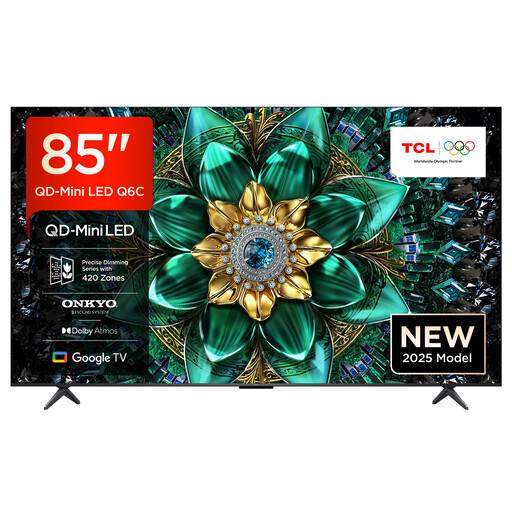
TCL 85Q6C, 85-inch, QLED Mini LED TV
The 85-inch screen is an option to compare with a longer viewing distance; check your actual recording sources, too.
Product specifications: 4K HDR Premium, Local Dimming, Dolby Vision IQ, Google TV and 144 Hz. Four HDMI-2.1 inputs and an Onkyo-2.1 system are also listed.
View at Joybuy
 No image available
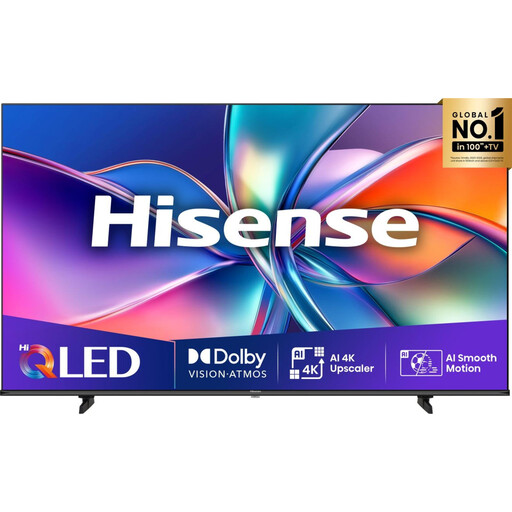
Hisense 85E77Q, 85-inch, 4K UHD QLED
Check whether the large screen suits the recordings you watch most often from your usual seat.
Product specifications: 60 Hz, VIDAA, three HDMI-2.1 and two USB connections. Dolby Vision, HDR10+, Dolby Atmos and DTS:X are also listed.
Because of the TV’s size and weight, the product description recommends professional installation and advises against moving or mounting it yourself.
View at Joybuy
Frequently asked questions
Do I have to choose 75 inches if I sit 3.5 m away?
No. IMTEST gives 75 inches at 3.5 m as a guide for 4K content; the same guideline doesn’t apply unchanged to Full HD or SD material. Measure your viewing distance and try a typical recording from your seat.
Is OLED always the right choice for dark theatre recordings?
Not necessarily. OLED could be worth considering for dark stage scenes in controlled room lighting. In brighter daylight, check the brightness and reflections of specific LCD models. A comparison of individual TVs isn’t a blanket verdict on every model using a particular technology.
Do I need a built-in TV app for every theatre platform?
No. As well as TV apps, ARD lists HbbTV and streaming devices as ways to access its media library. ARTE lists Google TV and Android TV, tvOS, Tizen, webOS, VIDAA and TiVo among its supported operating systems. Even so, check that the app and service you want are available on the specific model.
What should I look for in the sound when watching opera and theatre?
Check speech clarity and music playback on the specific TV separately from picture quality. If you want to use an audio system, make sure its required connections are available on the model. Subtitles and audio tracks also depend on the individual recording.
How can I check whether the TV can be positioned safely?
Check the TV and stand dimensions against your furniture, the route you’ll use to move it and the space where you plan to put it. Take the weight and the installation guidance for the specific model into account, too; for some large TVs, the product description recommends professional wall mounting.


