For training demonstrations in daylight, a specific Mini LED/LCD model with stated anti-glare properties is a sensible place to start, provided you test it in the intended position. OLED is also worth considering if deep blacks and contrast matter. Check for reflections and legibility using your own content, from the seats at the back and sides: Mini LED technology or a high brightness rating alone is no proof that a screen will be glare-free or easy to see from every angle.
Who needs the right screen?
Trainers in rooms with tall windows
If you demonstrate practical steps during the day, check for reflections from where the group will actually be sitting. HIFI.DE highlights brightness and anti-glare properties as factors to consider in bright rooms; the German Social Accident Insurance (DGUV) also lists glare-free viewing, resolution and contrast as important features for large screens.
Leaders of larger learning groups
If everyone needs to see even small details from the back and sides, room depth, seating layout and viewing angles matter just as much as screen size. The German Social Accident Insurance (DGUV) offers guidance on digital media in schools.
Leaders using different playback devices
If you switch between a laptop, video and possibly wireless streaming, test the connections and playback options with your own devices. Sony Deutschland lists four HDMI inputs for the K-65XR5.
What to look for when buying
Anti-glare Mini LED/LCD TV
A good fit if: your main priorities are window light and demonstrations that remain easy to see during the day.
The trade-off: Mini LED alone tells you nothing conclusive about reflections or visibility from the sides.
OLED TV
A good fit if: deep blacks and contrast matter for your content as well as daytime use, and reflections can be managed in your space.
The trade-off: Testing a different OLED model or screen size won’t guarantee that it will be easy to see in your room.
| Buying criterion |
What to check when buying |
Who it matters most to |
| Visibility in daylight |
Consider anti-glare properties and screen brightness separately; check the picture during the day from the intended viewing position. |
If I demonstrate practical steps in daylight, I want to avoid reflections on the screen. Around 36% of consumers prioritise visibility in daylight. |
| Visibility for the whole group |
Check room depth, seating layout and small details in the original material from the seats at the back and sides. |
If everyone needs to follow the demonstration, take the seats at the edges of the room into account too. Around 29% of consumers put visibility for the whole group first. |
| Reliable playback |
Test the HDMI connection and wireless streaming options you need with your own devices; check which USB formats the exact model supports. |
If I switch between my laptop and demonstration files, playback needs to work with my devices. Around 21% of consumers prioritise playback options. |
| Running and maintenance |
Check the energy label, planned hours of use, mounting requirements and the terms that apply to the actual buyer. |
If I’m using the TV regularly, I want to understand its energy consumption and installation requirements in advance. Around 14% of consumers put running and maintenance first. |
Common selection mistakes
-
Assuming Mini LED or high brightness means no glare
Windows can still be reflected in a bright picture and obscure important steps in a demonstration.
Assess the screen surface and window position separately, and test the specific model in daylight. A manufacturer’s claim is no substitute for checking it in your room.
-
Choosing the screen size from the front row alone
Small details and parts of the screen at the sides may be difficult to see from further back or at the edge of the room.
Play your original material from the back and the furthest seat at the side before deciding on a size and position.
-
Taking mounting details at face value
The Joybuy product page for the TCL 65Q8C lists conflicting VESA measurements. The wrong bracket could mean extra work during installation.
Check the measurements and weight against the definitive specifications for the exact model variant before choosing a bracket.
TV brands to consider
Samsung
In its German range, Samsung’s QN90F series includes Mini LED and a surface it describes as ‘Glare Free’ on the 65-inch model.
- Details for a specific model can help when comparing TVs for rooms with windows.
- This is the manufacturer’s description, not a guarantee for your room. COMPUTER BILD rated the 55-inch QN90F it tested as very good at reducing reflections, but was more cautious about its AI features.
Sony
The K-65XR5 combines Mini LED with four HDMI inputs, as well as specified USB and streaming formats.
- Details for the specific model make it easier to check whether it works with the devices you need to connect.
- Check the connections and formats with your own devices and files; choosing a model is no substitute for testing playback.
TCL
According to TCL, the German 65Q8C is a QD Mini LED model with a CrystGlow HVA panel.
- This model variant is worth considering if you’re looking for a larger screen for demonstrations.
- The Joybuy product page lists conflicting VESA measurements. Check the dimensions and bracket for the exact variant before installation.
Hisense
According to the manufacturer, the German 65U8Q combines 4K, Mini LED and VIDAA Smart OS.
- Resolution and smart TV system are specific points to compare against the needs of your demonstration content.
- The brightness described by the manufacturer isn’t an independent measurement for your intended room.
LG
The OLED65G59LS is an OLED option if deep blacks and contrast matter as well as daytime use.
- This model range gives you a starting point for comparing OLED with Mini LED/LCD models.
- LG’s brightness rating is a product specification. Check for reflections by the actual window and viewing position; results for a different model or screen size won’t necessarily apply.
Joybuy products for group presentations
The Joybuy models below are Mini LED smart TVs in a range of sizes for group presentations. Compare the product specifications with your room, seating layout and connection requirements, and check the picture in its intended position.
 No image available
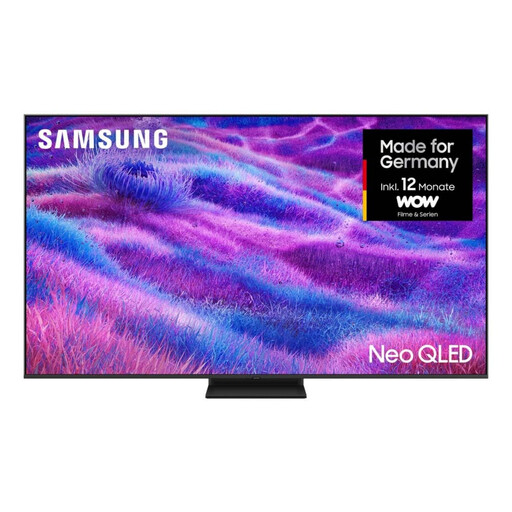
Samsung Neo QLED 4K QN80F, 85-inch
The 85-inch screen and 4K resolution are useful points of comparison when choosing a TV for group demonstrations.
Mini LED; 4K; four HDMI ports according to the product description; Tizen according to the product description.
Joybuy
 No image available
TCL 75T8D QLED, 75-inch
The 75-inch screen gives you a specific size to compare with your room depth and seating layout.
QD Mini LED; 4K; Google TV and Chromecast according to the product description.
Joybuy
 No image available
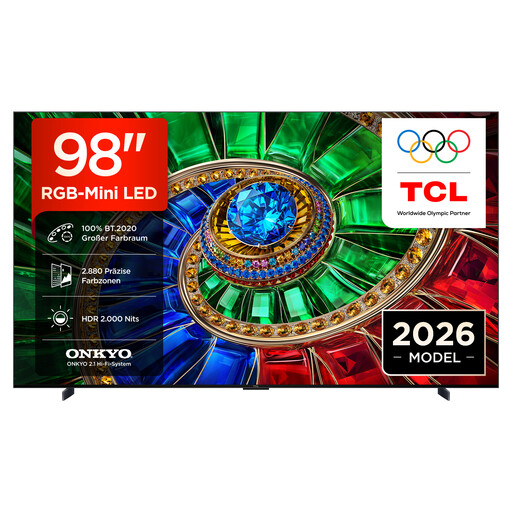
TCL 98RM7L RGB Mini LED, 98-inch
The 98-inch screen is a useful size to consider when planning a large display for demonstrations; remember to check the space it will need and the sightlines too.
4K; Google TV. The product description calls the screen surface ‘reflection-free’ and states a peak brightness of 2.000 Nits; neither replaces testing the TV by the window.
Joybuy
 No image available
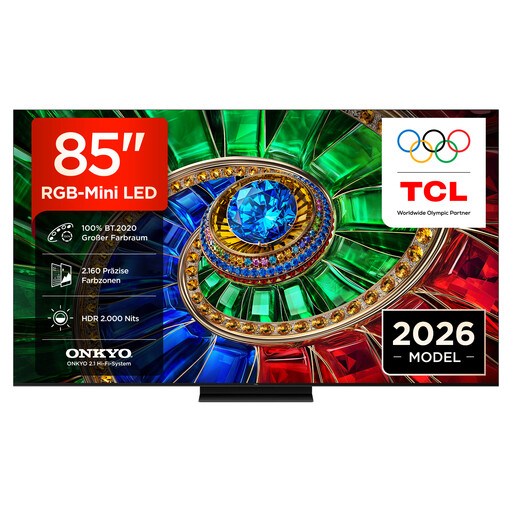
TCL 85RM7L RGB Mini LED, 85-inch
The 85-inch screen can be compared with your room depth and the seats at the back.
4K; Google TV. According to the product description, the screen surface is ‘reflection-free’ and peak brightness is 2.000 Nits; still, check the picture in the intended position.
Joybuy
 No image available
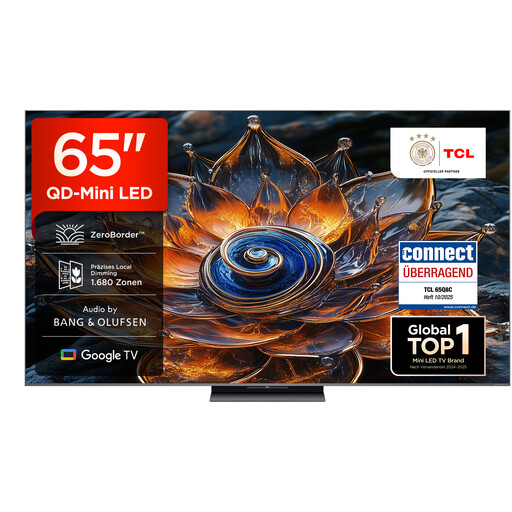
TCL 65Q8C QD Mini LED, 65-inch
The 65-inch model gives you a specific size to compare with viewing distances and the available wall or floor space.
4K; Google TV; four HDMI and three USB ports according to the product description. It also lists an anti-reflective film; check the picture in your room. Before wall-mounting, confirm the bracket dimensions and weight for the exact variant.
Joybuy
Frequently asked questions
Will a high brightness rating prevent reflections from windows?
No. Check anti-glare properties and screen brightness separately, and assess the picture in daylight from the seats you intend to use.
How can I get ready to play content from my laptop?
Test the HDMI connection you need with your laptop and play an original file in advance. For wireless playback or USB files, check that the connection method or file format works with the exact TV model.
How can I compare the energy use of different TVs?
The EU energy label shows display consumption in kWh per 1,000 hours of operation. To compare costs, you’ll also need to use comparable hours of operation and your electricity tariff, so compare models using the same assumptions about usage.
Which German regulations are relevant to demonstrations?
The EU energy label is required when covered products are sold. If a screen is used as a computer workstation by employees under the relevant conditions, the Workplace Ordinance requires disruptive glare and reflections to be avoided; an occasional group demonstration is not automatically classed as a computer workstation. The German Social Accident Insurance (DGUV) also offers ergonomic guidance for school rooms, but does not specify a universal minimum TV size.


