Trainers using USB videos
If you want to play demonstration files without connecting a computer, check that the specific video, audio and subtitle formats are supported. Sony UK lists the technical specifications for the Sony K-55XR5.


For local demonstration files, a TV with USB playback is a suitable choice if the file system, video and audio codecs and, where relevant, subtitles are compatible with the specific model. If not, you can use an external media player connected via HDMI. Check that the screen is easy to see from the furthest seats and under the room’s actual lighting conditions. For long daily operating hours, a business display with a stated operating duration may be worth considering – these specifications apply only to the models listed.
If you want to play demonstration files without connecting a computer, check that the specific video, audio and subtitle formats are supported. Sony UK lists the technical specifications for the Sony K-55XR5.
When presenting to several people, sightlines, positioning and the visibility of details in the actual room all matter. The screen size and mounting dimensions of the Sony K-55XR5 are listed in Sony UK’s technical specifications.
For long operating hours or recurring displays, check the stated operating duration of the specific model. Samsung Business Germany lists models with 16/7 or 24/7 operating durations, depending on the model; Sony Germany warns that images displayed for prolonged or repeated periods on OLED devices may leave permanent image retention.
| Buying consideration | What to look for when buying | Who is it important for? |
|---|---|---|
| Local files | Check the USB file system and video and audio codecs against the specifications for the specific model, and test them with one of your own files. | If I want to start demonstration videos without an additional computer, the specific file and its audio need to work on the TV. Around 36% of consumers prioritise reliable local playback. |
| Readability for groups | Use typical demonstration material to check visibility from the furthest and side seats; consider the screen size and the available floor or wall space. | If I want to show several people how to carry out a task, they need to be able to see the details from the back of the room too. Around 29% of consumers prioritise readability for groups. |
| Operating hours and still images | Compare your planned operating hours with the specification for the specific model; avoid displaying still images for long periods on OLED screens. | For repeated or lengthy demonstrations, I want to plan the device’s operating hours to suit how it will be used and take still content into account. Around 21% of consumers prioritise longer operating hours. |
| Audio and subtitles | Test one of your own files with audio and subtitles; if using external audio, check that the specific TV has the right output. | If spoken instructions or subtitles need to be clear, I check both alongside the video. Around 14% of consumers prioritise audio and subtitles. |
The file extension alone doesn’t tell you whether the TV supports the video and audio codecs. So even if the file has the right extension, it may not play on the TV during your demonstration.
Before committing to a particular setup, test a file you actually need, including its audio, on the specific model.
Depending on the file, you may need to convert it or use an external media player, which can add extra work.
The stated operating duration varies by model. Sony Germany also warns that images displayed on OLED screens for prolonged or repeated periods may leave permanent image retention.
Compare your planned operating hours with the specifications for the specific model, and avoid displaying still images for long periods on OLED screens.
Being able to play a file via USB doesn’t confirm that the specific screening is legally permitted. Different rules apply to teaching and public film screenings.
Check the rights for the work and the specific audience separately from your choice of device.
A relevant option if you want to compare USB file systems, playback codecs, HDMI inputs and mounting dimensions for a specific model.
A possible choice if you’re comparing TVs with documented USB media playback controls.
Worth comparing if you’re looking at business TVs and signage models where the stated operating duration matters.
A relevant option if you want to check USB playback and potential subtitle issues on a specific model.
The TVs below have been selected for demonstrations using local files and for planning your screen size. Check file playback and the connections you need for each specific model.
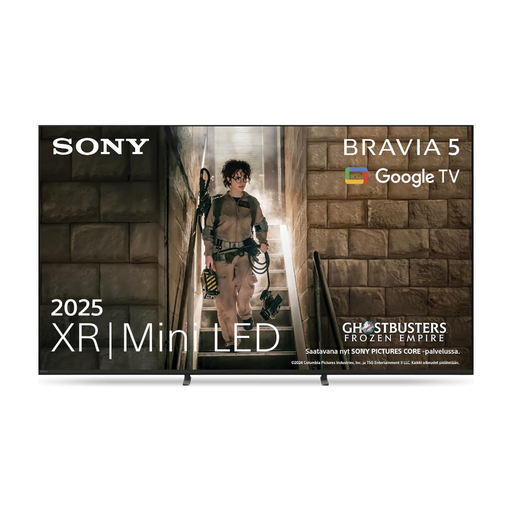 No image available
Designed for planning demonstrations with local playback; test your files on the specific TV.
Mini LED, 4K, 75-inch; model K75XR55.
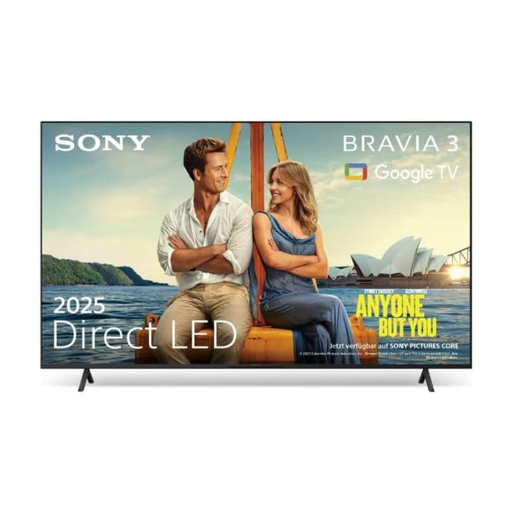 No image available
Designed for demonstrations using an external media player; check that the specific TV has the connections you need.
LED TV, 85-inch.
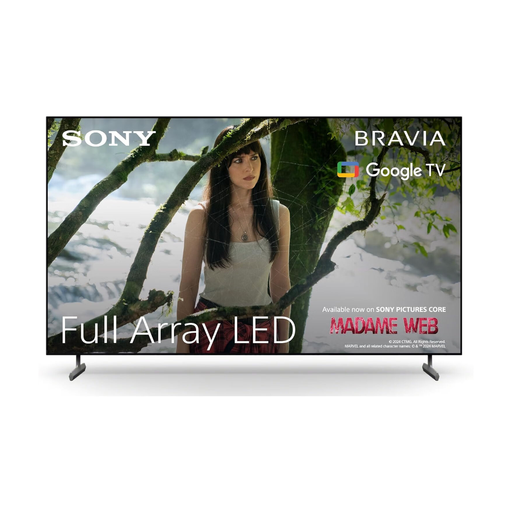 No image available
Designed for demonstrations using an external media player; check the connections you need and how the TV will fit in the room.
Full Array LED, 65-inch, 4K HDR, 120 Hz.
No, a USB port alone doesn’t confirm compatibility. Check the file system and video and audio codecs against the specifications for the specific model, and test a representative file.
Check the subtitle file, its name and format, and the video codec on the specific model. LG Germany warns that subtitles may not appear even if the file plays on a computer.
Check the available space and, if needed, choose a suitable mount based on the model’s dimensions. For long operating hours, compare your planned use with the stated operating duration; avoid showing the same still image repeatedly for long periods on OLED screens.
Compare the energy label and EPREL information for the specific models, using the same planned operating hours for both. The European Union provides information on energy labels and the EPREL product database.
There’s no straightforward answer without knowing the work, licence, organisation, purpose and audience. Section 60a of the German Copyright Act (UrhG) sets out a conditional rule for non-commercial teaching at educational establishments, including vocational training establishments; Section 52 of the UrhG generally requires the rights holders’ consent for public screenings of a film. The Federal Ministry of Justice and the Federal Office of Justice publish the relevant legislation. Check the rights for your specific screening in advance.