
Lieferung heute & morgen

Qualitätsgarantie

Willkommens-Angebote freischalten: KOSTENLOSE Lieferung | Bis zu 80 % RABATT | Kostenlose 30-Tage-JoyPlus-Testphase
App herunterladen
A TV wall mount can free up living space, hide cables more effectively and bring your television to the perfect viewing height. However, your choice shouldn't be based solely on screen size or a particularly low price. What really counts are your TV's technical specifications, the nature of your wall and how much movement you need from the mount.
A claim like "fits 32–90 inches" sounds straightforward at first. But it doesn't tell you whether the holes on the back of your television will line up. That's where the VESA pattern comes in – for example, 200 × 200, 400 × 400 or 600 × 400 millimetres.
Before you buy, you should compare three details:
A TV wall mount rated up to 45 kg shouldn't be chosen for a television that weighs nearly 45 kg. During installation and with adjustable models, additional forces act on the wall and fixings. It makes sense to have a reasonable margin between the device's weight and the maximum load capacity.
For very large sets, a TV wall mount rated up to 100 kg may be necessary. Just make sure the rating applies to the specific version you're looking at. Some models are offered for different screen sizes and weight capacities.
Concrete, solid brick and load-bearing timber studs offer different fixing options compared to plasterboard or a hollow partition wall. A mount that's suitable for concrete can't automatically be attached directly to a lightweight drywall.
Check the following before installation:
A fixed TV wall mount holds the screen permanently in one position. It's ideal for living rooms, bedrooms or home cinemas where the seating area faces the wall directly. The slim distance from the wall makes for a space-saving TV mount with a discreet appearance.
An articulating or tilting TV wall mount offers more flexibility. It can be useful if you watch the television from different seating positions or want to reduce reflections with a slight tilt. However, moving joints need enough space behind and beside the set.
An ultra-slim TV mount brings the television very close to the wall. This looks tidy, but leaves less room for cables and connections. So check whether your HDMI, power and aerial cables have enough space.
You should also check whether the connections on your particular TV model are on the side or at the back. A slim profile isn't automatically practical for every device design.
The VESA measurement describes the horizontal and vertical distance between the fixing holes. Measure the distances in millimetres or look them up in your television's instruction manual.
Examples:
A universal mount covers several VESA patterns, but it's only suitable if your specific hole pattern falls within the stated range.
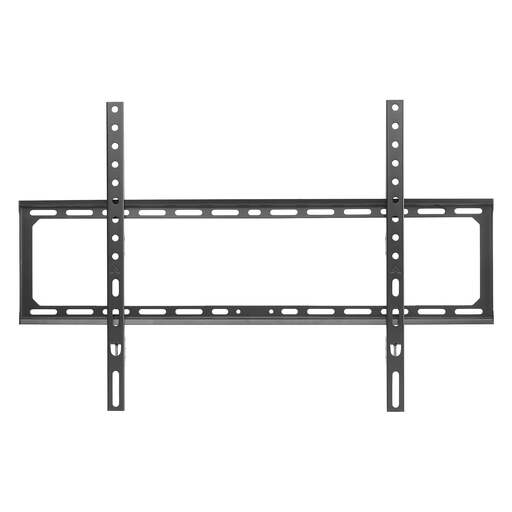
Why this product fits the profile: According to the product details, this fixed mount covers televisions from 32 to 90 inches, up to 45 kg and VESA patterns up to 600 × 400 mm. It's ideal for households looking for a simple, flush installation without a swivel function.
The specific details on VESA, weight capacity and wall distance make it easy to compare with your own television. The fixed design reduces moving parts.
Steel construction, approximately 22 mm wall distance and mounting accessories included, according to the product description.
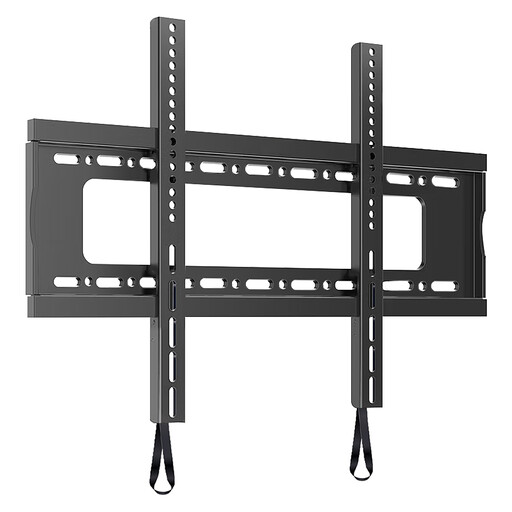
Why this product fits the profile: According to the product details, this heavy-duty version is designed for 65 to 90 inches and up to 100 kg. It's aimed at owners of large televisions who want to match weight capacity and wall compatibility particularly carefully.
The variants for different sizes and weight capacities shouldn't be confused. Before ordering, check the model version, VESA pattern and device weight.
Specified for concrete, brick and timber stud walls; the heavy-duty version supports up to 100 kg according to the description.
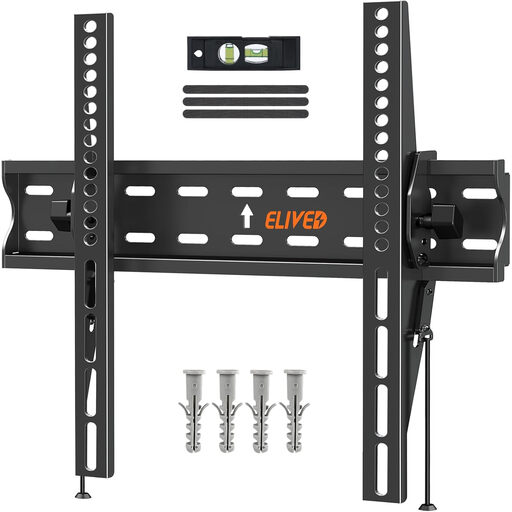
Why this product fits the profile: According to the product details, this tilting mount is designed for 26 to 60 inches, VESA 75 × 75 to 400 × 400 mm and up to 45 kg. It suits rooms where a slight tilt and a slim wall distance are desired.
The tilt function is clearly separate from a fixed design. Buyers can check in advance whether the range up to 60 inches and their own VESA pattern are sufficient.
Tilt from 0° to −8°, approximately 38 mm wall distance and quick-release mechanism, according to the product description.
We've put together a complete, regularly updated list of products that fully meet these strict selection criteria and the safety regulations in force in the EU.
Compare the VESA pattern, weight and screen size with the mount's specifications. Matching on just one of these values isn't enough.
That depends on the underlying structure and the specific mount. Many models in this selection are designed for concrete, brick or timber studs and not for fixing to plasterboard alone. If you're unsure, have the wall professionally assessed.
That depends on the connections, cable routing and the design of the set. An ultra-slim TV mount can offer around 15 to 42 mm of clearance, while adjustable models usually need more space. Check the rear connections and the range of movement you want before buying.