Families with a wide seating arrangement
If you watch together, check that colours and contrast remain clear from seats to the side. RTINGS.com highlights wide viewing angles as important for wider seating arrangements.


When family and friends get together and some guests sit to the side, the viewing angle of the specific TV matters more than the panel type alone. RTINGS.com describes IPS LCD models as typically offering wider viewing angles than VA LCD models, while VA usually delivers higher contrast. OLED is another option, but check how well it suits your seating positions. Also compare your video file formats or smartphone casting method with the specifications for the model you’re considering.
If you watch together, check that colours and contrast remain clear from seats to the side. RTINGS.com highlights wide viewing angles as important for wider seating arrangements.
If you want to show videos from a USB drive or smartphone, check the file formats, codecs and supported transfer methods for the specific TV. Sony UK and LG UK note that requirements can vary by model and file.
In a room with lots of daylight, the TV’s position, reflections and viewing distance all play a part. The Verbraucherzentrale recommends considering screen size, resolution, lighting conditions and viewing angle together in the room where the TV will be used.
A good fit if: You’re considering OLED models and want to check the view from the furthest seats.
Bear in mind: The panel type alone doesn’t guarantee a suitable viewing angle or an undisturbed picture in daylight.
A good fit if: You’re considering an LCD TV and a clear view from the side is especially important. Check the panel type of the exact model.
Bear in mind: RTINGS.com describes IPS as typically offering wider viewing angles but lower contrast than VA LCD.
A good fit if: Most seats are directly in front of the TV, or the view from the side is good enough on the specific model.
Bear in mind: According to RTINGS.com, VA typically offers higher contrast than IPS but narrower viewing angles. Mini-LED alone tells you nothing about how the picture looks from the side.
Assess the viewing angle, playback of your videos and the TV’s position separately. A suitable display technology doesn’t guarantee that every video file will play.
| Buying consideration | What to check | Who it matters most to |
|---|---|---|
| Viewing from the side | Check the horizontal viewing angle of the specific model; for LCD TVs, also check the panel type. | When we have guests sitting well to the side, I want to be able to judge the colours and contrast from there too. Around 36% of consumers consider viewing angle their most important buying consideration. |
| Playing your own videos | Compare the file system and video and audio codecs with the model specifications; if you’re using smartphone videos, check the supported transfer method. | If I want to show family videos I already have, I don’t want to discover at the get-together that the file format isn’t compatible. Around 29% of consumers prioritise playing their own videos. |
| Screen size for your seating arrangement | Consider the viewing distance, available space and position of the seats to the side together. | If everyone is to see the picture clearly, I need a screen size that suits the room and the distance between the seats and the TV. Around 21% of consumers put choosing the right screen size first. |
| Room lighting and energy consumption | Check for reflections where you plan to position the TV and compare the energy labels of the specific models. | If the TV is in a bright room and used regularly, I want to take the lighting conditions and running costs into account. Around 14% of consumers give these points the greatest importance. |
RTINGS.com outlines the typical difference between IPS and VA LCD in viewing angle and contrast. The Verbraucherzentrale recommends considering screen size and positioning together, while the European Commission’s energy label for electronic displays runs from A to G.
Mini-LED refers to the backlighting, not necessarily the viewing angle of the LCD panel. TCL lists an HVA panel for the 65C7K; the view from the side should be assessed separately for the specific version.
Check the panel type and, if available, viewing-angle measurements for the exact model on offer.
A file may not work because of the TV’s supported file systems or video and audio codecs. LG UK notes that the codec, resolution and file extension, among other things, need to be compatible.
Compare the specifications for the specific model with a sample of your own files, and have a suitable alternative transfer method ready if needed.
Viewing distance, resolution, lighting conditions and viewing angle all affect whether the picture suits your seating arrangement. You should also compare the energy consumption of the specific models.
Measure the viewing distance and available space, and check the energy label for the TVs you’re actually comparing.
LG’s UK product page lists the OLED evo AI C5 as an OLED model. LG also describes AirPlay support for compatible TVs.
Sony provides model-specific details on USB playback and smartphone casting for the OLED BRAVIA 8 II K-65XR8M2.
Panasonic lists the TV-65Z95BEG as an OLED TV with Fire TV built in and specified speaker features.
The 65C7K is a QD Mini-LED LCD option with an HVA panel specified by the manufacturer.
The GQ65S90FATXZG is part of an OLED range, and its specific features can be compared with those of other OLED TVs.
The following LG OLED TVs are available in a range of screen sizes. Choose a size to suit your viewing distance and available space, and check that the transfer method for your videos is supported by the model you’re considering.
 No image available
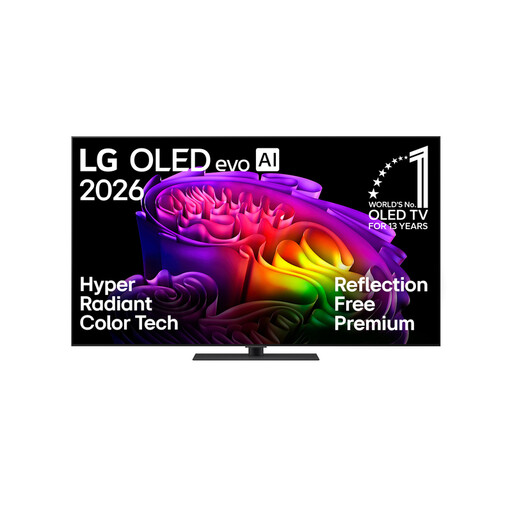
This 65-inch OLED model is worth considering if its screen size and positioning suit your seating arrangement. AirPlay and Google Cast are listed in the product specifications.
65-inch · 4K · OLED · AirPlay · Google Cast
 No image available
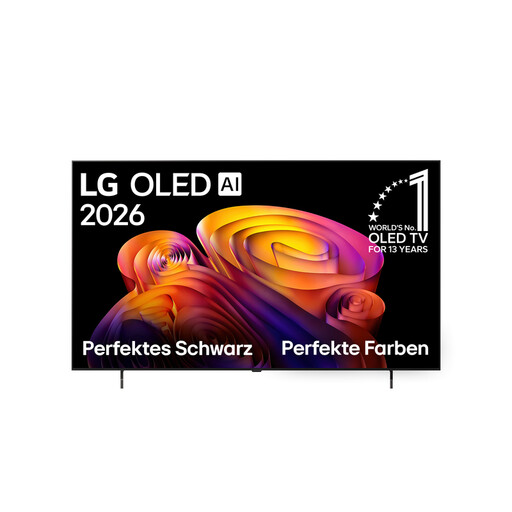
This 65-inch OLED model could suit your seating arrangement if its screen size is right for the room. AirPlay is listed in the product specifications for this model.
65-inch · 4K · OLED · AirPlay
 No image available
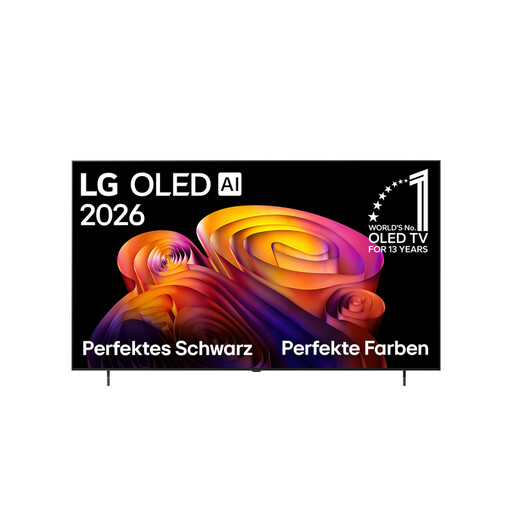
The 77-inch screen is an option if your viewing distance and available space can accommodate the larger size. AirPlay is listed in the product specifications.
77-inch · 4K · OLED · AirPlay
 No image available
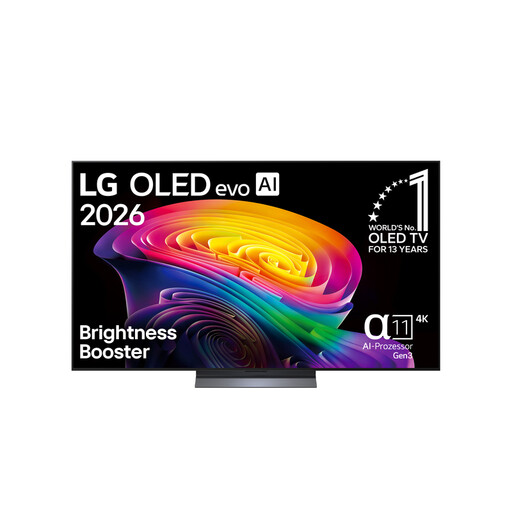
Compare this 65-inch OLED model with your planned seating arrangement. AirPlay 2 is listed in the product specifications.
65-inch · 4K · OLED · AirPlay 2
 No image available
The 55-inch size is worth comparing with your viewing distance and available space. AirPlay 2 is listed in the product specifications for this model.
55-inch · 4K · OLED · webOS 26 · AirPlay 2
No, it depends on the TV and the files. Compare the file system and video and audio codecs used by your videos with the specifications for the specific model. LG UK notes that the codec, resolution and file extension, among other things, need to be compatible.
Check which casting method is supported by both your smartphone and TV. Sony lists AirPlay and Chromecast built-in for the BRAVIA 8 II K-65XR8M2; AirPlay support varies by LG model.
Measure the viewing distance and available space, and note where the seats to the side will be. The Verbraucherzentrale recommends considering screen size, resolution, lighting conditions and viewing angle together in the room where the TV will be used.