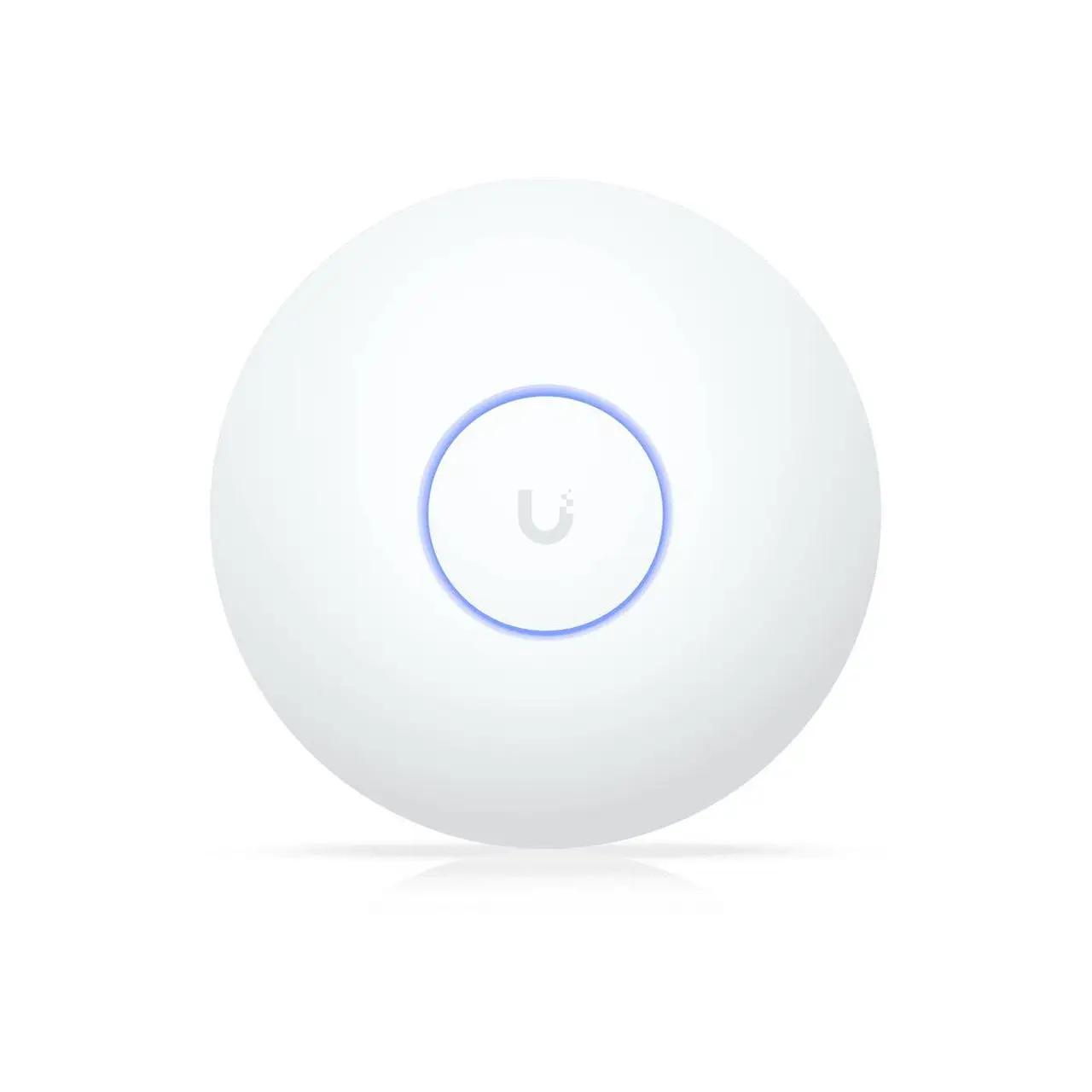
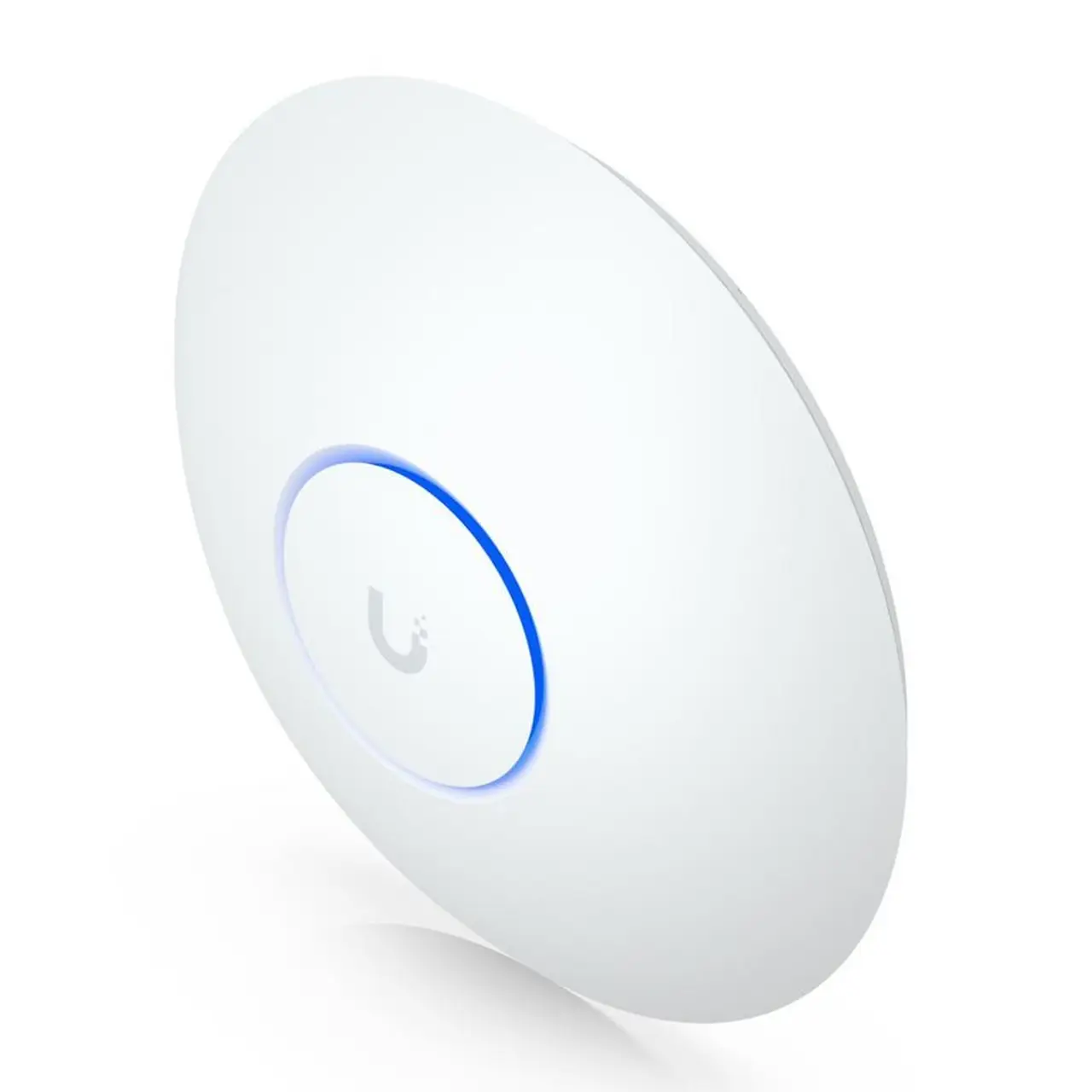
Bring WiFi 7 connectivity to busy indoor spaces with the Ubiquiti UniFi U7 Long-Range access point. Its dual-band design, five spatial streams and 2.5 GbE uplink support fast connections for homes and workplaces. PoE power, ceiling or wall mounting, wireless meshing and fast roaming offer flexible setup, while band steering and guest network isolation help manage access. With coverage of up to 160 m² and support for more than 300 clients, it suits households, offices and venues needing managed wireless coverage through UniFi Network.
How to Choose the Right Wireless access point
Choose a wireless access point based on the area you need to cover, the devices that will connect to it and how it will be installed. Before comparing models, check your existing router, network cabling and internet usage so the access point suits your home or workplace in Germany.
Key Features to Consider
These three checks help you compare access points and avoid paying for features your network cannot use.
- Wi-Fi standard and device compatibility: Compare supported Wi-Fi generations and frequency bands with those of your phones, computers and other devices; a newer standard is most useful when your clients support it too. Consider Wi-Fi 6 or Wi-Fi 7 for a newer network, but check whether the devices and applications you use will benefit from the upgrade.
- Coverage and capacity: Look at the manufacturer’s coverage guidance, but treat it as an estimate because walls, floors and interference affect signal strength. For a large property or many simultaneous users, consider whether you need multiple access points and check support for features such as mesh or central management if you want to manage them together.
- Wired connection, power and security: Check the access point’s Ethernet uplink and whether it needs Power over Ethernet (PoE); confirm your router, switch or PoE injector supplies a compatible standard and enough power. Also check for current security options such as WPA3, guest-network controls and firmware updates, especially if the network will serve visitors or a small business.
Bring WiFi 7 Further: A Stronger Foundation for Busy Spaces
Dual-Band WiFi 7 with Five Spatial Streams
Give busy indoor networks a high-performance foundation with the Ubiquiti UniFi U7 Long-Range. Its dual-band WiFi 7 design delivers data rates of up to 4.3 Gbps on 5 GHz and 688 Mbps on 2.4 GHz, while five spatial streams help serve a wide range of connected devices. With support for more than 300 clients, it is well suited to lively homes, studios and workplaces where people expect smooth, responsive access across their everyday online activities.
Flexible Coverage and Smarter Network Management
Shape a network around the way your space is used with features designed for flexible, convenient connectivity. Wireless meshing helps extend coverage, while fast roaming supports a smooth experience as users move between access points. Band steering helps guide compatible devices to the appropriate WiFi band, and guest network isolation supports a dedicated experience for visitors. Manage the access point through UniFi Network 9.1.120 or later and bring key network settings together in a unified interface.
2.5 GbE Uplink and Convenient PoE Installation
Pair fast wireless performance with a capable wired connection through the 2.5 GbE Ethernet uplink. Power over Ethernet (PoE) keeps installation streamlined, with maximum power consumption of 14 W, and the included plastic mounting plate supports ceiling or wall placement. This gives you practical options for positioning the access point where it can serve your space effectively. Together, flexible mounting, efficient PoE operation and UniFi management make the U7 Long-Range a versatile choice for expanding a modern network.
Ubiquiti UniFi U7 Long-Range Access Point: Who It Suits
Busy Offices And Shared Spaces
When your office or shared space has many people online at
once, you can use the U7 Long-Range to support a high number
of connected clients and isolate guest access from your main
network, helping staff and visitors connect while keeping
guest use separate.
Homes With WiFi Dead Spots
If WiFi struggles to reach across your home, mount the access
point on a wall or ceiling and use its long-range coverage to
extend connectivity across more of your indoor space, so you
can stay connected in more of the rooms you use.
WiFi 7 Users With Demanding Workloads
When your work relies on responsive wireless access for
demanding tasks, connect WiFi 7 devices to the dual-band
access point and use its high-throughput 5 GHz band, helping
bandwidth-heavy work feel less constrained.
Existing UniFi Network Users
If you already manage a UniFi network, add this PoE-powered
access point and manage it through UniFi Network, extending
your wireless setup without a separate power supply at the
access point and keeping administration within the platform
you use.
Frequently Asked Questions
Does the UniFi U7 Long-Range support 6 GHz WiFi?
The Ubiquiti UniFi U7 Long-Range supports WiFi 7 on 2.4 GHz and 5 GHz, but it does not support 6 GHz. It uses five spatial streams, with advertised maximum rates of 4.3 Gbps on 5 GHz and 688 Mbps on 2.4 GHz. It suits buyers looking for WiFi 7 performance across its two supported bands.
What PoE voltage does the Ubiquiti U7 Long-Range need?
The U7 Long-Range should be powered only by compatible PoE equipment supplying 42.5–57 V DC. Its maximum power consumption is 14 W, and it connects to your network through a 2.5 GbE RJ45 uplink. Choose a PoE source within that voltage range to power the access point safely.
How much area can the UniFi U7 Long-Range cover?
The U7 Long-Range is rated to cover up to 160 m² and support more than 300 connected clients, making it suited to busy indoor homes or offices. Mount it on a ceiling or wall using the included plastic mounting plate, then manage it with UniFi Network version 9.1.120 or later.
Don't just buy, Joybuy
Discover more of your favourite brands on Joybuy and enjoy great offers.