UniFi Network Managers
When your UniFi setup includes many devices and connected clients, you can manage them through the integrated UniFi Network controller. That gives you one central place to oversee your network.


The Ubiquiti UniFi Cloud Gateway Ultra combines a network gateway and UniFi Network controller, bringing central management of UniFi devices and connected clients into one compact desktop unit. It supports 2.5 GbE WAN, multi-WAN load balancing, firewall security, content filtering, VLANs and VPN functions. A practical choice for small businesses, offices or advanced home networks with more than 30 UniFi devices and up to 300 connected clients, it also has USB-C power and a status display for at-a-glance monitoring.
When choosing a network gateway, match its connection speeds and management features to your internet service and the size of your home or business network. Check compatibility with your existing equipment as well as the security and remote-access tools you need.
Compare these practical criteria before deciding which gateway is suitable for your setup:
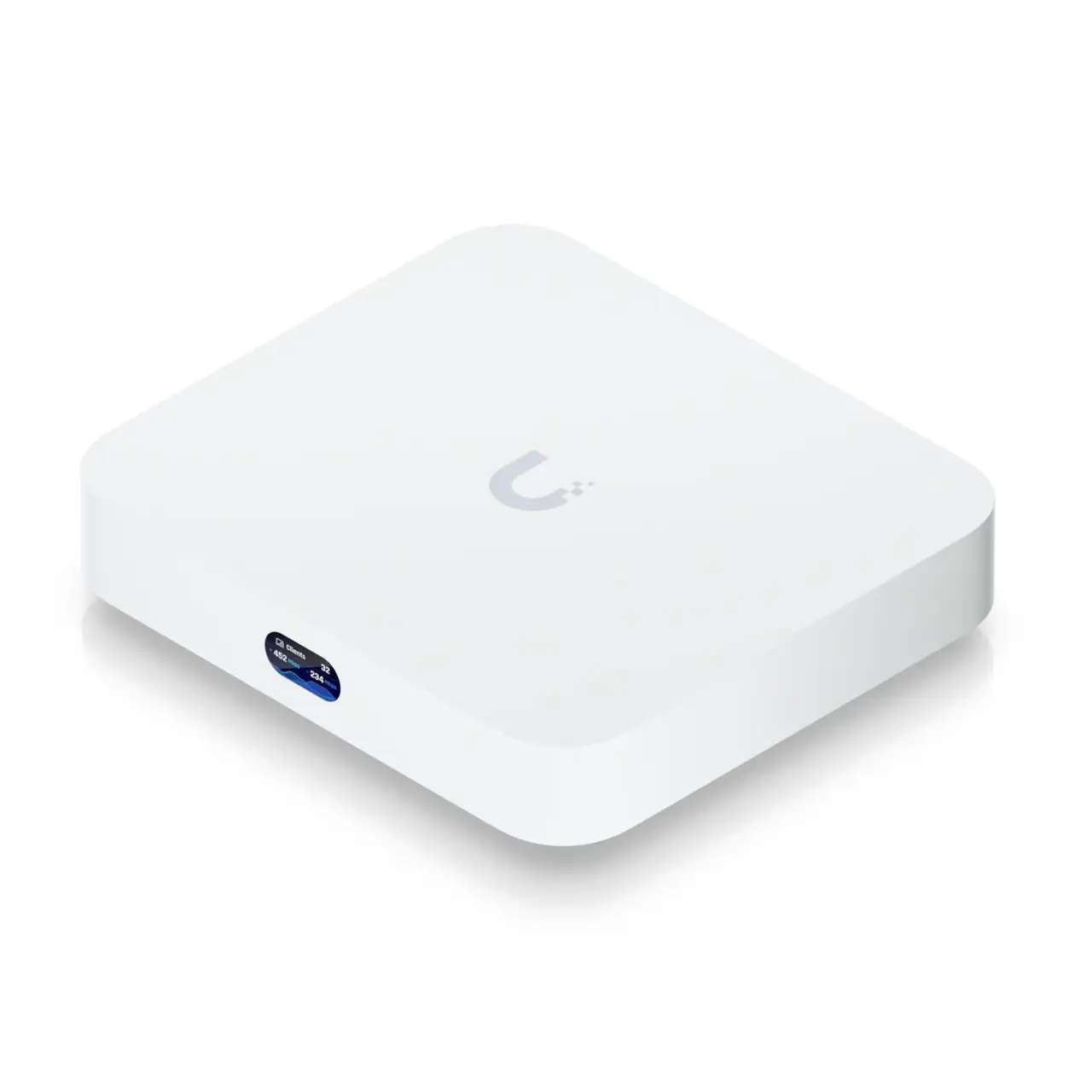
Make network oversight feel more straightforward with an integrated UniFi Network controller and gateway in one device. The Cloud Gateway Ultra gives you a central place to manage UniFi devices and connected clients, while its integrated status display offers a handy view of network information. Designed for networks with more than 30 UniFi devices and 300 connected clients, it gives growing setups a capable foundation and keeps everyday administration within easy reach.
Shape your network around the way you use it with a useful mix of management and security features. Firewall security, intrusion detection and prevention, and content filtering help you create a considered approach to network protection. For added organisation, VLAN segmentation lets you structure network traffic into separate groups. Together, these tools give administrators flexible ways to oversee connected devices, tailor network access and manage a UniFi environment from one central gateway.
Support a flexible network setup with multi-WAN load balancing and a 2.5 GbE WAN connection. The gateway also includes VPN server and client functions, giving you versatile options for incorporating VPN connectivity into your network. Its compact desktop form makes it easy to position as part of a network setup, while USB-C power supports a tidy installation. From connection management to remote-access configurations, the Cloud Gateway Ultra brings practical capabilities together in a single device.
When your UniFi setup includes many devices and connected clients, you can manage them through the integrated UniFi Network controller. That gives you one central place to oversee your network.
When your site uses more than one internet connection, you can use multi-WAN load balancing to distribute network traffic across them. This helps you make practical use of your available connections.
When staff, guests and devices need separate network access, you can use VLANs to keep their traffic apart, while firewall security, intrusion detection and prevention, and content filtering help control what passes through. You get clearer control over how traffic moves around your network.
When people need to connect to your network from away, you can use the VPN server function for remote access, or the VPN client function to connect through a VPN service. Your network can support remote connections without a separate VPN gateway.
The UniFi Cloud Gateway Ultra is designed to manage more than 30 UniFi devices and over 300 connected clients. Its integrated UniFi Network controller brings device and client management into one interface, making it suitable for a growing home, office or small-business network. The built-in status display also gives you a quick view of network and device status.
Yes, the UniFi Cloud Gateway Ultra supports multi-WAN load balancing and has 2.5 GbE WAN connectivity. You can configure multiple internet connections for load balancing through the gateway, while its firewall, intrusion detection and prevention, VLAN segmentation and VPN server and client functions help manage network traffic and access. Manage these functions centrally in UniFi Network.
Dispose of the UniFi Cloud Gateway Ultra as electrical and electronic equipment at a local collection point in Germany, rather than putting it in household rubbish. It is USB-powered and specified without a battery, so battery handling is not needed. Use your municipality’s electronics recycling facility to return the gateway for proper recovery.
Discover more of your favourite brands on Joybuy with great deals.