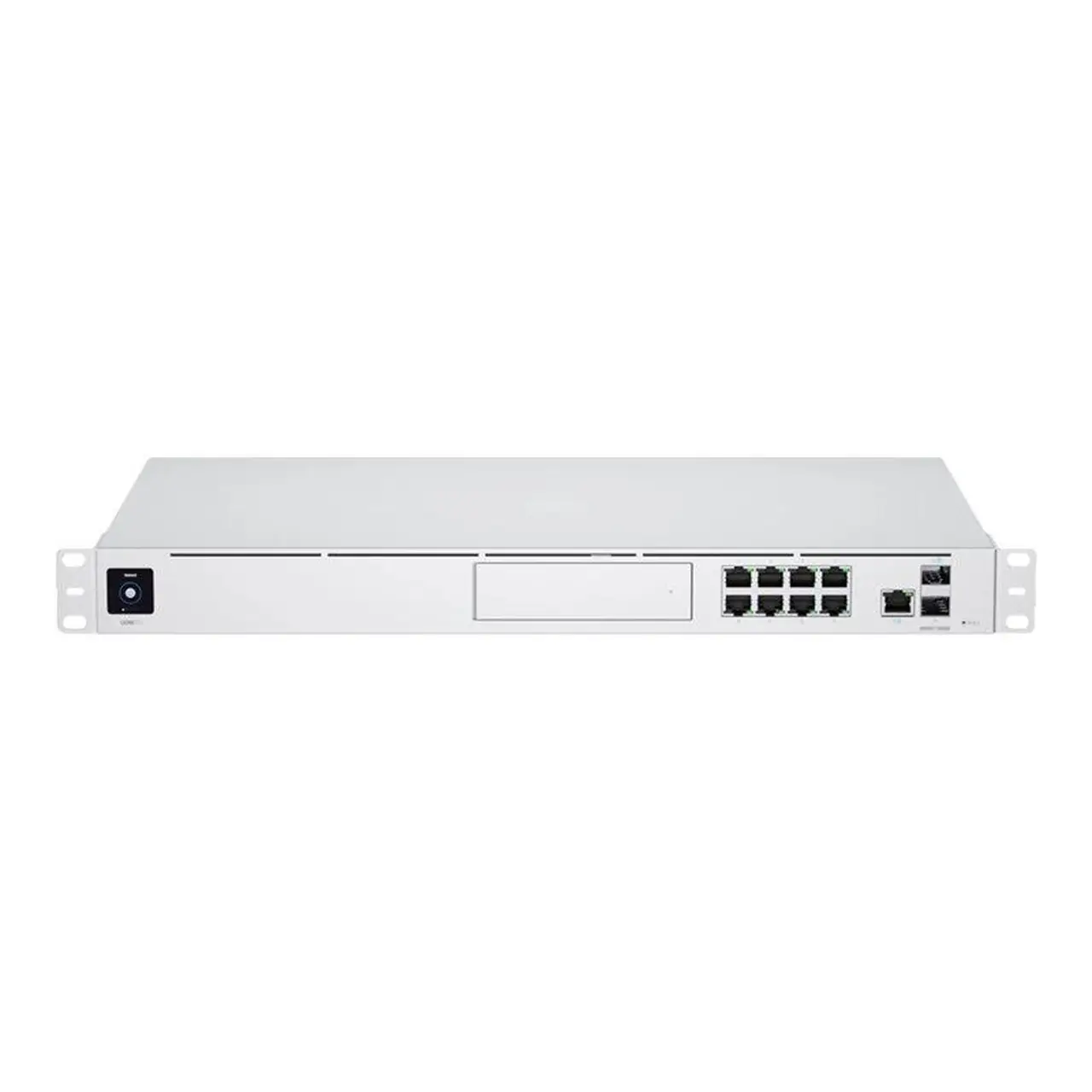
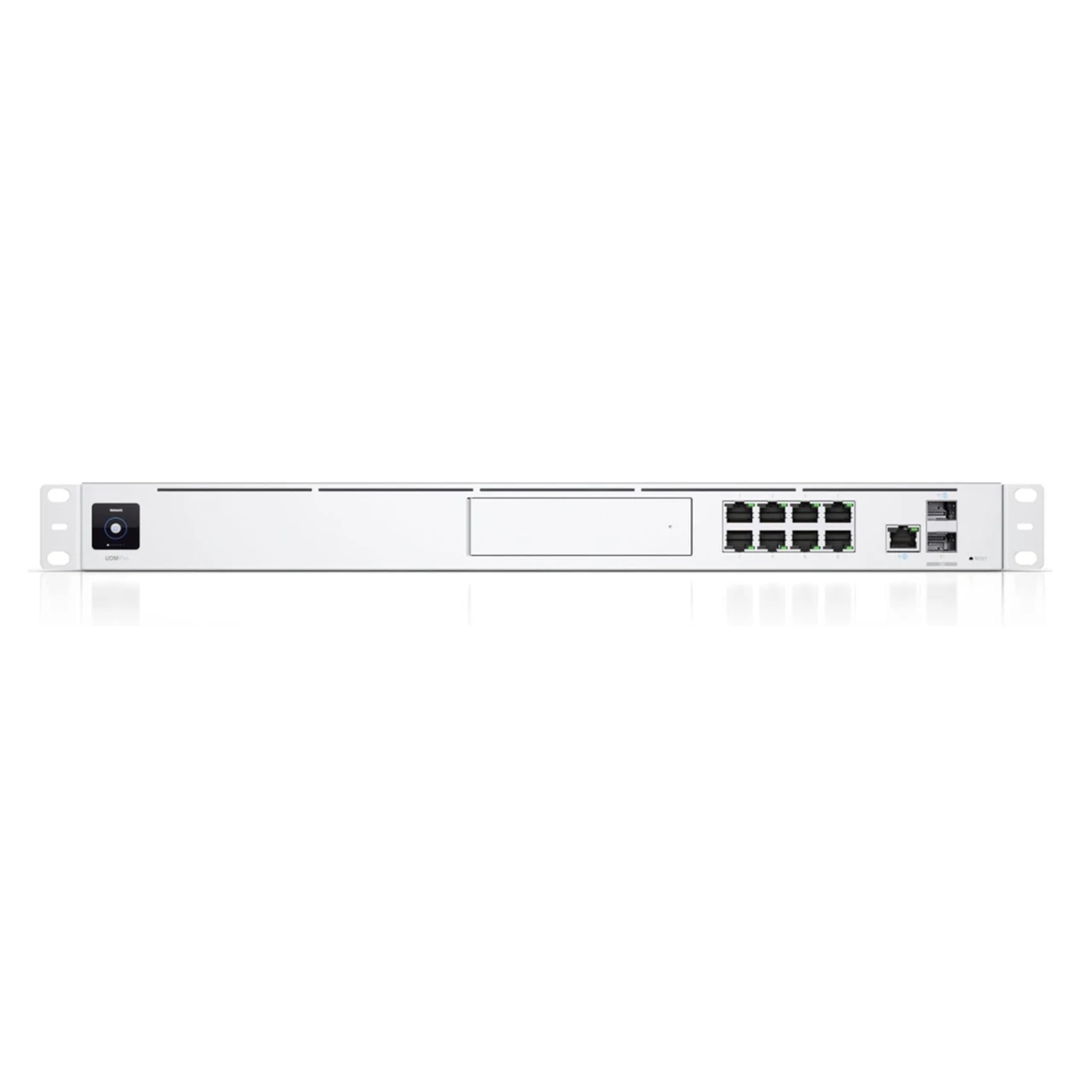
The Ubiquiti UniFi Dream Machine Pro brings routing, firewall security and centralised UniFi management together in a 1U rack-mounted gateway. It is designed for businesses and organisations that need to manage a growing network from one appliance. With eight Gigabit Ethernet LAN ports, 10G SFP+ connections and IDS/IPS throughput of up to 3.5 Gbps, it supports demanding network setups. Add a compatible drive to store UniFi Protect video, and manage applications including Network, Protect, Access, Talk and Connect—useful for offices, venues and sites combining connectivity with surveillance.
How to Choose the Right Enterprise Cloud Gateway
Choosing an enterprise cloud gateway means balancing network capacity, security and the way your organisation manages its infrastructure. Start with your current network requirements, then check that the gateway can support expected growth and any operational or data-protection requirements in Germany.
Key Features to Consider
Compare these practical criteria against your internet connection, network design and in-house IT capabilities:
- Performance and connectivity: Check the gateway’s routing and security throughput, WAN and LAN port speeds, and support for features such as VLANs and VPNs. Allow headroom for peak traffic and future services, particularly if inspection or other security functions reduce available throughput.
- Security and compliance: Look for regularly maintained firmware, firewall controls, access management and clear options for logging and alerts. If the gateway uses cloud management, check where data is processed and stored, what information is collected, and whether the arrangement meets your organisation’s GDPR and security requirements.
- Management, resilience and expansion: Assess whether the management interface suits your team and supports central oversight of the sites and devices you need to manage. Review update and backup processes, support availability, warranty terms and options for failover or future expansion so the gateway fits your operational needs over time.
One Hub, A Smarter UniFi Network
Routing, Firewall and UniFi Management in One
Bring essential network control together with the Ubiquiti UniFi Dream Machine Pro. This all-in-one gateway combines routing and firewall security with centralised management through UniFi OS, giving teams one appliance for overseeing their UniFi environment. Its integrated design supports a streamlined approach to network administration, while built-in IDS/IPS delivers threat-detection and prevention throughput of up to 3.5 Gbps. It is a compelling foundation for organisations looking to manage connectivity and security from a unified platform.
Flexible Ports for High-Speed Connections
Connect a broad range of network equipment using eight Gigabit Ethernet LAN ports and a dedicated Gigabit Ethernet WAN port. For high-speed links, the Dream Machine Pro also features 10G SFP+ WAN and LAN ports, offering flexible options for connecting to compatible network infrastructure. With routing, switching and security functions working together in one appliance, it can serve as a capable hub for a growing UniFi setup. This mix of Gigabit Ethernet and 10G connectivity helps teams shape their network around their own equipment and requirements.
Bring Network and Surveillance into One View
Manage more than 100 UniFi devices and over 1,000 connected clients with a platform built to support expansive deployments. UniFi OS brings applications including Network, Protect, Access, Talk and Connect together under centralised management, creating a convenient base for a range of UniFi services. A built-in 3.5-inch drive bay supports UniFi Protect video storage, helping combine network administration and surveillance management in the same appliance. It is a versatile choice for bringing connected devices, video and other UniFi applications into one coordinated setup.
Ubiquiti UniFi Gateway For Network And Security Teams
For Teams Managing Large UniFi Networks
When you manage a large UniFi environment, use UniFi OS to
oversee Network, Protect, Access, Talk and Connect in one
place; support for more than 100 UniFi devices and over 1,000
connected clients helps you keep a substantial deployment
under central management.
For Rack-Based Sites Consolidating Network Equipment
When you want to simplify a rack-based site's network core,
use the Dream Machine Pro for routing, firewall security and
switching, with LAN and WAN connections on the same appliance,
so you can keep core network functions together and easier to
manage.
For Teams Storing UniFi Protect Footage
When surveillance is part of your site network, use the drive
bay for UniFi Protect video storage and manage Protect
alongside Network through UniFi OS, keeping footage and
network administration together in one appliance.
For Networks With High-Speed Links And Traffic Inspection
If your network needs high-speed WAN and LAN links with
traffic inspection, use the 10G SFP+ ports for faster
connections while IDS/IPS checks traffic at up to 3.5 Gbps,
bringing high-speed networking and security inspection
together in one gateway.
Frequently Asked Questions
How many Ethernet ports does the Ubiquiti UniFi Dream Machine Pro have?
The Ubiquiti UniFi Dream Machine Pro has eight Gigabit Ethernet LAN ports, one Gigabit Ethernet WAN port and 10G SFP+ ports for WAN and LAN connections. Its built-in firewall includes IDS/IPS with throughput of up to 3.5 Gbit/s. This gives you wired connectivity and security management in one 1U rack-mounted device.
Can the UniFi Dream Machine Pro store UniFi Protect camera footage?
Yes, the UniFi Dream Machine Pro supports UniFi Protect video storage through its 3.5-inch hard drive bay. UniFi OS also lets you manage Protect alongside Network, Access, Talk and Connect. Add a 3.5-inch HDD to use the bay for video retention and manage your UniFi network and surveillance applications centrally.
How should I install the UniFi Dream Machine Pro safely in a rack?
Install the UniFi Dream Machine Pro in a well-ventilated rack and keep it away from water and excessive humidity. Disconnect its power before installation or maintenance, and ensure the rack installation has suitable grounding under local requirements. These steps help you set up the 1U gateway safely for ongoing network use.
Don't just buy, Joybuy
Discover more of your favourite brands on Joybuy with great offers