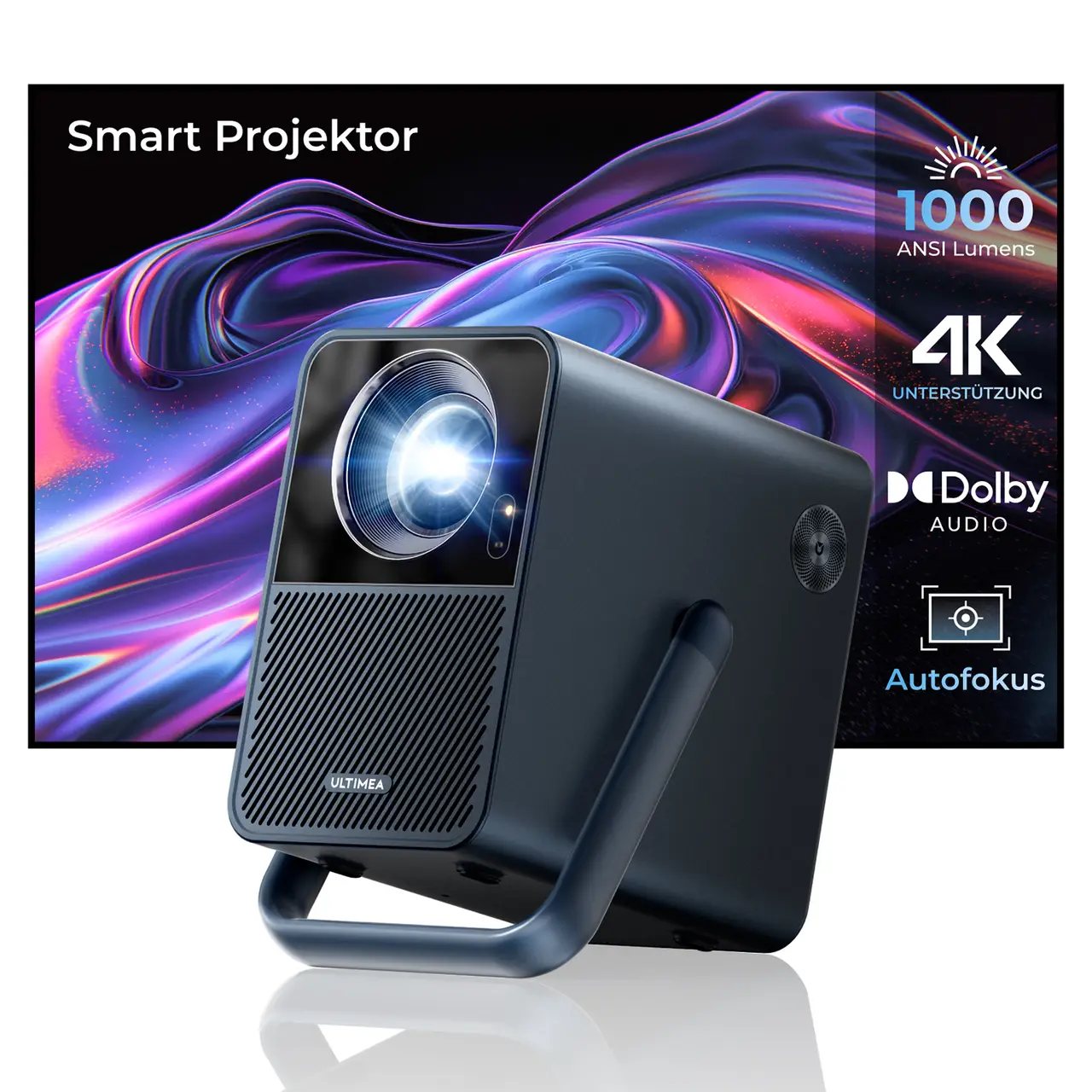
Bring a big-screen feel to film nights and streaming at home with the ULTIMEA Poseidon E40 1080p Smart Projector. Its native Full HD resolution, 1,000 ANSI lumens and 4K HDR10 decoding support make it a versatile choice for home viewing. Android TV 11.0, Netflix certification, Google Assistant and Dolby Audio add convenient entertainment options, while ToF-assisted autofocus, automatic keystone correction and obstacle avoidance help simplify setup. The multifunctional metal handle doubles as a stand, suiting anyone who wants flexible positioning for films, shows and other viewing at home.
How to Choose the Right Projector
Start by considering where you will use the projector, how large an image you need and which devices you want to connect. These factors help narrow down the specifications that matter for your room and viewing habits.
Key Features to Consider
Compare brightness, image quality and installation requirements before choosing a projector.
- Brightness and room conditions: Check the projector’s brightness rating in lumens and consider how much ambient light the room receives; a brighter model is generally more practical for daytime viewing. For a darkened room, you may be able to prioritise resolution and image size instead.
- Resolution and screen size: Choose a resolution suited to the content you watch and the size of the projected image, as fine detail is more noticeable on a larger screen. Check the recommended projection distance and image-size range to make sure the projector will fit your room.
- Placement and connections: Measure the distance between the planned projector position and the wall or screen, then check for features such as lens shift or keystone correction if flexible positioning is important. Confirm that the available HDMI, USB and wireless connections match your devices, and consider fan noise if the projector will sit close to your seating area.
Bring the Big-Screen Feeling Home
Native Full HD with HDR10 Decoding
Enjoy films, series and games with native Full HD 1080p resolution, delivering a crisp, detailed picture for your home viewing setup. The LCD projector’s 1000 ANSI lumens add bright, vivid presentation, while 4K HDR10 decoding brings compatible content into the mix. Together, these picture features make it easy to settle in for a cinematic evening, follow every scene and enjoy a generous image that turns everyday entertainment into a more immersive experience.
Smart Streaming, Voice Control and Dolby Audio
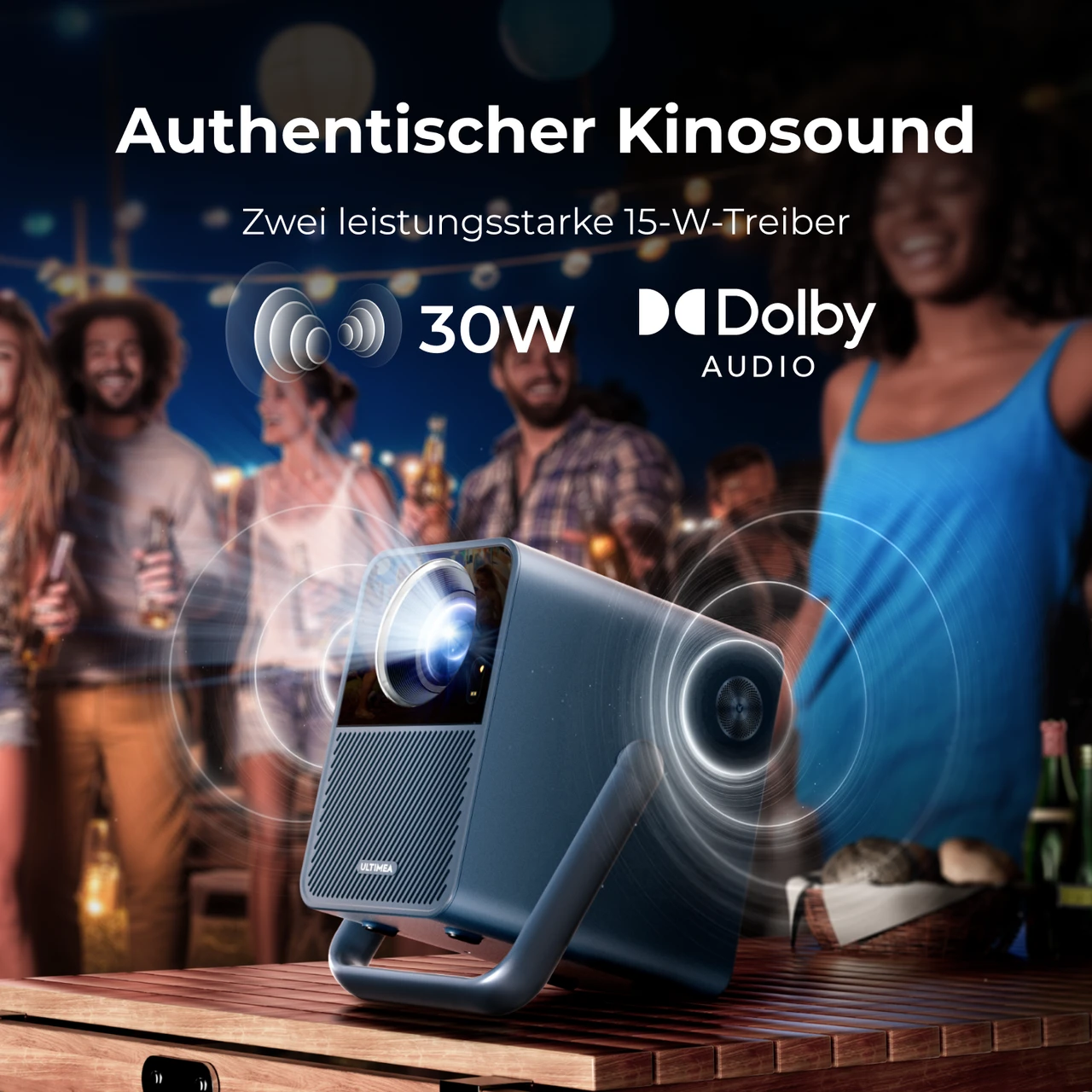
Make movie night simple with Android TV 11.0, which brings streaming entertainment to the projector in one convenient place. Netflix certification gives you access to the familiar Netflix experience, while Google Assistant lets you use voice control to find content and manage compatible features. For a more involving soundtrack, Dolby Audio supports immersive sound to complement the large-screen picture. It all adds up to a welcoming home entertainment hub for films, series and shared viewing.
Quick Picture Setup with Flexible Positioning
Get to the show with less setup effort thanks to ToF-assisted autofocus, which helps bring the picture into focus, and 6D automatic keystone correction, which helps align the image. Obstacle avoidance supports a tidy viewing area by helping the projector adapt around objects in its path. For added placement flexibility, the multifunctional metal handle doubles as a stand, making it easy to position the projector for different home viewing arrangements. These thoughtful setup features help create a smooth, enjoyable route to a large-screen experience.
ULTIMEA Poseidon E40 Projector: Who It Suits
Streamers Who Want Apps Built In
If you want to start a streaming night without adding a
separate streaming device, use Android TV 11.0 and
Netflix-certified access to watch apps through the projector,
while Google Assistant gives you voice control; you get a
simple route from choosing a programme to watching it on the
big screen.
Home Film Fans Who Value Picture and Sound
When you settle in for a film at home, native Full HD 1080p
resolution gives you detailed pictures and Dolby Audio adds
immersive sound, making your big-screen viewing feel more
absorbing.
Viewers Who Move Their Setup Around
When you change rooms or need to position the projector around
furniture, the metal handle doubles as a stand for flexible
placement, while ToF autofocus sharpens the picture, 6D
keystone correction straightens it and obstacle avoidance
helps keep the image clear; you spend less time adjusting the
setup and more time watching.
Viewers With 4K HDR10 Sources
If you watch content from 4K HDR10 sources, the projector can
decode those signals and display the picture at its native
Full HD resolution, giving you a way to use compatible content
in your home viewing setup.
Frequently Asked Questions
Is the ULTIMEA Poseidon E40 a 4K projector?
The ULTIMEA Poseidon E40 has native Full HD 1080p resolution and decodes 4K HDR10 content; it does not project a native 4K image. Its 1000 ANSI-lumen LED light source and recommended 80–120-inch picture size make it suited to a large-screen home viewing setup. Choose it if Full HD projection with 4K content support fits your needs.
Can I watch Netflix on the ULTIMEA Poseidon E40 without a separate streaming device?
Yes, the Poseidon E40 runs Android TV 11.0 and is Netflix-certified, so you can access Netflix and other apps through Google Play once the projector is connected to Wi-Fi. It supports dual-band 2.4 GHz and 5.8 GHz Wi-Fi, and Google Assistant lets you search for and control content by voice.
How should I set up the ULTIMEA Poseidon E40 safely at home?
Place the Poseidon E40 on a stable, level surface, using its metal handle as a stand, and leave its ventilation openings clear so air can circulate. Connect it to a properly earthed mains socket with the supplied power cable, and keep children from looking into the bright lens while it is on. This gives you a secure position for viewing.
Don't just buy, Joybuy
Discover more of your favourite brands on Joybuy with great offers