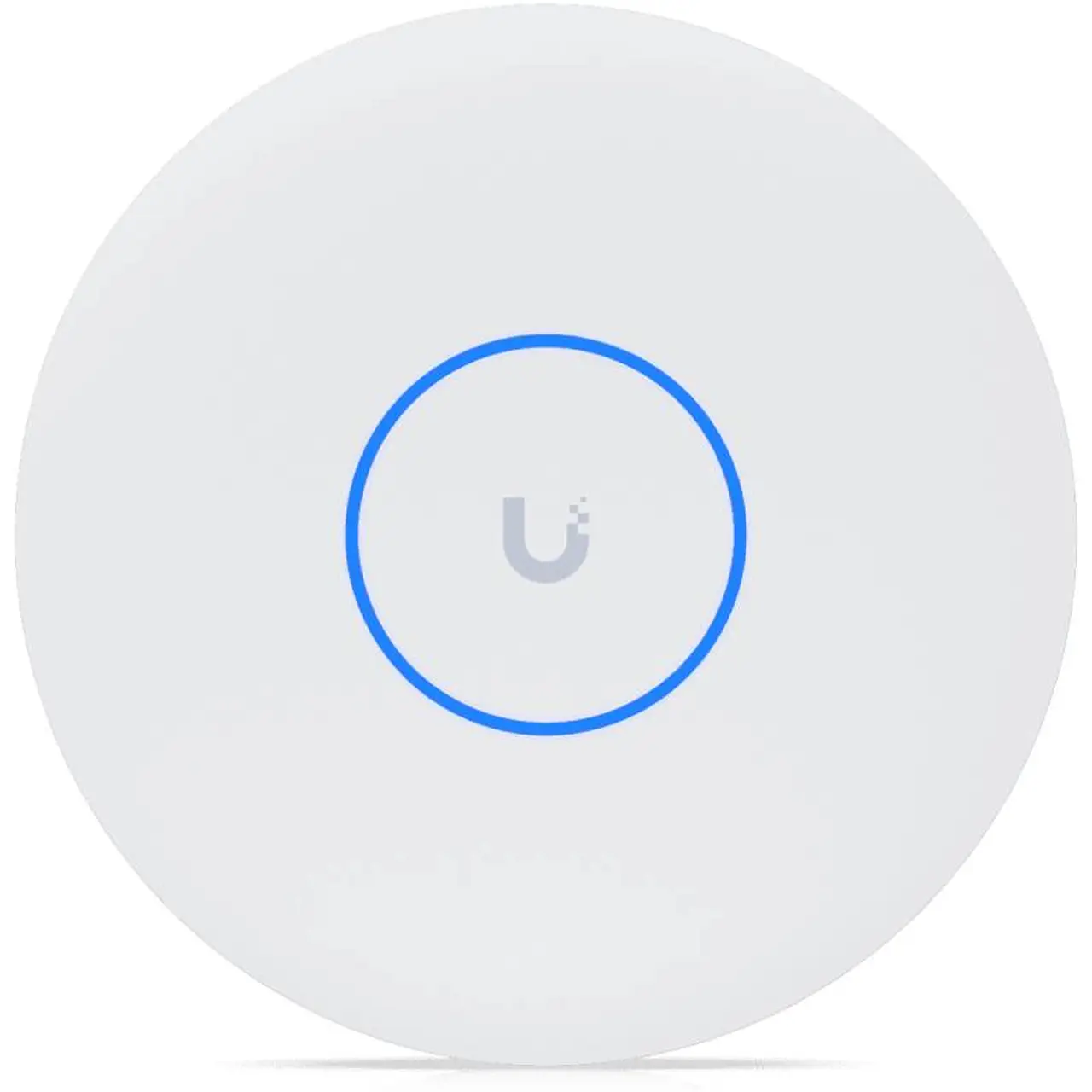
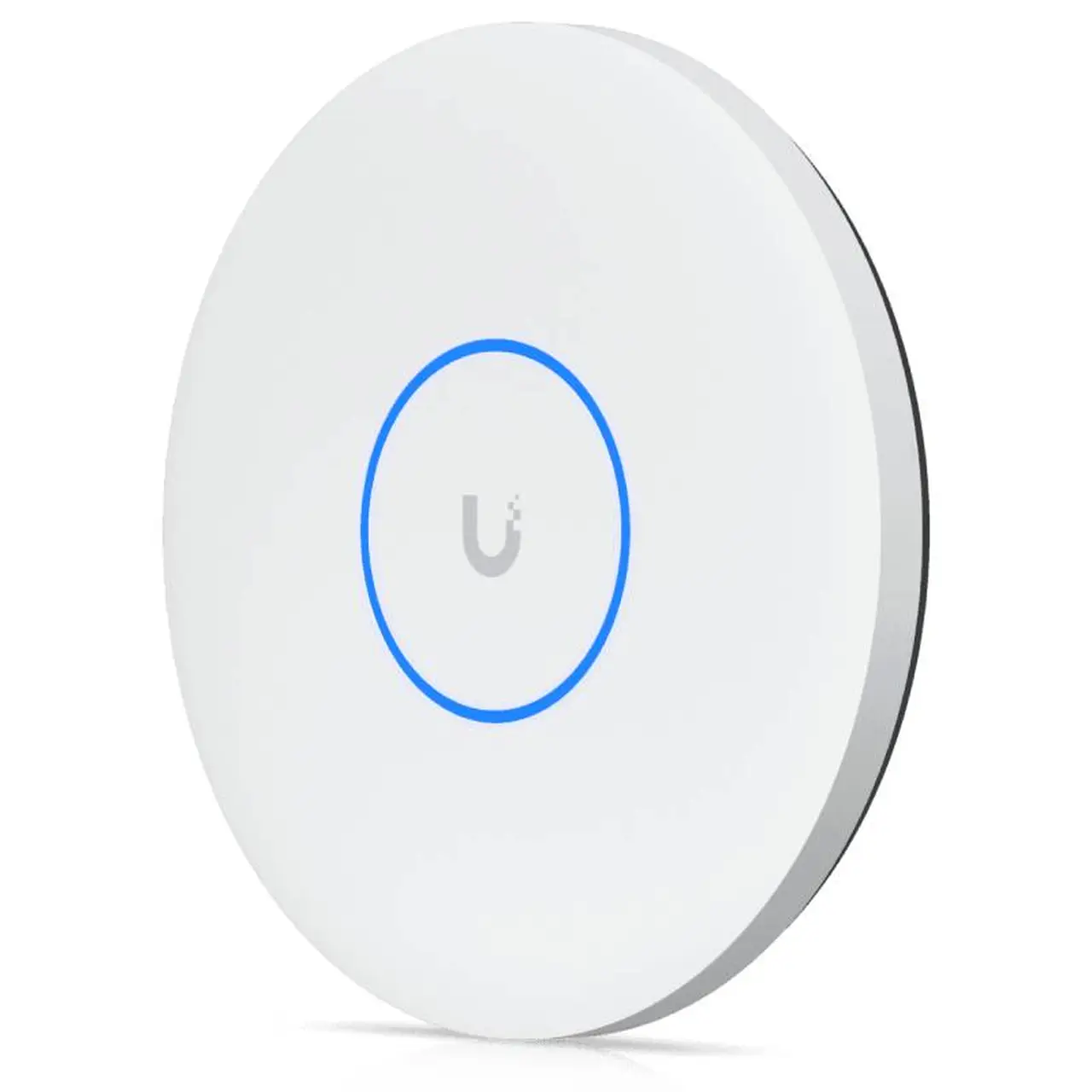
Bring WiFi 7 to your indoor network with the Ubiquiti UniFi U7 Pro XG, a tri-band access point covering 2.4, 5 and 6 GHz. Its 10GbE uplink and six spatial streams support flexible, centrally managed wireless coverage. Mount it on a ceiling or wall in a home, office or commercial space, and use wireless meshing and fast roaming to help connect devices across your network. It suits UniFi users who need capacity for many connected clients; management is through the UniFi Network application. A compatible PoE+ switch or injector is required and sold separately.
How to Choose the Right Wireless Access Point
Choose a wireless access point (AP) based on the size and layout of your property, the number of devices that will connect and the network equipment you already have. Checking these points before buying helps you find an AP that suits your home or workplace in Germany without paying for features you do not need.
Key Features to Consider
Compare the wireless standard, expected coverage and installation requirements to see whether an access point will work with your devices and network.
- Wi-Fi standard and device compatibility: Check which Wi-Fi standard the AP supports, then compare it with the standards used by your phones, laptops and other devices. Newer standards can support higher capacity and features, but older devices may not benefit from every upgrade.
- Coverage and capacity: Consider the floor area, walls and likely number of simultaneous connections rather than relying on a headline speed alone. For larger homes or offices, check whether you can add further APs and manage them as part of one network.
- Wired connection, power and management: Check the AP’s Ethernet port requirements and whether it supports Power over Ethernet (PoE); confirm that your switch or PoE injector provides compatible power. Also review how it is configured and updated, and whether its management features fit your network and security needs.
Bring WiFi 7 to Every Corner of Your Network
Tri-Band WiFi 7 for Busy Networks
Give your indoor network a powerful foundation with tri-band WiFi 7, spanning the 2.4 GHz, 5 GHz and 6 GHz bands. Across six spatial streams, the UniFi U7 Pro XG is designed to deliver flexible wireless coverage for homes, offices and commercial spaces. Its support for three frequency bands helps accommodate a wide variety of connected devices, making it a versatile choice for everyday browsing, work and more demanding network use. Add it to a UniFi setup to bring next-generation wireless connectivity into your space.
Fast Uplinks and Smooth, Managed Roaming
Connect the access point to your wired network through its versatile 10GbE RJ45 uplink, which supports 1, 2.5, 5 and 10GbE connections. For broader coverage, wireless meshing helps link compatible access points, while fast roaming supports a smooth experience as devices move around your home or workplace. The U7 Pro XG can serve more than 300 connected clients, making it well suited to lively environments with many devices. Manage your wireless network centrally through the UniFi Network application.
Flexible PoE+ Installation for Indoor Spaces
Plan a clean, flexible installation with PoE+ power, which brings power and network connectivity together over a single Ethernet cable. The U7 Pro XG is designed for ceiling or wall mounting, so you can position it to suit the layout of a home, office or commercial space. A compatible PoE+ switch or injector provides the required power and is sold separately. Once installed, the access point works with the UniFi Network application for central management, giving you a convenient way to oversee your wireless setup.
WiFi 7 Access Point for Homes, Offices and Commercial Spaces
Offices With Many Connected Devices
When your office has a large number of connected devices, use
the access point’s capacity for more than 300 clients to
support busy wireless use, then manage the network through the
UniFi Network application for a more organised day-to-day
setup.
Homes Upgrading to WiFi 7
If you’re bringing WiFi 7 into your home, the tri-band access
point supports 2.4 GHz, 5 GHz and 6 GHz across six spatial
streams, giving compatible devices flexible indoor wireless
coverage to suit different needs.
Commercial Spaces With Moving Visitors
If people move around your commercial space and need wireless
access in different areas, use wireless meshing and fast
roaming to extend coverage across the network and help
visitors stay connected as they move.
Installers Building a Fast Wired Network
When you’re fitting an indoor access point into a high-speed
wired network, connect its 10GbE RJ45 uplink to compatible
equipment and use PoE+ to carry power over a single Ethernet
cable; you’ll need a compatible PoE+ switch or injector, sold
separately, for a simpler installation with a fast wired
connection.
Frequently Asked Questions
What WiFi speeds does the Ubiquiti UniFi U7 Pro XG support?
The Ubiquiti UniFi U7 Pro XG supports WiFi 7 across 2.4, 5 and 6 GHz, with peak link rates of up to 688 Mbps, 4.3 Gbps and 5.8 Gbps respectively. It has six spatial streams and a 10GbE RJ45 uplink; actual wireless speeds depend on client devices, placement and interference.
Does the Ubiquiti U7 Pro XG work without a router?
No, the U7 Pro XG is an access point, not a router or modem, so it provides WiFi through an existing network connection rather than replacing your internet equipment. Manage it in the UniFi Network application, version 9.0.114 or later, for centrally managed wireless access.
How do I safely power the Ubiquiti U7 Pro XG?
Use a compatible PoE+ switch or injector to power the U7 Pro XG over its Ethernet connection. The access point accepts 42.5–57 V DC and has a maximum power consumption of 22 W, so match the PoE+ source to those specifications for a straightforward single-cable installation.
Don't just buy, Joybuy
Discover more of your favourite brands on Joybuy with great offers.