Teams Managing High-Traffic Venues
When staff, visitors and devices all need Wi-Fi in a busy venue, the U7 Pro XGS uses tri-band WiFi 7 and high client capacity to handle a crowded network, helping keep people connected as demand builds.


Build a high-capacity wireless network with the Ubiquiti UniFi U7 Pro XGS, a tri-band WiFi 7 access point for busy spaces. It supports 2.4, 5 and 6 GHz, with up to 8.6 Gbps on 5 GHz and support for more than 500 connected clients. A 10 GbE uplink, PoE++ power and spectrum analysis help simplify installation and channel management, while features such as fast roaming, wireless meshing and guest isolation suit offices, venues and other high-density networks. The included mount allows ceiling or wall installation.
Choose a wireless access point by matching its coverage, capacity and connection requirements to your home or workplace. In Germany, also check how it will connect to your existing router or network and whether installation suits your space.
Compare these practical criteria before choosing a wireless access point:
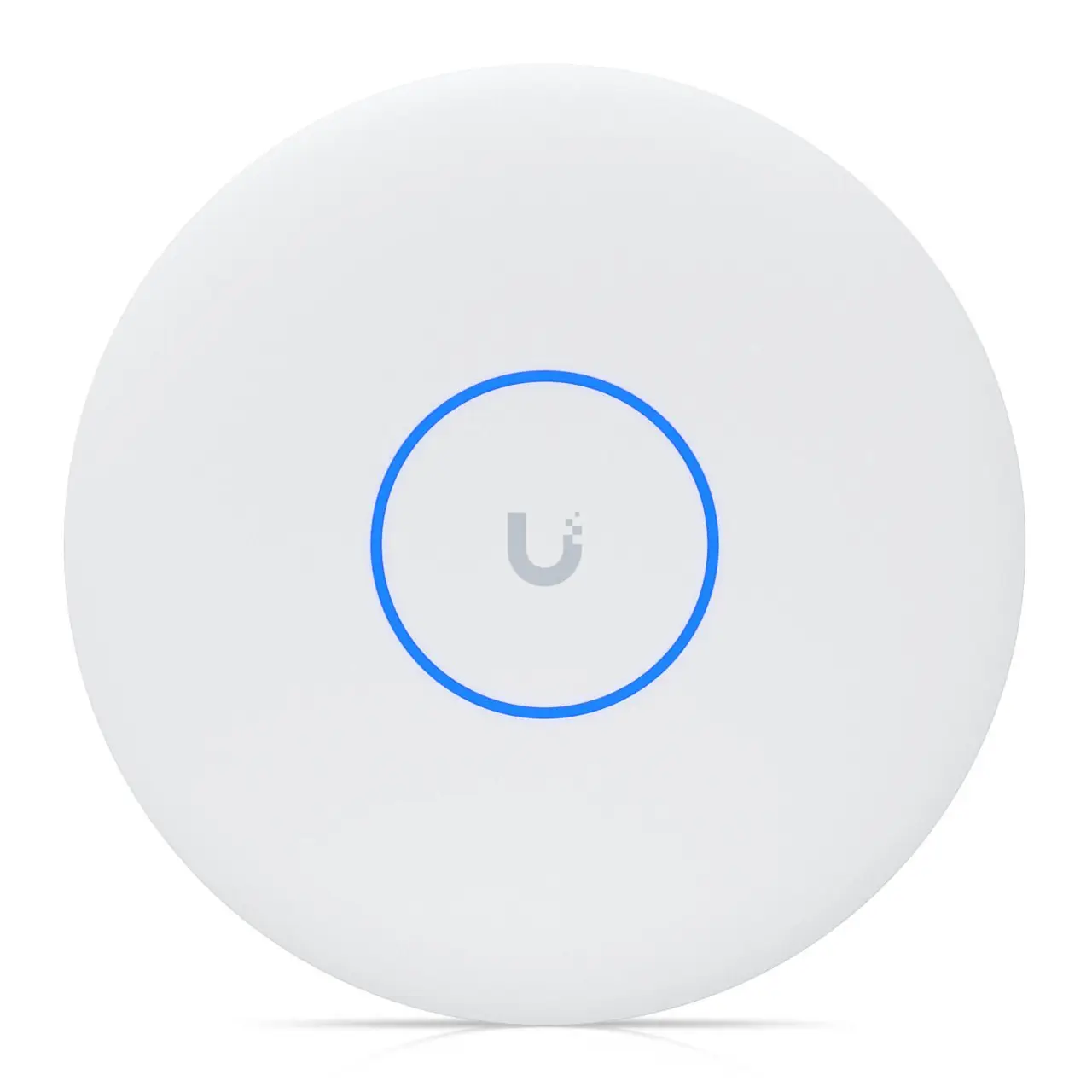
Bring fast, capable wireless connectivity to busy spaces with the tri-band WiFi 7 design of the UniFi U7 Pro XGS. It operates across the 2.4, 5 and 6 GHz bands and uses eight spatial streams to support a wide range of connected devices. Enjoy data rates of up to 8.6 Gbps on 5 GHz, 5.8 Gbps on 6 GHz and 688 Mbps on 2.4 GHz, alongside support for more than 500 connected clients. It’s a powerful foundation for a managed wireless network in a high-demand environment.
Fine-tune your wireless network with a dedicated spectrum-analysis radio that supports channel management. UniFi features help devices make the most of your setup, with band steering and fast roaming supporting a smooth connected experience as users move through a space. For a more tailored network, the access point also supports wireless meshing, guest isolation, PPSK and RADIUS over TLS. Together, these management and access options give network administrators useful tools for building a flexible wireless environment around their needs.
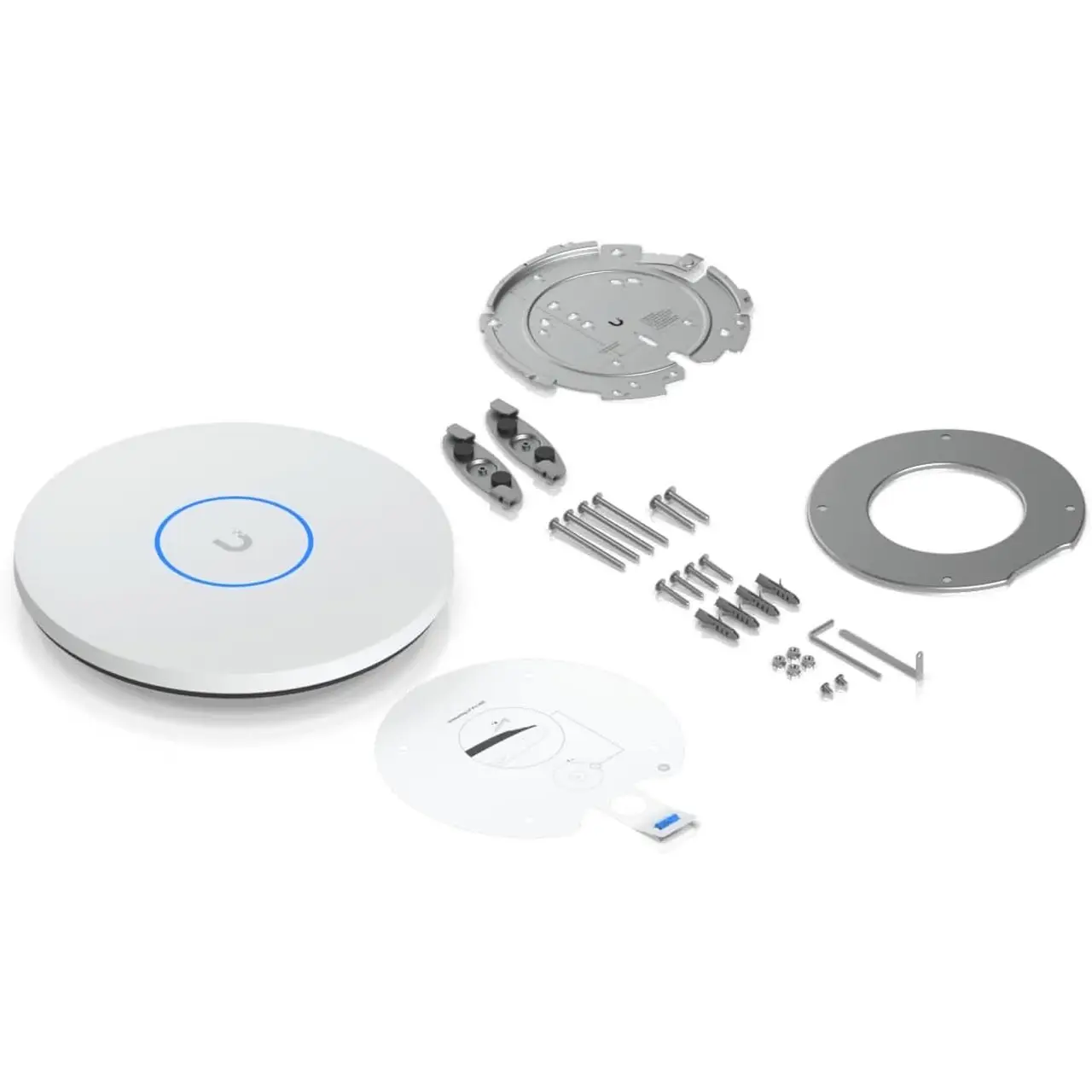
Connect the access point to your network through its 10 GbE RJ45 uplink and supply power using PoE++, bringing data and power together over a single cable. The included Lite Mount supports ceiling or wall installation, so you can position the U7 Pro XGS to suit your space and network plan. Wireless meshing adds another option for extending your UniFi setup, while central management through UniFi Network version 9.0.114 or later helps keep the access point integrated within a managed UniFi environment.
When staff, visitors and devices all need Wi-Fi in a busy venue, the U7 Pro XGS uses tri-band WiFi 7 and high client capacity to handle a crowded network, helping keep people connected as demand builds.
If you need wireless access to carry across a multi-room site, use wireless meshing to extend coverage and fast roaming to help people stay connected as they move, giving your team a more consistent experience around the premises.
When visitors need Wi-Fi without joining your internal network, guest isolation separates their access, while PPSK and RADIUS over TLS give you controlled ways to manage connections, so you can welcome guests while keeping network access distinct.
If you want a tidy ceiling or wall installation, the included Lite Mount gives you flexible placement, while PoE++ carries power and the network connection over one cable, helping you keep installation straightforward and cabling uncluttered.
The U7 Pro XGS supports more than 500 connected clients and is designed for high-density WiFi networks. Its tri-band WiFi 7 radios use 2.4, 5 and 6 GHz, with eight spatial streams to serve a busy office, venue or large home. Manage connected devices and wireless settings through UniFi Network version 9.0.114 or later.
The U7 Pro XGS offers wireless data rates of up to 8.6 Gbps on 5 GHz, 5.8 Gbps on 6 GHz and 688 Mbps on 2.4 GHz. Its 10 GbE RJ45 uplink also supports 5, 2.5 and 1 GbE connections, giving you a flexible wired link for a fast network.
The U7 Pro XGS uses PoE++ at 42.5–57 V DC, with maximum power consumption of 29 W, so one Ethernet cable carries power and network data. The included Lite Mount supports ceiling or wall installation. Fit it indoors in a dry, ventilated spot, switch off power before installation and use fixings suited to the surface.
Discover more of your favourite brands on Joybuy and enjoy great offers.