Exhibition teams with set demonstrations
You’re planning repeatable presentations and need to factor in staffing, space and the documentation required for your intended use.


For regular, set-piece demonstrations that don’t involve developing your own software, the R1 Base may be worth considering. Unitree, however, only lists secondary development as a feature of the EDU version. For occasional events or when you don’t have staff available to operate it, a hire package with an operator may be a better fit. Before using it in public, check the documentation for the specific EU version and confirm the safety measures needed at your venue.
You’re planning repeatable presentations and need to factor in staffing, space and the documentation required for your intended use.
You want to programme interactions yourself, so you should confirm access to development tools and the exact EDU specification before placing an order.
For one-off events, a package that includes an operator, set-up and other agreed services may be worth considering. A German hire offer for the R1 includes an operator, set-up and dismantling.
A good fit if: a trained team is presenting repeatable, pre-planned routines and won’t be developing its own programmes.
Things to weigh up: set-up, supervision and checks on the specific version are still part of the purchasing and event-planning process.
A good fit if: your team wants to develop and test its own interactions or movement routines.
Things to weigh up: make sure the development access and equipment are confirmed for the specific configuration on offer.
A good fit if: events are infrequent or you don’t have a trained operator in-house.
Things to weigh up: services such as an operator, transport and set-up are only included if they’re specified in the offer.
| What matters | What to check before buying | Who is it important to? |
|---|---|---|
| Demonstration features | Set out the routine in writing and ask for confirmation that the specific configuration includes the features and development access you need. | If we want to demonstrate our own movement or interaction routines, the chosen version needs to support them. Around 33% of consumers put suitable demonstration features first. |
| Operating in front of an audience | Plan the floor space, surface, movement routines and supervision for the specific venue; check the documentation for the EU version on offer. | If you’re planning a demonstration in front of an audience, you’ll want to confirm the safety measures needed at the venue rather than assume a standard distance. Around 42% of consumers prioritise safe, supervised operation. |
| Support and how you acquire it | Compare like-for-like offers, including an operator, transport, set-up, training, batteries and servicing. | If we only have a few events or can’t provide our own operator, the agreed level of service is crucial. Around 25% of consumers prioritise support they can budget for. |
Features vary by version. Unitree lists secondary development as a feature of the EDU version only.
Make sure the offer specifies the full version name, included equipment and the development access you need.
Choosing the wrong version could mean changing the configuration or reworking your demonstration routine.
The 2 × 2 m measurement refers to the operating area for one specific hire package with an operator. It doesn’t set a universally applicable distance between the R1 and the audience.
Assess the demonstration programme and audience set-up at your venue; don’t use the robot’s footprint alone to decide on safety distances.
One hire offer includes an operator, set-up and dismantling. These services aren’t automatically included when you buy the robot.
Compare offers for the same event dates and services, including supervision, transport, batteries and servicing.
If you buy, your own team will need to organise the agreed operation, so remember to account for staffing and transport too.
Manufacturer of the R1 versions covered here. The exact version and the development access you need are key considerations when choosing.
The Joybuy offers below cover R1 versions for technical demonstrations, including an EDU and an Air model. Before buying or using one in public, check the documentation for the specific EU version. Product details alone don’t confirm that it’s approved for your intended use.
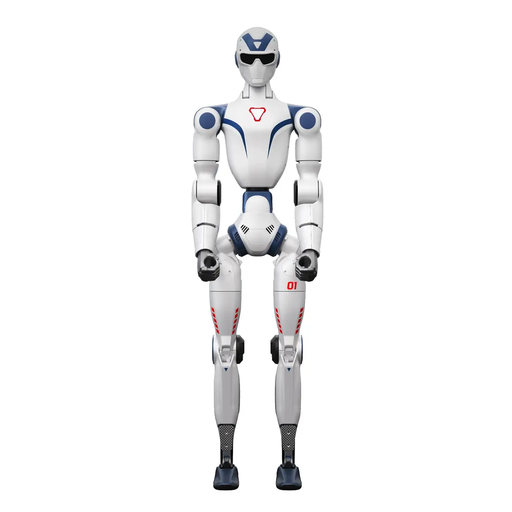 No image available
For teams looking to develop their own routines for a technical demonstration; Unitree lists secondary development as a feature of the EDU version.
The product description recommends an open, unobstructed area of at least 6 × 6 m and warns against touching the robot while it’s moving. Check the venue conditions and documentation for the specific EU version before use.
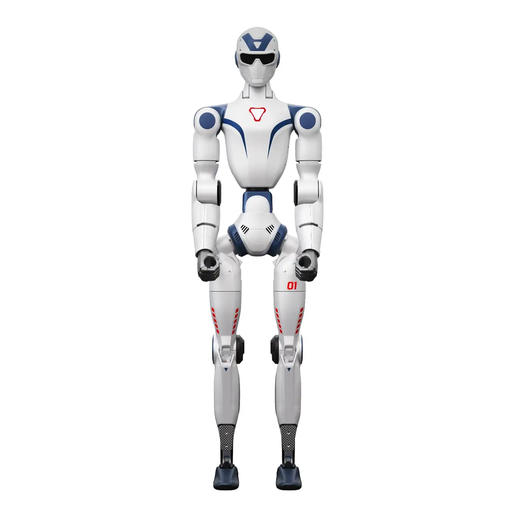 No image available
The camera and voice features listed in the title may be relevant to a technical demonstration planned around them. Check that they suit your intended routine.
The product title lists dual cameras, 26 degrees of freedom and an integrated AI voice model for smart interaction. These details don’t replace a check of the documentation for the specific EU version or an assessment of the venue.
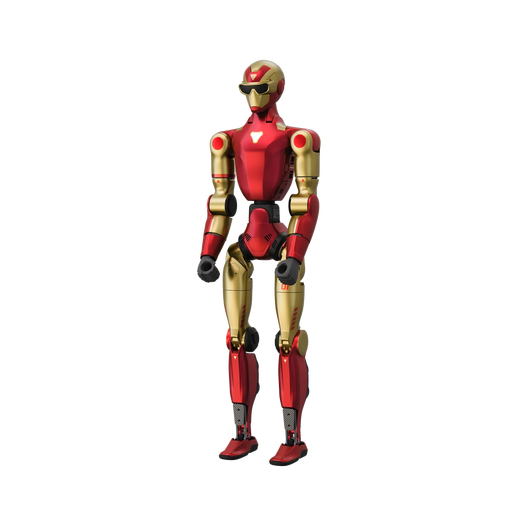 No image available
This R1 Air version may suit a presentation if the camera and voice features listed in the product title fit your planned content.
The product title lists a monocular camera, 20 degrees of freedom and an AI voice model. The product description warns against operating it near stairs, edges or uneven surfaces, and states that the device isn’t waterproof.
No. Check the documentation for the specific EU version on offer and assess the conditions in which you intend to use it. If employees use the R1 as work equipment, their employer must carry out a risk assessment for those conditions before use and identify any necessary protective measures. A product description doesn’t confirm that it’s approved for a particular exhibition stand.
According to the European Commission, machinery first placed on the EU market before 20 January 2027 is covered by the Machinery Directive 2006/42/EC. The Machinery Regulation (EU) 2023/1230 becomes mandatory from 20 January 2027. Check the offer to establish which documents are required for the specific version.
Check the surface, movement routines, supervision and charging arrangements for your specific venue. Unitree lists a quick-change battery and charger in its model table. Posevo’s 2 × 2 m measurement applies to its own hire package with an operator; it isn’t a universally applicable audience distance.
Compare offers on the same basis and with the same scope of services, such as the robot or event days, an operator, transport, set-up and dismantling, training, batteries, insurance and servicing. Posevo lists an operator, insurance, set-up and dismantling in its hire offer; Terra Robotics describes support and training as services that depend on the offer.
Not without confirmation that you’ll have development access: Unitree’s shop says that only the EDU version supports secondary development. Before ordering, ask for confirmation of the access and the specific EDU equipment included.