
Lieferung heute & morgen

Qualitätsgarantie

Willkommens-Angebote freischalten: KOSTENLOSE Lieferung | Bis zu 80 % RABATT | Kostenlose 30-Tage-JoyPlus-Testphase
App herunterladen
A USB-C cable may look like a simple accessory at first glance. In practice, however, USB-C charging cables can differ considerably in terms of connector type, charging power, data transfer and build quality. If you focus only on terms such as “fast charging” or “240 W”, you may end up buying a cable that is not suitable for your existing charger, laptop or smartphone.
Typical purchasing mistakes arise from three points:
First, check the connectors on your power supply and end device. A USB-A to USB-C cable is suitable for older chargers, computers and power banks with a rectangular USB-A port. A USB-C to USB-C cable, on the other hand, is used with modern USB-C power supplies, laptops, tablets, smartphones, monitors and docking stations.
Specialist options are also available:
A USB-C data cable may also need to support a particular data rate. USB 2.0 cables transfer data at up to 480 Mbps in the products listed. For large video files, external SSDs or docking stations, an explicitly specified Thunderbolt 4 cable or USB4 cable with a higher data rate is the better choice.
The specification 3A charging cable describes the maximum current. It does not, by itself, provide a reliable indication of the actual charging speed, as voltage, charging protocol, power supply and device must also be taken into account. For higher-power USB-C cables, specific details such as 60W USB-C cable, 100W USB-C cable or 240W USB-C cable are useful.
Key guidelines:
With high-power USB-C cables, an E-Marker chip can transmit relevant power data to the connected system. However, the label alone does not replace checking the specifications of the charger and device.
A USB-C fast-charging cable is not automatically a high-speed data cable. Some models support only USB 2.0 at up to 480 Mbps, making them suitable for photos, documents and general synchronisation. If you want to connect a monitor or operate a docking station, look specifically for DisplayPort Alt Mode, USB4 or Thunderbolt 4.
When it comes to length:
An integrated display can show the power, voltage or current on compatible models. It is a useful monitoring feature, but does not automatically increase charging power. A nylon sleeve or braided USB-C cable can improve handling; strain relief, connector fit and an undamaged cable sheath remain equally important.
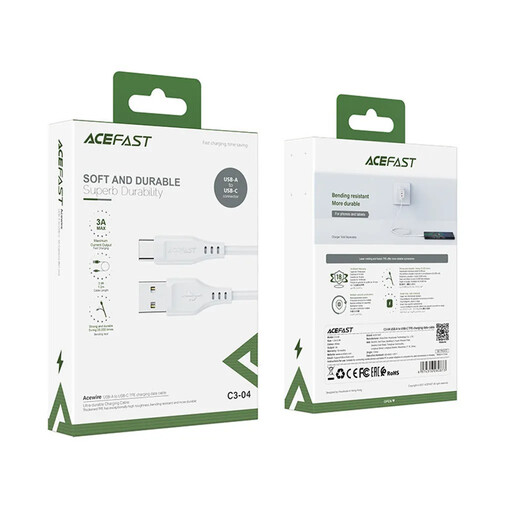
Why this product suits this profile: With its 1.2 m length, this USB-A to USB-C cable is suitable for everyday charging and data synchronisation with older power supplies or USB-A ports.
The specifications clearly state 3A, USB 2.0 and up to 480 Mbps, making it easier to assess the performance realistically.
3A current, Quick Charge compatibility according to the product description and a 480 Mbps data rate.
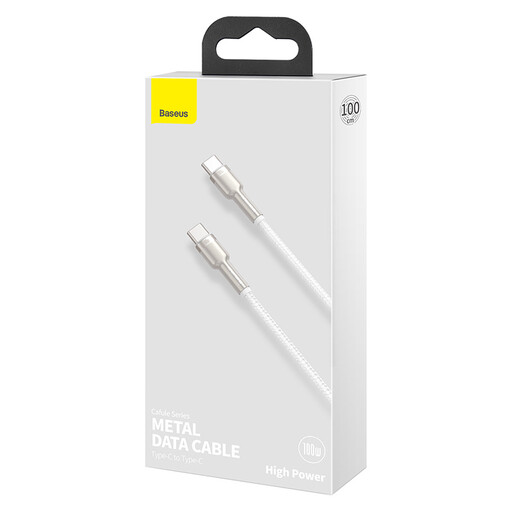
Why this product suits this profile: This USB-C to USB-C cable is designed for USB-PD applications up to 100 W and is suitable for compatible laptops, tablets and smartphones.
The product data clearly distinguishes the 100W charging power from the USB 2.0 data rate of 480 Mbps.
100W at 20V/5A, USB-C connectors at both ends, plus braided nylon and a metal construction according to the manufacturer's specifications.
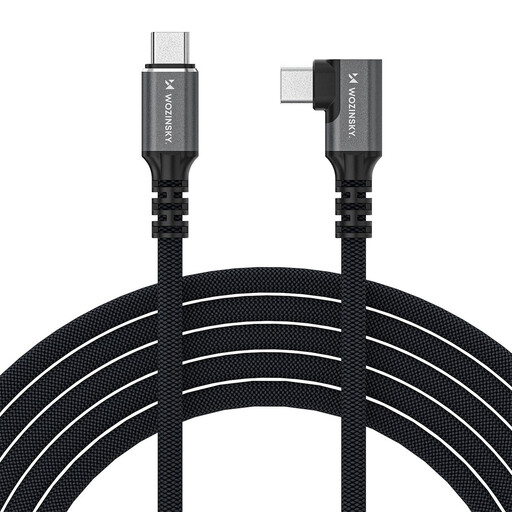
Why this product suits this profile: For home working, gaming, external SSDs and docking stations, this 2 m cable offers an angled USB-C connector and specified Thunderbolt 4 capabilities.
It specifies the data rate, charging power and video formats separately instead of making vague “High Speed” claims.
Up to 40 Gb/s, up to 240 W and support for 8K@60Hz according to the product description.
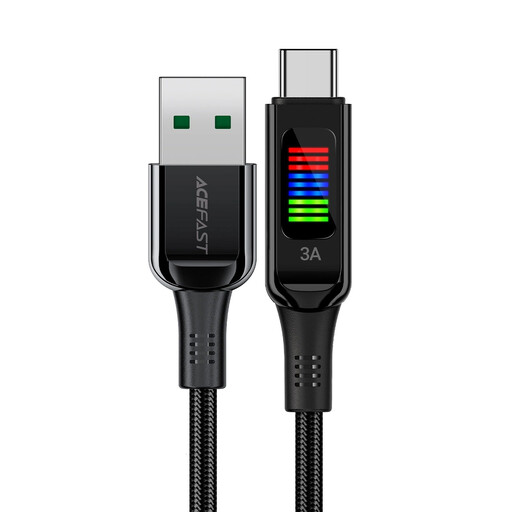
Why this product suits this profile: For office use, travel or power bank charging, it connects USB-A to USB-C and displays voltage and current according to the product description.
The display makes the charging parameters visible. It also specifies 60 W, a 1.2 m length and the USB 2.0 data standard.
Up to 60 W, an integrated display, a 1.2 m length and a USB-A to USB-C connection.
We have put together a complete, regularly updated list of products that fully meet these strict selection criteria and the safety regulations applicable in the EU.
Look for the specified current or power rating, as well as the charging protocol used. A 3A charging cable may be sufficient for many mobile devices. For laptops, 60W, 100W or more is often relevant. The actual charging power achieved is always limited by the weakest link among the cable, power supply and end device.
Its lifespan depends on bending cycles, pulling forces, storage and the connector connections. Coil the cable loosely, unplug it from the device by holding the connector and stop using cables that are damaged or have become hot. A braided USB-C cable can protect the outer sleeve, but it does not replace careful handling.
No. Some models are primarily designed for charging or transfer data only via USB 2.0 at up to 480 Mbps. For monitors, high refresh rates, docking stations or external SSDs, you must specifically look for USB4, DisplayPort support or Thunderbolt 4.