
Lieferung heute & morgen

Qualitätsgarantie

Willkommens-Angebote freischalten: KOSTENLOSE Lieferung | Bis zu 80 % RABATT | Kostenlose 30-Tage-JoyPlus-Testphase
App herunterladen
Finding a new USB-C charger seems simple at first glance. But the market is flooded with products featuring confusing technical specs and grandiose promises. Many buyers only realise after their purchase that their new fast charger only powers up their smartphone at a snail's pace or becomes dangerously hot after just a few weeks.
As your Joybuy Product Recommendation Officer, I'm here to help you navigate the common pitfalls. We'll focus on the facts so you can make an informed decision and find a charger that is safe, efficient, and perfectly suited for your devices.
Before we dive into the key features, let's highlight the three most common mistakes that lead to frustration and unnecessary expense:
To avoid these mistakes, you should focus on three core parameters. These determine the performance, safety, and efficiency of your new charger.
The wattage (W) indicates the maximum charging output. Your choice depends directly on the devices you intend to charge.
Two terms are crucial for modern chargers:
Consider how many devices you typically charge at the same time.
Based on these objective criteria, we have identified a few models that are particularly well-suited for specific user profiles.
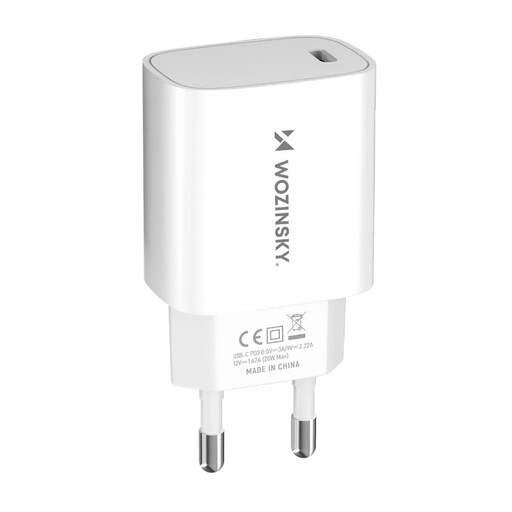
Why This Fits Their Persona: Ideal for users seeking a reliable and cost-effective solution to fast-charge their smartphone. It focuses on the essentials without unnecessary frills.
It supports PD 3.0 and other protocols, avoiding the compatibility trap. It delivers the promised 20W to compatible devices and features CE-certified safety mechanisms.
Advantage: Very compact design and broad protocol support for its price. Pro: Casing made of flame-retardant PC and ABS materials.
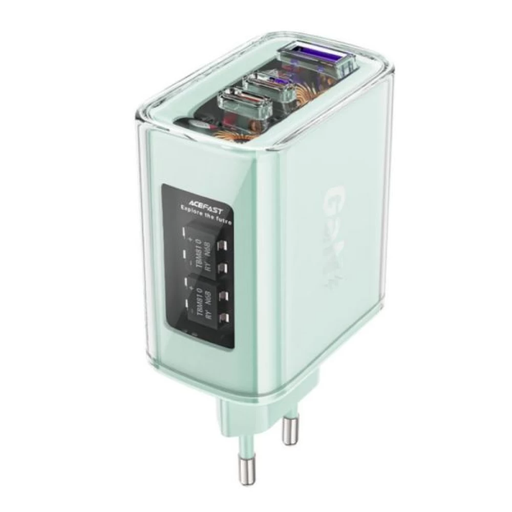
Why This Fits Their Persona: Perfect for users who need to charge a smartphone, tablet, and perhaps an ultrabook daily. This charger replaces three separate power adapters, decluttering your desk or travel bag.
With 65W of power and GaN technology, it bypasses the trap of an underpowered or overheating charger. An intelligent chip adjusts the power output and prevents overheating.
Advantage: High power and three ports in a very compact body, thanks to 3rd-gen GaN technology. Pros: Two USB-C ports and one USB-A port for maximum flexibility.
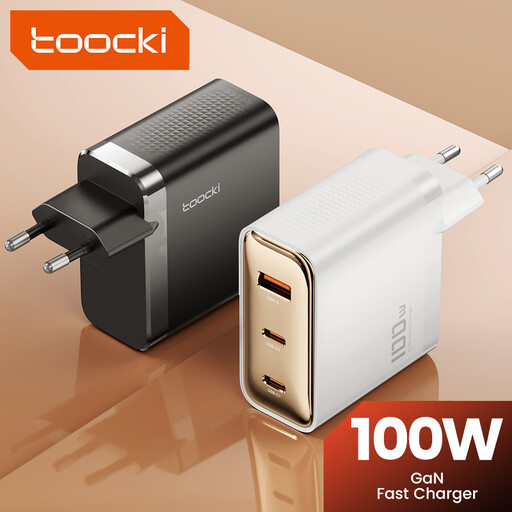
Why This Fits Their Persona: For anyone who needs to charge a high-performance laptop (e.g., MacBook Pro) alongside other devices. The high total output of 100W ensures all devices are powered up quickly and simultaneously.
This charger solves the problem of insufficient power. With 100W, it can power even demanding laptops, avoiding the frustration of slow charging speeds at work or on the go.
Advantage: Immense charging power in a travel-friendly format. Pros: Three ports (2x USB-C, 1x USB-A) and support for PD 3.0 for broad compatibility.
We have compiled a complete, up-to-date list of products that meet these strict selection criteria and safety regulations.
Technically, you can use any USB-C charger, but for fast charging, the protocols must match. iPhones require a charger with Power Delivery (PD). Newer Samsung devices also support PD but benefit further from protocols like PPS (Programmable Power Supply) for even more efficient charging. A charger that supports both standards is the most flexible choice.
GaN stands for Gallium Nitride, a modern semiconductor material. For the same power output, a GaN charger is smaller, lighter, and more energy-efficient than traditional silicon chargers. It generates less heat, which increases its lifespan and safety. For users who value compactness and efficiency, especially when travelling, the extra cost is generally justified.
It depends on the model. A MacBook Air or a comparable ultrabook generally works well with a 65W charger. For a larger MacBook Pro (14" or 16") or other high-performance laptops, a 100W charger or more is recommended to ensure it can charge quickly, even under heavy use. Check your laptop's specifications or the original power adapter to determine the exact requirement.