
Lieferung heute & morgen

Qualitätsgarantie

Willkommens-Angebote freischalten: KOSTENLOSE Lieferung | Bis zu 80 % RABATT | Kostenlose 30-Tage-JoyPlus-Testphase
App herunterladen
A faulty or slow charging cable is more than just a minor annoyance—it disrupts your digital life. But when searching for a new USB-C charging cable, the selection is overwhelming, and product descriptions are often confusing. Many users invest in so-called "fast-charging cables" only to find that their smartphone or laptop barely charges any faster. Others buy cheap cables that fray or break after just a few months.
This guide will help you navigate the common pitfalls. We'll explain the technical details that truly matter, so you can make an informed decision and find a product that is both reliable and durable.
Before you add a new cable to your cart, you should be aware of two widespread issues that often lead to disappointment:
To avoid these traps, you should check three core aspects. These define the performance and longevity of any USB-C charging cable.
The most important metric is the supported charging power, measured in watts (W). Modern devices use standards like Power Delivery (PD) to dynamically negotiate the charging speed between the charger, cable, and device.
A cable must be able to transfer the power supplied by the Power Delivery charger. A 100W charger paired with a 60W cable will only deliver 60 watts to your notebook.
The choice of connector type is crucial for compatibility and performance.
A cable's durability heavily depends on its material. Nylon-braided cables often provide better protection against abrasion and breakage than simple TPE or PVC jackets. Reinforced plug housings are also a good indicator of a robust build.
Most charging cables support a data transfer rate of 480 Mbit/s (USB 2.0), which is sufficient for syncing photos and music. If you regularly transfer large video files, you should look for cables with USB 3.1 or higher, which offer significantly faster speeds.
Based on these objective criteria, we have curated a selection of products suitable for different user profiles.
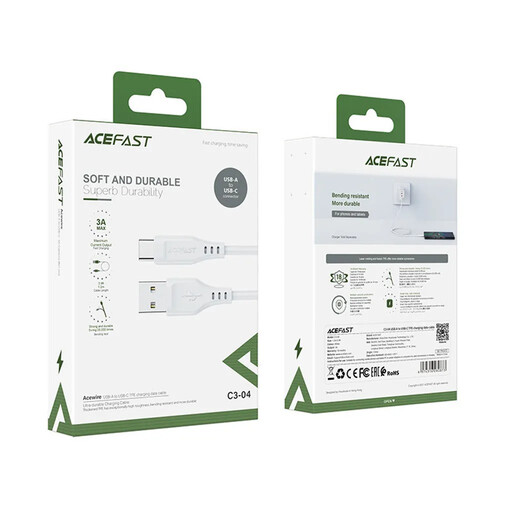
Why This Fits Their Persona: A solid choice for users who need a reliable USB-A to USB-C cable for standard charging of smartphones, headphones, or other accessories. It's ideal for connecting to existing USB-A power adapters or computer ports.
The cable clearly specifies a maximum current of 3A and is designated as Qualcomm Quick Charge compatible. It avoids vague fast-charging claims and delivers a defined performance for compatible devices.
The 1.2-meter length offers more flexibility than standard cables. The TPE material ensures good durability for daily use.
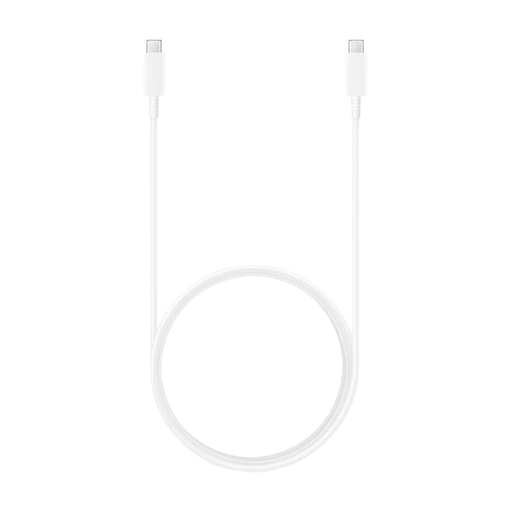
Why This Fits Their Persona: Perfect for users with modern laptops, tablets, and high-end smartphones. This USB-C to USB-C cable is designed for high power delivery, making it a future-proof choice for demanding devices.
This cable solves the problem of unclear power ratings. According to the manufacturer, it supports Power Delivery up to 100 watts (20V, 5A), making it explicitly suitable for charging laptops and other high-performance devices.
The high charging power of up to 100W and the convenient 1.8-meter length make it a versatile solution for both your desk and on the go.
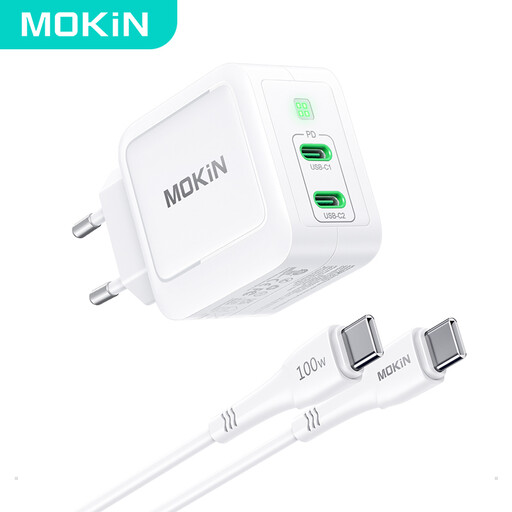
Why This Fits Their Persona: This is an all-in-one solution for anyone who travels light. The compact GaN charger with two USB-C ports and the included matching cable replaces multiple individual power adapters, saving space and weight.
This bundle solves the compatibility problem between the charger and the cable. Since both are designed to work together, it ensures that the advertised 67-watt charging power can actually be utilized.
GaN technology allows for a very compact and lightweight design. With two ports, you can charge a laptop and a smartphone simultaneously.
We've compiled a complete, up-to-date list of products that fully meet these strict selection criteria and safety regulations.
No, not without limitations. Although the USB-C connector is universal, cables differ in their maximum charging power (watts) and supported charging protocols (e.g., Power Delivery). A basic cable designed for a smartphone may not be able to charge a laptop, or will only do so very slowly. Always check your device's power requirements and match them with the specifications of the cable and USB-C charger.
Both are fast-charging technologies, but they work differently. Power Delivery (PD) is a universal standard used primarily over USB-C connections, enabling high power levels of over 100 watts. It is used by many manufacturers, including Apple, Samsung, and Google. Quick Charge (QC) is a technology developed by Qualcomm, commonly found in Android smartphones with Snapdragon processors. Many modern chargers and cables support both standards.
Pay attention to the material and construction details. A sturdy nylon braiding is more resistant to abrasion than a simple plastic jacket. Reinforced strain relief at the connectors prevents cable breakage at the most vulnerable points. Some manufacturers also specify the number of bend cycles a cable is rated to withstand, which can be an indicator of its mechanical durability.