
Lieferung heute & morgen

Qualitätsgarantie

Willkommens-Angebote freischalten: KOSTENLOSE Lieferung | Bis zu 80 % RABATT | Kostenlose 30-Tage-JoyPlus-Testphase
App herunterladen
Finding the right USB C to USB C cable can be more complex than it first appears. Although the connector is universal, the technical specifications vary significantly, directly impacting your devices' charging power and data transfer speeds. An incompatible cable can extend charging times or slow down data transfers.
This guide is designed to demystify the topic. We'll explain the crucial features you should look for and present a selection of cables for various use cases. Our goal is to provide you with the information you need to make an informed decision and find the perfect cable for your requirements.
To make the right choice, three main criteria are essential: charging power, data transfer rate, and cable length and build quality.
The most important function of a USB C charging cable is power delivery. The maximum charging power is specified in watts (W) and should match the output of your power adapter and the needs of your device.
A Power Delivery (PD) cable is key here. This standard enables intelligent communication between the power adapter, cable, and device to regulate the charging power safely and efficiently. Ensure the cable explicitly supports the PD standard and the required wattage.
If you plan to use the cable for data transfer and not just for charging, the supported USB standard is relevant.
For everyday charging, a cable with USB 2.0 speed is often perfectly sufficient.
The length of the cable affects convenience. A short cable (e.g., 1 meter) is handy for on-the-go use, while a 3m USB C cable offers more flexibility at your desk or next to the sofa. However, be aware that with very long cables, charging performance can slightly decrease if the build quality is not high.
Materials like nylon braiding and reinforced strain relief at the connectors increase durability and prevent cable fraying from frequent use.
Based on the criteria mentioned, we have compiled a selection of cables suitable for different user needs.
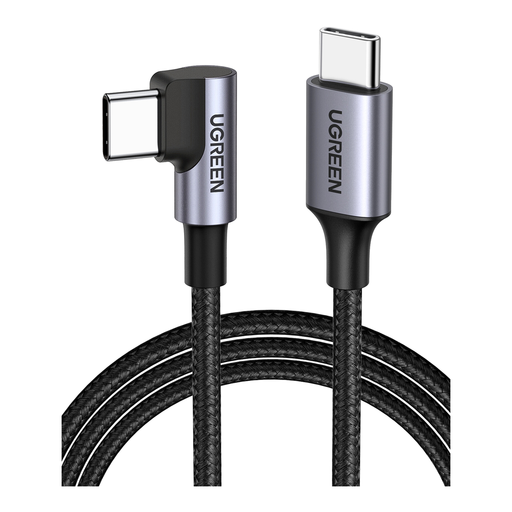
Why it stands out: With its three-meter length, this cable offers maximum reach and flexibility without compromising on charging performance.
Pros:
Who is it for? For users who need a long and reliable fast charging USB C cable for stationary use at home or in the office and value freedom of movement.
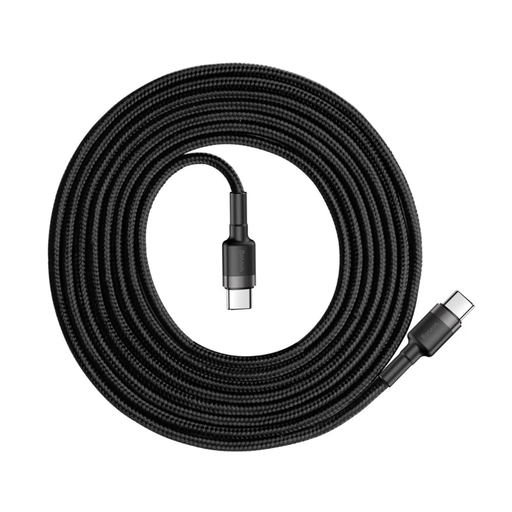
Why it stands out: This cable combines a durable nylon braiding with reinforced connectors and thoughtful details like a Velcro strap for organization.
Pros:
Who is it for? For users looking for a durable and compact all-round cable for daily use and travel, for example, as an iPhone 15 charging cable.
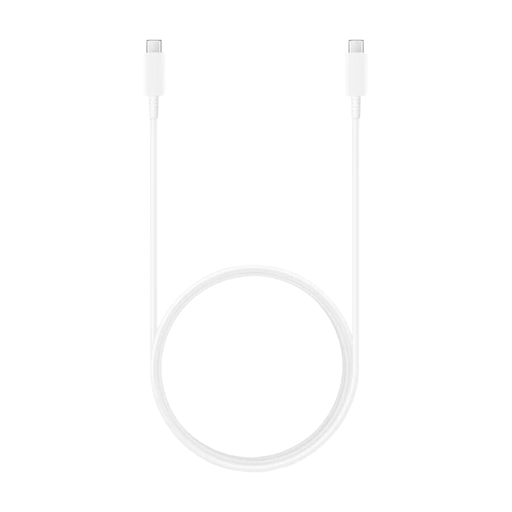
Why it stands out: This cable is designed for high performance, supporting Power Delivery up to 100 watts, making it the right choice for power-hungry devices.
Pros:
Who is it for? For owners of high-end laptops or other devices that require more than 60W of charging power to take advantage of maximum charging speeds. It's a great option as a 100W USB C cable for a MacBook charging cable or similar notebooks.
Didn't find the right cable yet? For use cases that demand higher data transfer rates, such as connecting external SSDs or high-resolution monitors, a cable with USB 3.x or Thunderbolt standard is required.
Discover our wider selection of USB 3 cables and find the right solution for your specific needs.
Physically, any USB-C plug fits into any USB-C port. However, the functionality (charging, data transfer, video output) depends on the specifications of the cable, the power adapter, and the connected devices. For example, a simple charging cable cannot transmit video signals.
Power Delivery is a charging protocol that allows USB-C connections to deliver significantly more power (up to 240W in the latest standard) than older USB standards. It is an intelligent process where the charger, cable, and end device negotiate the optimal voltage and current to ensure fast and safe charging.
Yes, that is perfectly safe. The Power Delivery system ensures that the smartphone only draws as much power as it can handle. Using a cable with a higher power rating will not harm the device; it simply ensures that the cable does not become the limiting factor.