Joybuy products for online conversations
The following wired USB and USB-C products are options for online conversations where one person is speaking. Connections, wearing styles and microphone controls vary by model.
 No image available
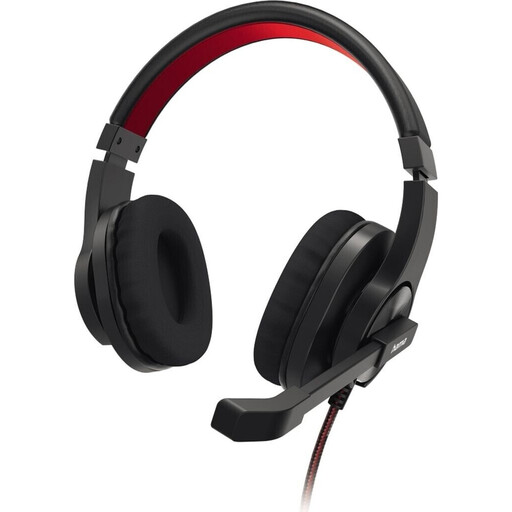
HS-USB400 V2 PC Office Headset, Stereo, Black
For a conversation with one speaker: this headset is described as a stereo USB-A model with a microphone boom and mute control.
USB-A plug and play; inline remote with volume control.
View at Joybuy
 No image available
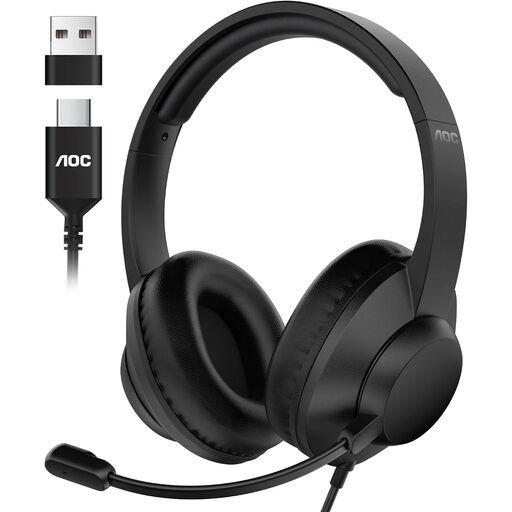
AOC USB headset with microphone for PC
For online conversations with one speaker: the description lists an adjustable microphone and mute control.
Wired; USB-A and USB-C connections are listed. Inline remote with volume control.
View at Joybuy
 No image available
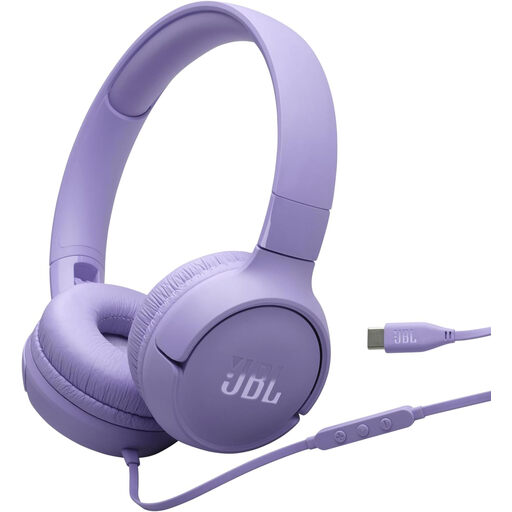
JBL Tune520C USB-C, On-Ear, Purple
For a conversation using a USB-C connection: these wired on-ear headphones are described as having a built-in microphone.
USB-C cable; one-button remote with microphone.
View at Joybuy
 No image available
Logitech H540 stereo headset with USB
For online conversations with one speaker: this stereo headset has an adjustable microphone with mute control.
Volume and mute controls; mute indicator.
View at Joybuy
 No image available
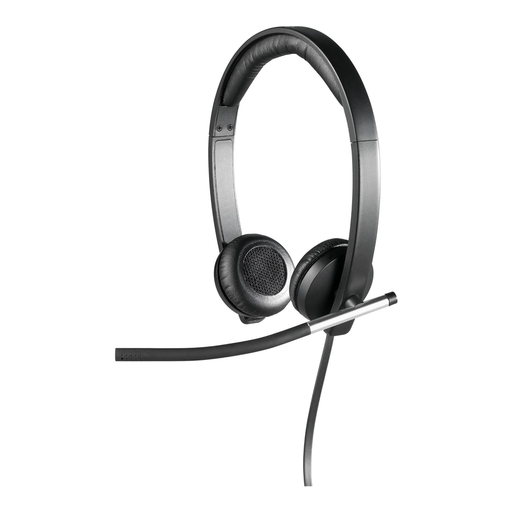
Logitech H650e Stereo USB Headset, Over-Ear, Black
For online conversations with one speaker: this stereo USB headset is described as having a rotating microphone boom that you can position as needed.
Inline controls; LED indicator during a call.
View at Joybuy
Frequently asked questions
How can I avoid selecting the wrong audio source in Microsoft Teams?
Before joining, select your microphone and speakers for computer audio, and check that your device and browser allow microphone access. If a set-up meeting room will handle the audio, select the room audio option instead. These options are specific to Microsoft Teams and don’t apply to every conferencing platform.
Do I definitely need a headset with strong noise reduction in a small room?
No. Room size alone doesn’t determine this. Consider any background noise, the position of the microphone and the results of a voice test. Microsoft Teams also lets you adjust software-based noise suppression, but this doesn’t tell you how a headset microphone will perform in your room.
What should I test just before the conversation?
Check the plug and selected audio source, position the microphone boom, and test your voice, mute control and volume. If you’re using Teams, also check that your device and browser are allowed to access the microphone.
What rights apply when buying online from a business seller?
For a standard distance purchase, you generally have a 14-day right to cancel from the date of delivery. Check the specific offer for exceptions and any return costs. If goods are faulty, you have a statutory right to a remedy from the seller for at least two years from receipt. This applies independently of any additional manufacturer’s warranty.


