What should you look for when buying?
First, consider whether you want to use both ears for listening or leave one free for what’s happening in the flat. Then compare the microphone controls, connection and fit of the specific version.
| What you need |
What to check before buying |
Who is it important to? |
| Understanding the talk despite noise in the flat |
Compare fit and how well the earcups block out noise; don’t confuse microphone noise cancellation with ANC or guaranteed sound isolation. |
If I want to follow longer contributions, a good fit matters more to me than having one ear free. Around 33% of consumers would put uninterrupted listening first. |
| Being clearly heard when asking questions |
Check the microphone boom and mute button on the specific version; listen to a test recording made with the usual background noise in the flat. |
If I’m asking questions, I want to be able to position the microphone properly and mute it quickly. Around 27% of consumers would prioritise being clearly heard when speaking. |
| The right connection and audio setup |
Check the computer’s USB socket against the variant name and the plugs supplied; select and test the input and output in the meeting app. |
If I switch between computers, I want to set up the right plug and audio options before I start. Around 20% of consumers would put connection and setup first. |
| Comfortable listening throughout the talk |
Judge the pressure and padding over a period of time that reflects how you typically use a headset; the design alone doesn’t guarantee a comfortable fit. |
For a longer talk, I don’t want the headband or padding to press uncomfortably. Around 13% of consumers would prioritise comfort. |
| Leaving one ear free for what’s happening in the flat |
Choose a specifically single-sided mono version only if staying aware of the room is a priority; your free ear will still be exposed to noise from the flat. |
If I need to be available to people in the flat, I want to leave one ear free and accept that I’ll hear noise from the flat through it. Around 7% of consumers would choose a free ear over listening with both ears. |
USB headsets at Joybuy
The selection includes wired USB headsets for listening with both ears, as well as mono versions that leave one ear free. For each model, check that the specific USB connection or additional 3.5 mm connection is compatible with your computer.
 No image available
Logitech 960 Stereo Headset
The stereo version is worth considering if you want to listen with both ears during the talk and use a microphone when asking questions.
The product title lists USB and a 2.4 m cable. The product description mentions a microphone boom, plus volume and mute controls on the cable.
View at Joybuy
 No image available
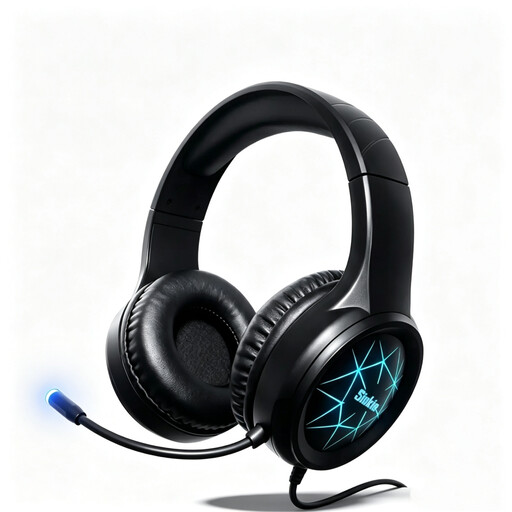
Siukie CH25 Over-Ear Stereo Headset
The over-ear stereo design may be a good option for listening with both ears; you’ll need to judge for yourself whether the fit and noise isolation suit you.
The product title lists USB and a 3.5 mm connection, as well as a microphone with noise cancellation. This microphone feature doesn’t mean the earcups block out noise.
View at Joybuy
 No image available
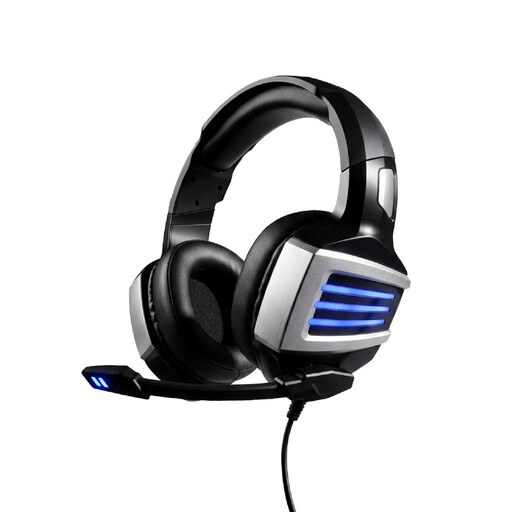
Siukie L200 Gaming Headset
This wired headset is worth considering if you’re looking for a model with USB and a 3.5 mm plug.
Before buying, check which connection is available on your computer.
View at Joybuy
 No image available
Logitech H570e Mono Headset
The mono version may suit you if you want to leave one ear free for what’s happening in the flat; that ear will still be exposed to background noise.
The product title lists USB, plus volume and mute controls with an LED indicator on the cable.
View at Joybuy
 No image available
Jabra Evolve 20 SE Mono Headset
This mono headset is worth considering if you want to leave one ear free for what’s happening in the flat while you listen; it will still be exposed to background noise.
The product title lists USB-C/A. The title and description mention an external control unit with a mute function.
View at Joybuy
Frequently asked questions
Will a microphone with noise cancellation help me hear the talk better despite conversations in the flat?
No, these are different functions: the manufacturer’s information about the Logitech H390 relates to the microphone you use when speaking. Assess fit and how well the earcups block out noise separately; SoundGuys described the H390 USB-A version they tested as offering only limited isolation.
How should I set up my headset before the talk?
First, check that the plug on the specific headset version matches your computer socket, then select the right microphone and speaker in your meeting app. If the talk is on Microsoft Teams, you can make a test call and short recording there; for other platforms, use their audio settings.
What should I bear in mind when wearing it for longer periods?
If possible, try the fit for as long as you’d normally listen to a talk. Logitech describes the H390 as having an adjustable headband and padded earpads; SoundGuys reported that the USB-A model they tested became less comfortable after around an hour. This doesn’t guarantee a suitable fit for other people or versions.
What are my rights if an online purchase is faulty?
When you buy from a trader in the EU, you generally have a statutory guarantee of at least two years from the date you receive the goods; the seller is responsible for this. Distance purchases generally come with a 14-day withdrawal period from delivery. The European Commission explains these rights for consumers in the EU; different rules apply to purchases from private individuals.
What should I look out for when it comes to USB headset safety?
Look for clear manufacturer information and make sure the product can be identified. The Bundesnetzagentur lists CE marking, product identification and manufacturer details among the points checked during market surveillance.


