Chairing the meeting alone
You’re leading the meeting at a computer and mainly need a microphone for your own voice and an easy-to-reach mute control. Logitech lists inline controls like these for the H390.


If you’re chairing the meeting on your own at a computer, a wired USB headset with a microphone and easy-to-reach mute controls could be a good fit; Logitech lists these controls for the H390, for example. If you also need other people in the room to be heard online, consider a speakerphone designed for group conversations instead. A personal headset won’t automatically pick up voices from around the whole table. You’ll also need to check the exact USB version and decide whether you want one or both ears uncovered.
You’re leading the meeting at a computer and mainly need a microphone for your own voice and an easy-to-reach mute control. Logitech lists inline controls like these for the H390.
You want online members to hear contributions from other people in the room too. Your chosen solution needs to take the seating arrangement into account; Jabra lists the Speak2 55 as a speakerphone with a manufacturer-stated microphone pick-up range.
You want to speak through a headset while still hearing comments and contributions in the room. Jabra lists the Evolve2 30 SE in separate mono and stereo versions.
A good choice if: You’ll mostly be speaking yourself and want to hear online contributions through both earcups.
The trade-off: Both ears are covered, and the headset won’t automatically pick up contributions from other people in the room.
A good choice if: You’re chairing the meeting alone using the headset and want to keep one ear free for comments or cues in the room.
The trade-off: Your free ear won’t be shielded from background noise. A mono headset also isn’t a substitute for a microphone that can pick up several speakers.
A good choice if: Several club members will be speaking around the table and need to be heard online.
The trade-off: Jabra states that the Speak2 55 has a pick-up range of up to 2.3 m. The seating arrangement and room acoustics can affect whether that’s suitable for your meeting room.
| What you need | What to check | Who is this especially important for? |
|---|---|---|
| Chair’s voice | Microphone position and mute control; test with typical background noise and your actual seating arrangement. | When I’m chairing the meeting at a computer, I want my voice to come through clearly online and to be able to mute the microphone straight away. Around 33% of consumers prioritise how their own voice is transmitted. |
| Voices from around the table | Compare the seating positions and distances with the speakerphone’s stated pick-up range. | When several people are speaking in the room, I don’t want to rely on a personal headset to transmit their contributions. Around 27% of consumers prioritise picking up everyone’s voices. |
| Staying aware of the room | Check whether it’s a mono or stereo version, and whether you’ll be able to hear both online contributions and comments in the room. | When I’m also leading the meeting in the room, I want to hear cues without covering both ears with earcups. Around 20% of consumers prioritise keeping one ear free. |
| Connection, controls and fit | Check USB-A or USB-C, the exact model version and whether the controls are easy to reach; try the fit for a realistic meeting length if possible. | When I need a headset to work with a specific meeting-room computer and for longer meetings, I look for the right connection, easy-to-use controls and a comfortable fit. Around 20% of consumers give these factors priority. |
A personal headset is worn by one person. It won’t automatically pick up contributions from anyone else in the room.
Before choosing, consider which seats need to be able to speak online. If several people need to be heard, look for a solution designed for conversations in a room.
Reducing noise picked up by the microphone and blocking the noise you hear yourself affect different sides of the conversation.
Check the microphone specifications separately from whether the headset is mono or stereo. Test whether you can hear online contributions and comments in the room clearly enough with your usual seating arrangement.
Logitech lists the H390 with different USB connections. Jabra also documents a change from original USB-A and USB-C SKUs to USB-C/A SKUs.
Before buying, compare the full model name and connection type, as well as what’s included, with your computer.
For chairing a meeting on your own, options include the H390 and the differently equipped Zone Wired range.
The Evolve2 30 SE is a personal headset range with documented mono and stereo versions; the Speak2 55 is a separate speakerphone option for several speakers.
The Blackwire 3300 range includes wired USB headsets; the Blackwire 3320 USB-C is a documented stereo version for a fixed meeting chair.
The IMPACT 100 is a range of personal wired headsets; the documented UC Stereo version 1001420 is called USB-C+A.
The products below are wired USB headphones or headsets for taking part in a meeting individually at a computer. If you also need several voices in the room to be heard online, consider an audio solution designed for a meeting room.
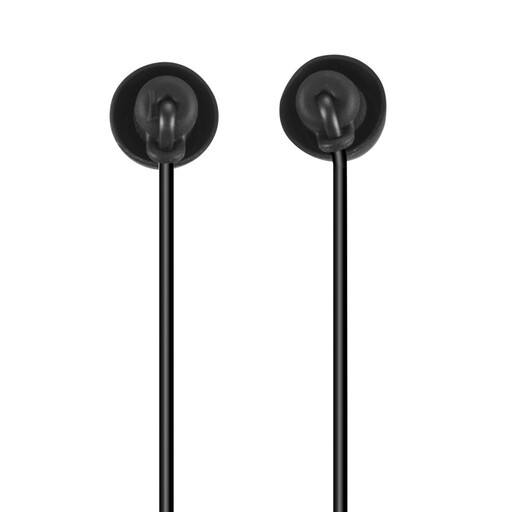 No image available
Could be suitable for taking part in a meeting on your own at a computer if you need a USB-C connection. Personal headphones won’t automatically pick up contributions from several people in the room.
In-ear design with built-in microphone, 1.2 m cable and stated cable strain relief.
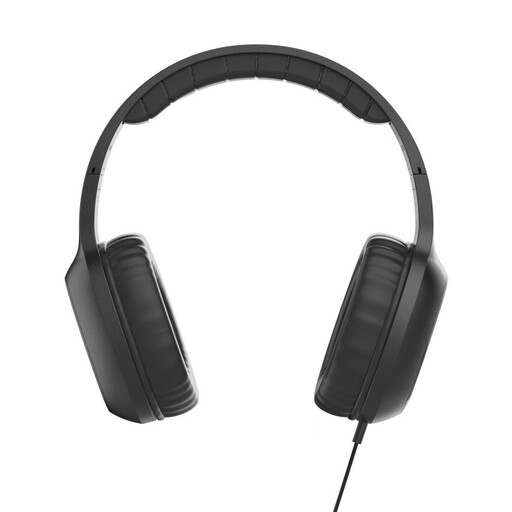 No image available
A personal USB-C option for calls at a computer. Check whether the on-ear design suits your preferred fit and whether you need a microphone for several people in the room.
Built-in microphone, single-sided cable and 1.2 m cable; the product description also lists an adjustable headband and padded on-ear cushions.
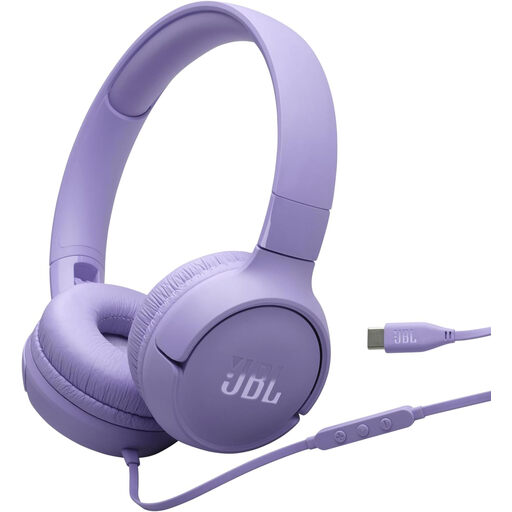 No image available
Could suit personal calls at a computer if your device uses USB-C; it’s not a substitute for a solution that can pick up voices from several seats.
Wired on-ear design with built-in microphone and one-button remote control.
 No image available
A personal stereo headset option for chairing a meeting at a computer. Check whether you want both ears covered and whether your computer is compatible with the USB connection.
The product description lists an adjustable noise-cancelling microphone, earcup controls, a mute indicator and an integrated equaliser.
 No image available
Could be suitable for someone chairing a meeting alone at a computer. Check the cable length against your meeting setup and separately consider whether you need to transmit voices from other people in the room.
USB stereo headset with noise-cancelling microphone and 2.4 m cable.
First, check that the USB plug on the specific version matches your computer. Then select the headset for both the microphone and audio playback in your conferencing software, and test the mute control, microphone position and a spoken contribution in the actual room conditions.
Don’t rely on a personal headset for this. If you need to pick up voices from several seats, consider a room audio solution based on your seating arrangement and its stated pick-up range; Jabra lists up to 2.3 m for the Speak2 55.
Check whether replacement cushions and, where applicable, connection adapters are available for the specific version. EPOS lists both as replacement parts for the IMPACT 100 UC Stereo USB-C+A 1001420; this doesn’t mean they’re available for other models.
Not just because your headset or conferencing software allows you to record. The Data Protection Conference checklist requires a valid legal basis and transparency for recordings; where consent is relied on, it must be valid. Whether a particular recording is permitted depends on the organisation and the circumstances.
No. Section 443 of the German Civil Code (BGB) describes a guarantee as an additional promise that doesn’t affect statutory claims. The relevant requirements need to be checked for each specific fault and purchase contract.