Frequent speakers in a house share
If you often speak during meetings, check whether your voice stays clear when there are conversations in the background. A test call with the usual noise in your house share can help you assess the microphone.


If you speak frequently during calls in a house share, look for a microphone you can position and check how clearly it picks up your voice with the usual background noise by making a Teams test call. If other people’s conversations mainly distract you while you’re listening, assess the ear cushions and noise isolation separately: microphone noise cancellation affects the sound you transmit, while ANC affects what you hear. Then check that the USB connection and specific Teams version are compatible with your computer.
If you often speak during meetings, check whether your voice stays clear when there are conversations in the background. A test call with the usual noise in your house share can help you assess the microphone.
If you need to follow longer contributions, the fit and noise isolation of the ear cushions matter. Some models may also have ANC, but that’s not the same as noise cancellation on the microphone.
If you use different computers or want to control meeting functions directly from your headset, check the specific USB connection and Teams version. Features and names can vary between models.
First, consider separately what others hear from you during a meeting and what you hear while listening. Then check the fit and connection.
| Priority | What to check when buying | Who is it important for? |
|---|---|---|
| Make sure your voice comes across clearly | Check the microphone boom and mute function; make a test call with the usual noise in your house share. | If I speak often, I want to be heard clearly even when there are conversations in the background. That’s why around 33% of consumers put voice transmission first. |
| Follow meeting contributions despite background noise | Assess the fit of the ear cushions and passive noise isolation; only consider ANC on models that specifically list it. | If conversations in my house share make it harder to follow longer contributions, I pay particular attention to what I hear. Around 27% of consumers prioritise listening without interruptions. |
| Comfort during longer meetings | Consider the headband, cushioning and clamping force over the length of a typical meeting. | If I take part in meetings for longer stretches, I want my headset to feel comfortable. Around 20% of consumers put wearing comfort first. |
| The right connection and meeting controls | Check that USB-A or USB-C matches your computer; check the Teams features you need and the mute function on the specific model. | If I use my headset in different places or need buttons to control meetings, the right connection is essential. Around 20% of consumers prioritise connectivity and controls. |
The microphone signal and the noise you hear while listening are separate buying considerations.
Check the microphone and ear noise isolation separately. Only expect ANC on a model that specifically lists it.
USB-A, USB-C, mono, stereo and Teams features can vary between versions.
Before buying, check that the model name, connection and Teams version match your computer and how you plan to use the headset.
A feature name alone doesn’t show how background conversations will sound in your particular surroundings.
If possible, test the microphone, fit and Teams audio with the kind of noise you usually encounter.
The wired Evolve2 40 SE is worth considering if you’re looking for a boom microphone and passive noise isolation. Mono, stereo, USB and Teams versions are available, so check which one you need.
The Blackwire 3300 series includes mono and stereo versions. The separate Blackwire 8225 is aimed at people considering microphone noise cancellation and ANC.
The H390 and Zone Wired are different wired USB options. Logitech lists in-line controls for the H390 and two microphones and Teams controls for the Zone Wired.
The models below include wired USB headsets for calls on your computer, including stereo, mono and gaming versions.
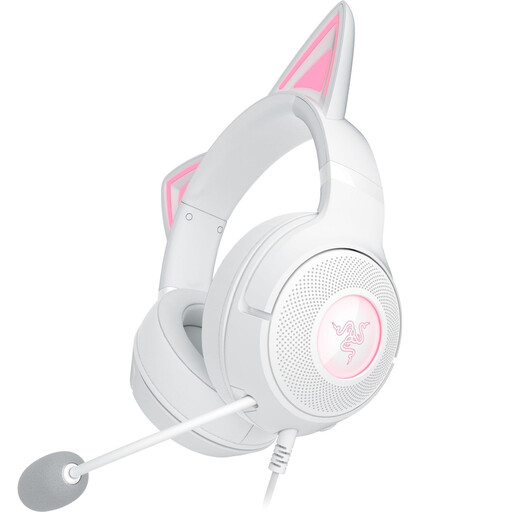 No image available
This wired USB version is an option for calls on your computer. Check that its gaming focus and microphone controls suit the way you run your meetings.
 No image available
This stereo USB version is described as suitable for conference calls. If you’d still like to hear some of the noise around you while listening, factor that into your choice of style.
 No image available
The mono style leaves one ear free while you listen. It may suit you if you want to stay aware of your surroundings and don’t mind hearing more of the noise in your house share.
 No image available
If you want to keep one ear free to hear what’s happening around you during meetings, the mono version is worth considering. Check which USB connection works with your computer.
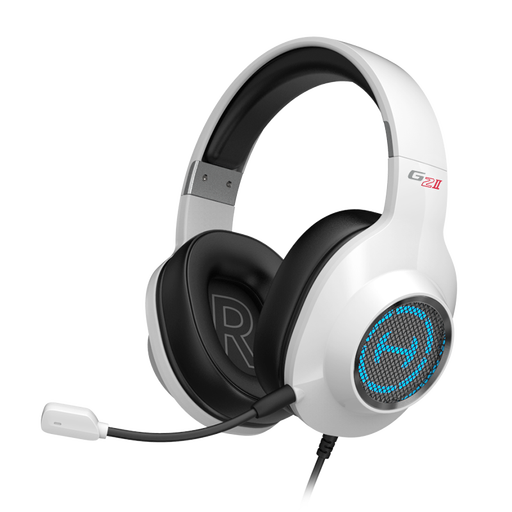 No image available
This wired USB gaming version may be suitable for calls on your computer. Before buying, check that the microphone will work well in your meeting environment.
No. Check whether it refers to the microphone, passive noise isolation or ANC for your ears. Jabra describes passive noise isolation on the Evolve2 40 SE; HP lists microphone noise cancellation and ANC separately for the Blackwire 8225.
Select your headset as the speaker and microphone in Teams, then start a test call. Microsoft Support recommends using a test call to check call quality. Whether the buttons on your headset can control Teams calls depends on the device and version.
It depends on whether you want to keep one ear free to hear what’s going on around you or focus more on the audio. HP offers a mono style in the Blackwire 3300 series; passive noise isolation and ANC are separate features.
Consider the fit, cushioning and clamping force over the length of your usual meetings. Fit is a personal matter, so the design alone won’t tell you whether a headset will feel comfortable.