What to look for when buying
Start by considering whether your main issue is speaking or listening. Then choose a connection, meeting features and fit that suit your workplace.
The percentages relate to consumers choosing a USB headset for team meetings in a noisy office. Each person is assigned to a row based on their main buying priority.
| Priority |
What to check when buying |
Who is this important to? |
| Making your voice clear |
Noise cancellation on the microphone and the position of the microphone boom; don’t assume that an ANC specification tells you how well the microphone performs. |
When I speak a lot in a noisy office, I want my voice to remain clear despite background conversations. Around 36% of consumers prioritise clear speech above all else. |
| Following what’s said in meetings |
Check ANC in the earcups separately from the microphone function; consider mono or stereo and how much awareness of your surroundings you need. |
When I need to follow longer contributions, I want office noise to be as unobtrusive as possible. Around 29% of consumers have this as their main priority. |
| Connection and controls |
Check whether it’s USB-A or USB-C, and confirm that the full Teams or UC version works with your computer and meeting service. |
When I want to use my headset without connection surprises, it needs to work with both my computer and meeting controls. Around 21% of consumers prioritise connection and controls above all else. |
| Fit and surroundings |
Weigh up mono or stereo, fit, and how well you’ll hear people speaking or warnings in the room. |
When I need to stay aware of my surroundings during a meeting, I don’t want more noise isolation than necessary. Around 14% of consumers have this as their main priority. |
Joybuy products for office meetings
The Joybuy models below range from wired USB-C earphones to PC and gaming headsets. Before buying, check that the connection, microphone and fit are right for your computer and meetings.
 No image available
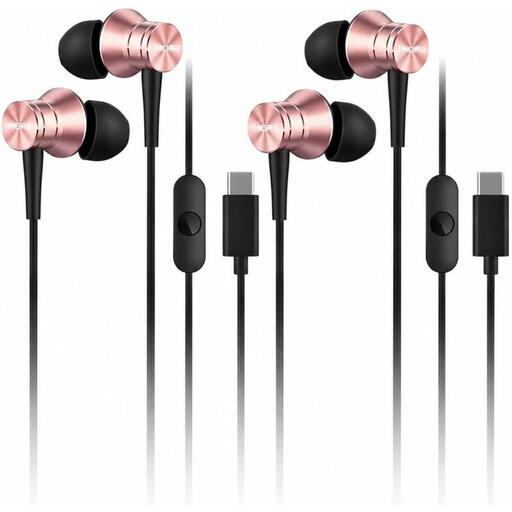
1MORE Piston P10 Type-C earphones, pink
For meetings on a device with a compatible USB-C audio connection; the product details list a built-in microphone and call controls.
View at Joybuy
 No image available
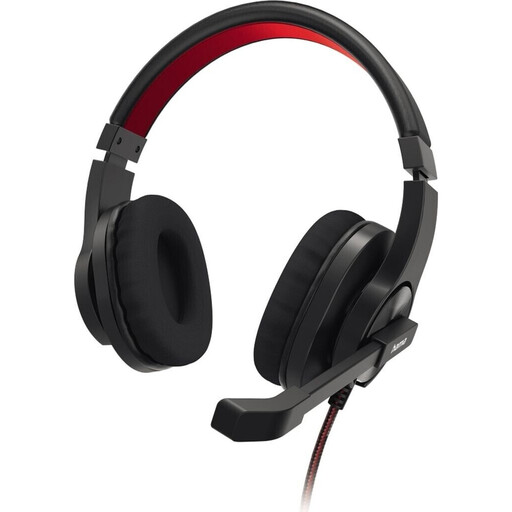
HS-USB400 V2 PC office headset, stereo, black
Worth considering for calls on a PC if you’re looking for a USB-A model with an adjustable microphone boom and an in-line mute control; check that the connection is compatible with your computer.
View at Joybuy
 No image available
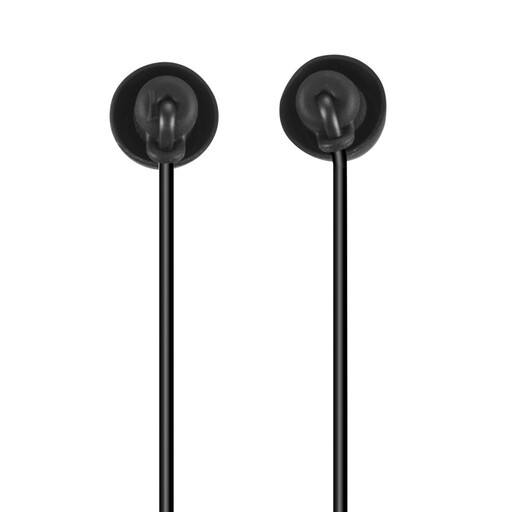
Calm in-ear headphones with microphone, USB-C, black
The wired USB-C version is an option for meetings if you find this style comfortable and your device supports USB-C audio.
View at Joybuy
 No image available
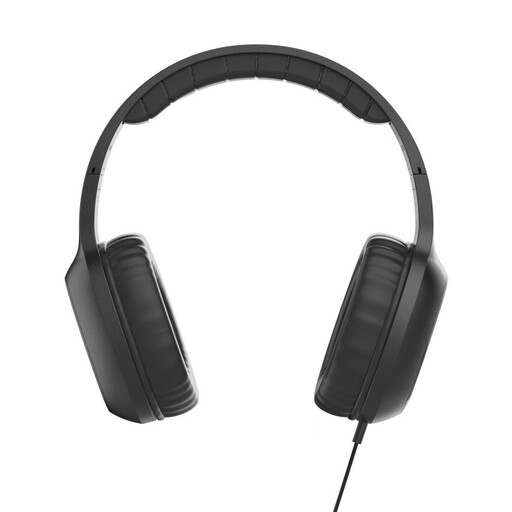
Fun C on-ear headphones with microphone and USB-C, black
For meetings on a device with a compatible USB-C audio connection; the product details list a built-in microphone and an in-line remote.
View at Joybuy
 No image available
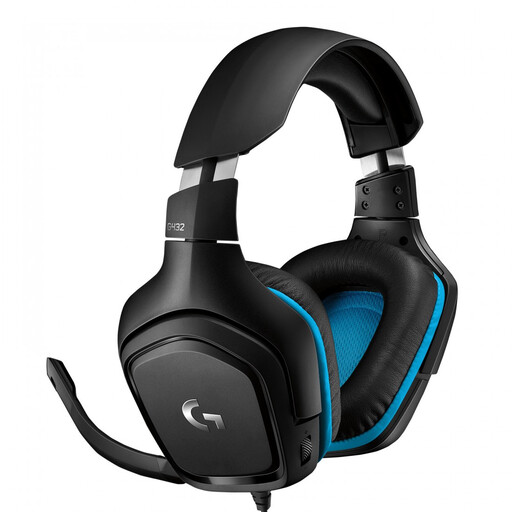
Logitech G G432 7.1 Surround Sound gaming headset
If you’re considering a wired gaming headset for meetings, check that the connection is compatible with your computer and that you can mute the microphone as needed.
View at Joybuy
Frequently asked questions
Is “noise cancelling” on the box enough for a noisy team meeting?
No. Check whether it refers to the microphone, to make your voice clearer for others, or ANC in the earcups, to reduce noise for you. Both features can be useful in a noisy office.
How do I set up my headset before a meeting?
Connect it using the USB interface for your version, then check the speakers, microphone and mute settings in your meeting service. According to Jabra, some Teams plug-and-play features differ between the MS and UC versions of Jabra Evolve2 50.
How should I use and care for a headset during long meetings?
In its guidance for working from home, DGUV recommends setting the volume as low as possible, cleaning your headset regularly and wearing it only when you’re using it. Also consider whether you need to hear warnings in the room.
Who should I contact about a faulty purchase in Germany?
For a consumer purchase, the seller is responsible for statutory rights relating to faulty goods; the manufacturer is not a substitute. EU consumer information states that this protection lasts for at least two years from receipt of the goods. A voluntary manufacturer’s guarantee does not replace these rights.
Does an ANC headset replace required hearing protection at work?
No. An ANC specification alone does not prove that a headset is suitable as personal hearing protection. DGUV treats hearing protectors as personal protective equipment. Speak to your employer about any risk assessment requirements for your specific workplace.


