
Lieferung heute & morgen

Qualitätsgarantie

Willkommens-Angebote freischalten: KOSTENLOSE Lieferung | Bis zu 80 % RABATT | Kostenlose 30-Tage-JoyPlus-Testphase
App herunterladen
A USB network adapter can quickly give a laptop or PC a wired LAN port or an additional Wi-Fi connection. However, not every model delivers the desired results in everyday use. It is not just the advertised maximum speeds that matter, but also the USB port, operating system, distance from the router and intended use.
A USB-to-Gigabit Ethernet adapter offering up to 1,000 Mbit/s can only achieve this speed under suitable conditions. These include a Gigabit-capable router or switch, a suitable network cable and a USB port with sufficient data-transfer performance. With an older USB 2.0 port or a slower internet connection, the actual data rate will be lower.
The figures quoted for a USB Wi-Fi adapter, such as 433, 1,800 or 5,400 Mbit/s, are also generally theoretical gross values. Distance, walls, congested wireless channels and the router being used all affect real-world performance.
An RJ45 adapter requires an Ethernet cable on the network side. The connection to the computer, on the other hand, can be USB-A or USB-C. A USB-C network adapter will not automatically work with every USB-C port: on some devices, the port is intended solely for charging or specific data functions.
Before buying, you should therefore check:
“Plug and play” does not mean the same thing for every device. Many adapters are detected automatically by current versions of Windows or macOS. With older systems, Linux, Android and ChromeOS, however, an additional driver may be required. A network adapter for laptops and PCs should therefore always be selected based on the official compatibility information.
A Gigabit LAN adapter typically supports 10/100/1,000 Mbit/s. This class is a versatile choice for home working, large downloads, streaming and local file transfers. A 100 Mbit/s model may be sufficient if you only need to connect an older internet connection, a printer or a basic secondary device.
The data rate is determined by the slowest component in the connection. A Gigabit adapter cannot replace a slow router or an unsuitable network cable.
A USB Wi-Fi stick using an older 802.11 standard may be sufficient for basic internet use. Wi-Fi 6 supports features including OFDMA and MU-MIMO, provided the router also supports them. A Wi-Fi 6 USB adapter can therefore be particularly suitable for several devices in use at the same time, streaming or online gaming.
A Wi-Fi 6E adapter adds the 6 GHz band. The router, computer, regional availability and operating system must all be compatible. The 6 GHz band may be less congested, but it does not automatically provide better performance through walls or over long distances. Antenna position and placement remain important.
Compact adapters may warm up during longer data transfers. An aluminium housing can help dissipate heat, but it should not be covered. With Wi-Fi models featuring separate antennas, a USB extension cable or the supplied holder can help you position the adapter more freely.
Also look for:
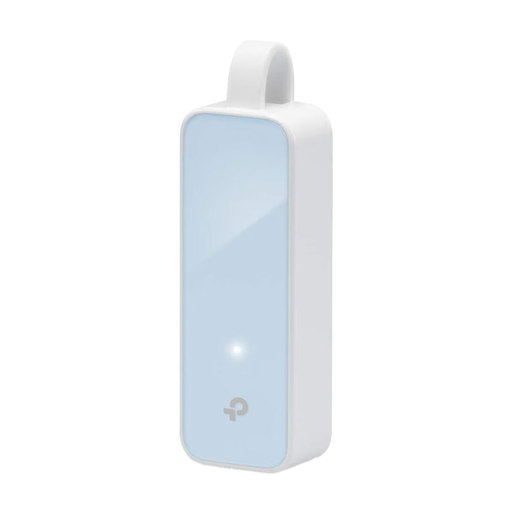
Why this product suits this profile: This compact USB 2.0 adapter is designed for users who need a simple wired network connection and do not require Gigabit speeds. According to the product information, it is compatible with Windows, macOS, Linux and ChromeOS.
The stated data rate of 100 Mbit/s makes the performance limit clear. This helps you avoid paying extra for Gigabit when your existing internet or network infrastructure is slower anyway.
USB 2.0, 10/100 Mbit/s LAN and support for multiple operating systems according to the product information.
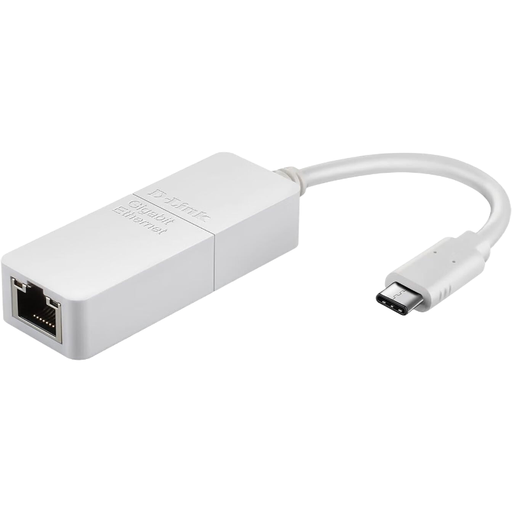
Why this product suits this profile: This USB-C network adapter is designed for laptop and PC owners without an integrated Ethernet port. It connects USB-C to an RJ45 port and supports speeds of up to 1,000 Mbit/s according to the product description.
USB-C compatibility and Gigabit-class performance are clearly specified. Nevertheless, you should check before buying whether the available USB-C port supports data transfer.
USB 3.0, speeds of up to 1,000 Mbit/s and, according to the product information, plug-and-play support for selected Windows and macOS systems.
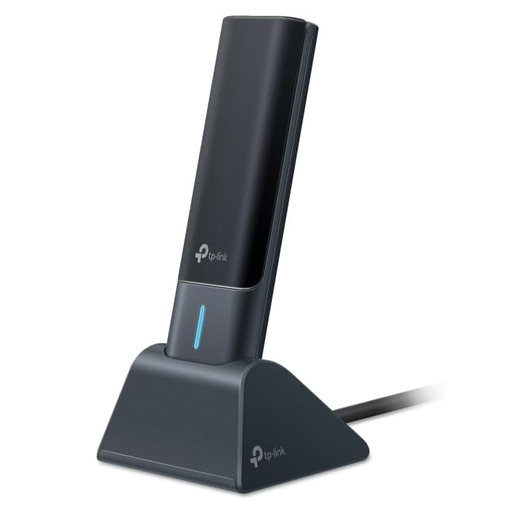
Why this product suits this profile: This Wi-Fi 6E adapter is designed for users with a compatible Wi-Fi 6E router who want to use multiple wireless bands for streaming, gaming or extensive file transfers. According to the product information, the model is designed for Windows 10/11.
Using the 6 GHz band requires compatible hardware. This limitation is more important than the high AXE5400 rating and should be checked against your router and operating system before buying.
Tri-band support for 2.4, 5 and 6 GHz, plus USB 3.0, WPA3, OFDMA and MU-MIMO according to the product information.
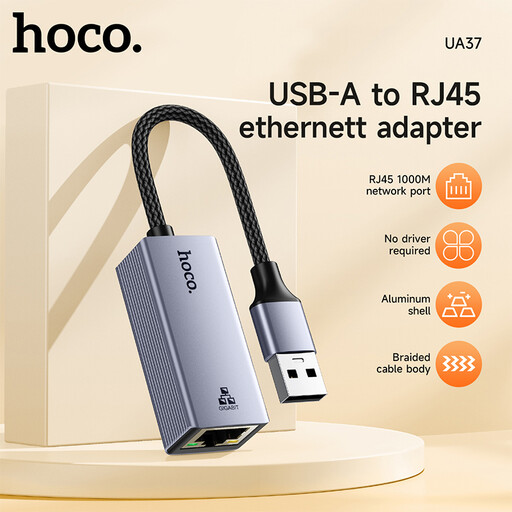
Why this product suits this profile: This adapter adds a wired Gigabit Ethernet port to a USB connection. It is suitable for workstations where a direct connection to the router or switch is required.
The product information explicitly lists 10/100/1,000 Mbit/s and support for various operating systems. According to the manufacturer’s information, additional drivers may be required with very old systems.
Gigabit RJ45 connection, aluminium housing and support for Windows, macOS and Linux according to the product description.
We have put together a complete, regularly updated list of products that fully meet these strict selection criteria and the safety regulations applicable in the EU.
That depends on the model and operating system. Many current Ethernet adapters are detected automatically. With older systems and certain Linux, macOS or Android configurations, a driver may be required. Check the manufacturer’s information before buying and keep your system up to date.
A wired connection is less affected by wireless interference and distance from the router. With suitable infrastructure, a Gigabit adapter can provide a consistent connection. Wi-Fi, on the other hand, may be more convenient if you do not want to run a network cable. The right solution therefore depends on your router, USB port, cable and location.
There is no standard lifespan that applies to every model. Careful handling, a dry environment and disconnecting the adapter by the plug housing rather than the cable can reduce mechanical stress. With intensive use, the adapter should be left uncovered so that the heat it generates can dissipate. You should also check whether the housing, cable or connections show any visible damage.