What should you look for when buying?
First decide whether your projects will mainly be stored in one place, regularly transported or frequently edited again. This will determine the type of drive and the connections you need.
| What to consider |
What to look for |
Who it matters most to |
| Capacity for complete projects |
Add up the size of complete project folders, including their media, and allow for future projects. Check the usable capacity of the specific model. |
If I need to store complete project folders and allow for future growth, the usable space available is what matters to me. Around 36% of consumers prioritise capacity. |
| Separate backup and recovery |
Allow space for an independent copy and try restoring complete project folders. |
If I want to keep important projects for the long term, I need to be able to access a readable copy even if a drive fails. Around 29% of consumers prioritise backup and recoverability. |
| Time needed to copy projects back |
Check that the connections on the drive, computer and cable are compatible. Compare manufacturers’ maximum speeds only under the conditions they specify. |
If I regularly bring large projects back into my editing workflow, I want to know whether my devices’ interfaces are compatible with the drive. Around 21% of consumers prioritise access speed. |
| Transport and switching between devices |
Check the cable, host connections and file system for the devices you actually use. Read the stated protection ratings and their conditions. |
If I move project folders between work locations or computers, I need a drive that I can connect and read wherever I am. Around 14% of consumers prioritise portability. |
Joybuy products for desktop archives
These external desktop HDDs are suited to large project folders that are mainly archived at a fixed workstation. Make sure you also keep a separate backup copy.
 No image available
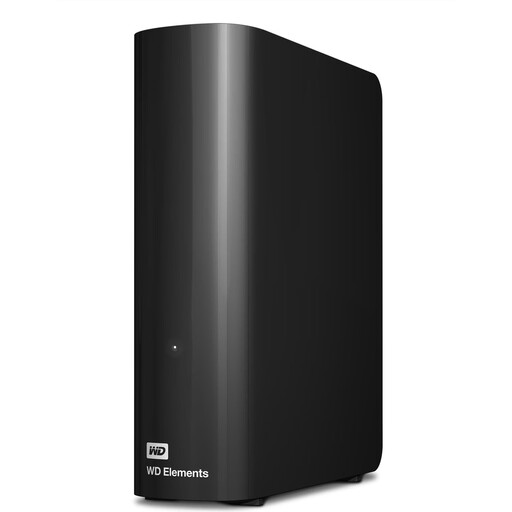
WD Elements desktop hard drive, 6 TB
For large project folders you want to archive in one place, provided the usable capacity suits your collection.
Listed with 6 TB, USB 3.0 and an external power supply.
Reformatting is required for the described use with macOS; check the file system before use.
View at Joybuy
 No image available
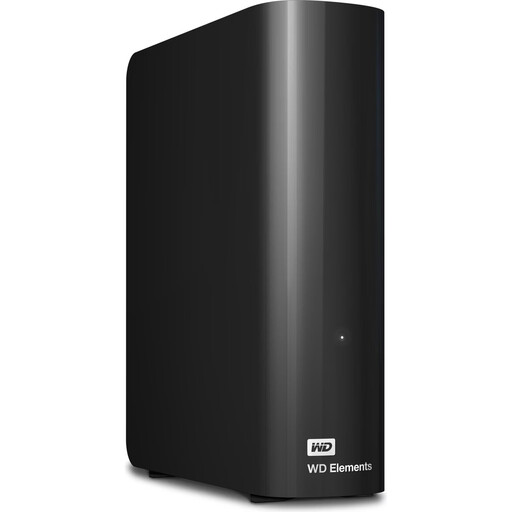
WD Elements desktop hard drive, 12 TB
For large media libraries stored in one place, provided the capacity can hold your complete project folders.
Listed with 12 TB, USB 3.2 Gen 1 and an external power supply.
Reformatting is required for the described use with macOS; check the file system before use.
View at Joybuy
 No image available
WD Elements desktop hard drive, 10 TB
For large project folders kept at a fixed workstation, if the capacity of this model suits your archive.
Listed with 10 TB, USB 3.2 Gen 1 and an external power supply.
Reformatting is required for the described use with macOS; check the file system before use.
View at Joybuy
 No image available
WD Elements desktop hard drive, 8 TB
For video projects stored in one place, if you need the stated capacity for your complete folders.
Listed with 8 TB, USB 3.0 and an external power supply.
Reformatting is required for the described use with macOS; check the file system before use.
View at Joybuy
 No image available
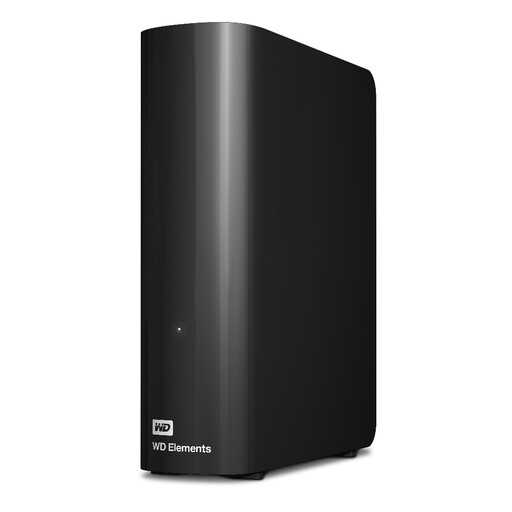
WD Elements desktop hard drive, 20 TB
For very large project folders you want to archive in one place, provided the capacity suits your data collection.
Listed with 20 TB, USB 3.2 Gen 1 and a power supply included.
A single drive is not a substitute for a separate backup copy.
View at Joybuy
Frequently asked questions
How do I work out how much storage I need before buying an archive drive?
Add up the storage needed for your complete project folders and allow for future projects. Compare this with the usable capacity of the specific model: manufacturers quote TB in decimal, and formatting uses some of the storage.
Do I need to reformat the drive for Windows and Mac?
Not necessarily. Before making your first archive copy, check the file system and the read and write requirements of the computers you’ll be using. Claims about cross-device use apply to the relevant product range and compatible devices. Back up any existing data before considering reformatting.
Is a RAID enclosure or data recovery service enough for a backup?
No. The BSI distinguishes data mirroring from a backup because changes, accidental overwriting or malware can affect multiple drives too. Keep a separate copy and test that you can restore it.
What ongoing requirements and service terms should I consider?
A desktop HDD needs a suitable place to sit and a power supply. You’ll also need to allow for storage space for separate backup copies. Check the warranty and the terms of any data recovery service available for the specific model and region. Such a service is no substitute for keeping a second copy yourself.
Does an archive containing personal video data need to be encrypted?
That depends, among other things, on who processes the data and the level of risk. The GDPR requires controllers and processors to use technical and organisational measures appropriate to the risk. The German Federal Commissioner for Data Protection and Freedom of Information particularly emphasises encryption when transporting portable storage devices. This does not mean that every personal video archive must use a particular encrypted drive.


