Readers sharing a bedroom
If you want to play quietly without using a shared TV, having your own screen and a suitable pair of headphones are important things to consider.


Start by checking which visual novels you want to play and what language their text is in. For compatible Nintendo Switch titles, consider the Switch Lite, Switch OLED or Switch 2; for compatible PC games, look at a Steam Deck OLED or a Windows handheld. A larger screen can give you more room for long dialogue, but it doesn’t guarantee that the text will be easy to read. Check how the specific game looks and controls, too.
If you want to play quietly without using a shared TV, having your own screen and a suitable pair of headphones are important things to consider.
If you have particular Switch or PC visual novels in mind, check the platform, text language and compatibility of each game.
For long stretches of dialogue, screen size is only part of the picture. You’ll also want to consider the in-game text size, how you hold the device and which controls are available.
Start with the specific game and the language of its text, then compare the screen, audio options and any accessories you’ll need.
| What matters | What to check before buying | Who it matters most to |
|---|---|---|
| Access to the games you want | Check the platform and text language for each title. On Switch Lite, the game must support handheld mode; with Switch 2 and Steam Deck, compatibility depends on the individual game. | I want to play specific stories in the right language, so I’m choosing a device based on those titles. Around 29% of consumers put access to specific visual novels first. |
| Playing without disturbing anyone | Check that the device supports handheld play and that your headphones are compatible. Nintendo notes that Bluetooth audio is disabled on Switch during local communication. | If you want to play in a shared bedroom without using the room’s speakers, make sure your headphone setup suits the way you want to play. Around 29% of consumers prioritise playing without disturbing anyone. |
| Reading dialogue comfortably | If possible, check the game’s text size and interface on the device. Nintendo lists a 5.5-inch screen for Switch Lite and a 7-inch screen for the OLED model; Valve lists a 7.4-inch screen for Steam Deck OLED. Screen size alone doesn’t tell you how large the in-game text will look. | For long stretches of text, you’ll want to be able to read comfortably and use the device for extended periods. Around 24% of consumers put dialogue readability first. |
| Device and accessory costs | Factor in the headphones you already own and how much storage you’ll need. Nintendo says that expanding the Switch 2’s storage requires microSD Express cards. | If you want to avoid buying unnecessary devices and accessories, check what you can already use and what else your chosen model requires. Around 18% of consumers put the total cost first. |
Nintendo lists exceptions and possible limitations for older titles. So don’t assume a game is compatible simply because it’s part of the Switch library.
Check Nintendo’s compatibility information for every title you want to play.
Valve has different compatibility ratings, and games marked “Playable” may need some adjustments. The rating doesn’t automatically mean you’ll be happy with how the text looks or how the controls work.
Check the rating for the specific title and, if possible, try out its text display and controls.
Nintendo lists microSD Express as the compatible card type for expanding Switch 2 storage.
Check how much storage you need first, then choose a suitable microSD Express card.
Different cancellation terms may apply to digital game downloads than to device purchases.
Read the specific terms before downloading. The Verbraucherzentrale also distinguishes between your statutory rights when goods are faulty and a voluntary guarantee.
The Switch family is worth considering for compatible Nintendo Switch and Switch 2 visual novels that you’d like to play on your own screen.
Steam Deck OLED is a portable option for visual novels in your Steam library, provided each game is compatible.
The ROG Ally X (2024), RC72LA-NH007W, is a Windows 11 handheld for compatible PC games.
This Joybuy selection includes portable games consoles and handhelds for playing on your own screen. Check whether the specific visual novel will run and be easy to read on the model you’re considering.
 No image available
An option if you want to play compatible Switch visual novels on your own screen.
7-inch OLED screen.
 No image available
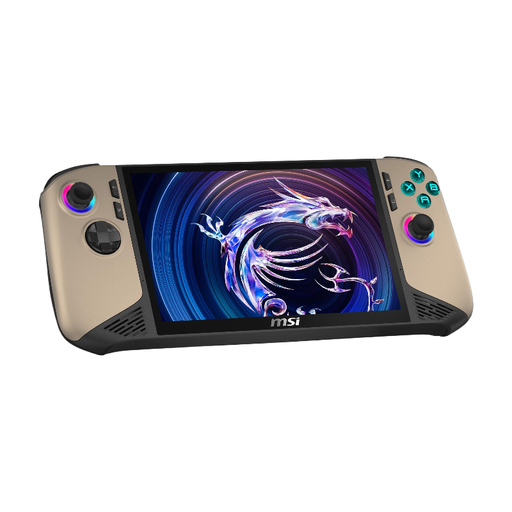
If the visual novels you want to play are available on PC, this Windows handheld is worth considering. Check the controls and text display first.
8" FHD+ touchscreen with 120 Hz, 32 GB RAM, 1 TB SSD and Windows 11 Home.
 No image available
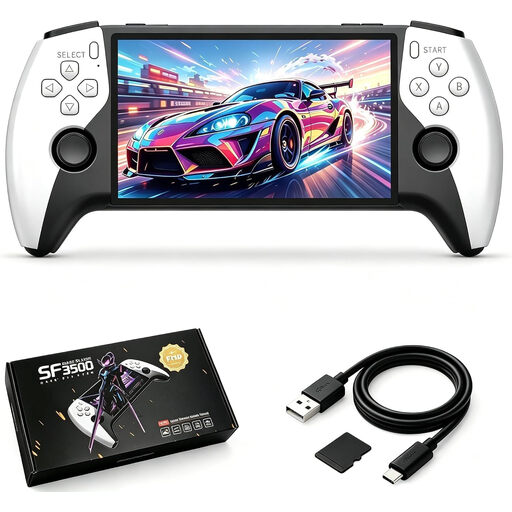
Having your own screen is useful if you want to play without a shared TV. Before buying, check whether the visual novel you want to play is supported by this model and its controls.
5.5-inch IPS screen.
 No image available
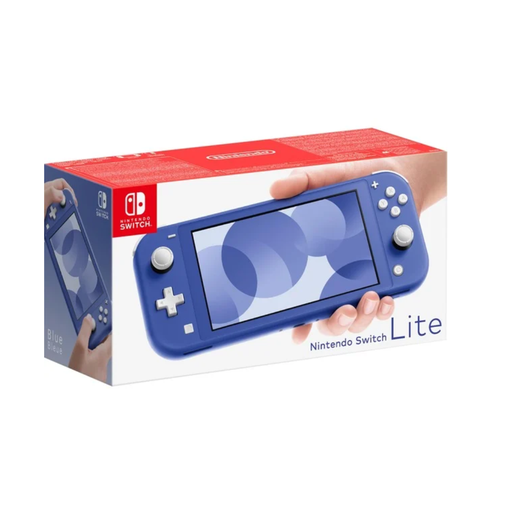
A handheld option for visual novels that support Nintendo Switch handheld mode.
5.5-inch screen. Check compatibility for each game.
 No image available
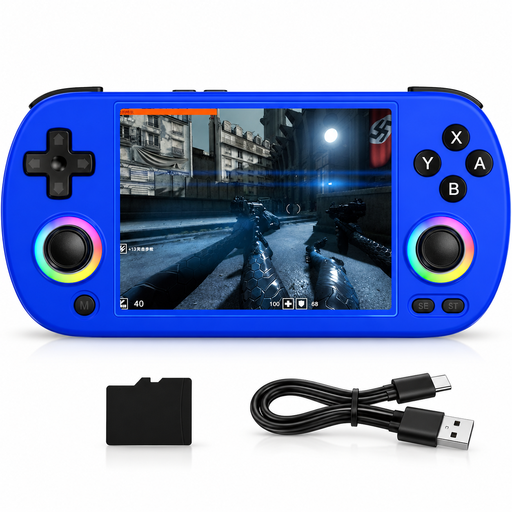
Having your own screen can be useful if you want to play without a TV. Before buying, check that the visual novels you want to play will run on this model and work with its controls.
4.0-inch IPS screen.
No, you can play compatible games on devices with their own screen. Whether a specific visual novel will run on your chosen model depends on its platform and compatibility.
Check whether the model supports a suitable headphone socket or Bluetooth audio. Nintendo notes that Bluetooth audio is disabled on Switch during local play; with Switch 2, sound may be delayed depending on the Bluetooth device.
No. Check the compatibility rating and requirements for the specific game. Valve says that installed games can generally be played offline, provided the individual game doesn’t require an internet connection; you’ll need a connection to download it.
Your statutory rights if goods are faulty are different from a voluntary guarantee. For goods ordered online, you generally have a 14-day right to cancel; different terms may apply to digital game downloads. The Verbraucherzentrale explains these differences.
Check the German USK age rating for the specific game and, if necessary, read the content or feature notices. The USK says its rating tells you the age group a game is approved for, not whether it is educationally suitable.