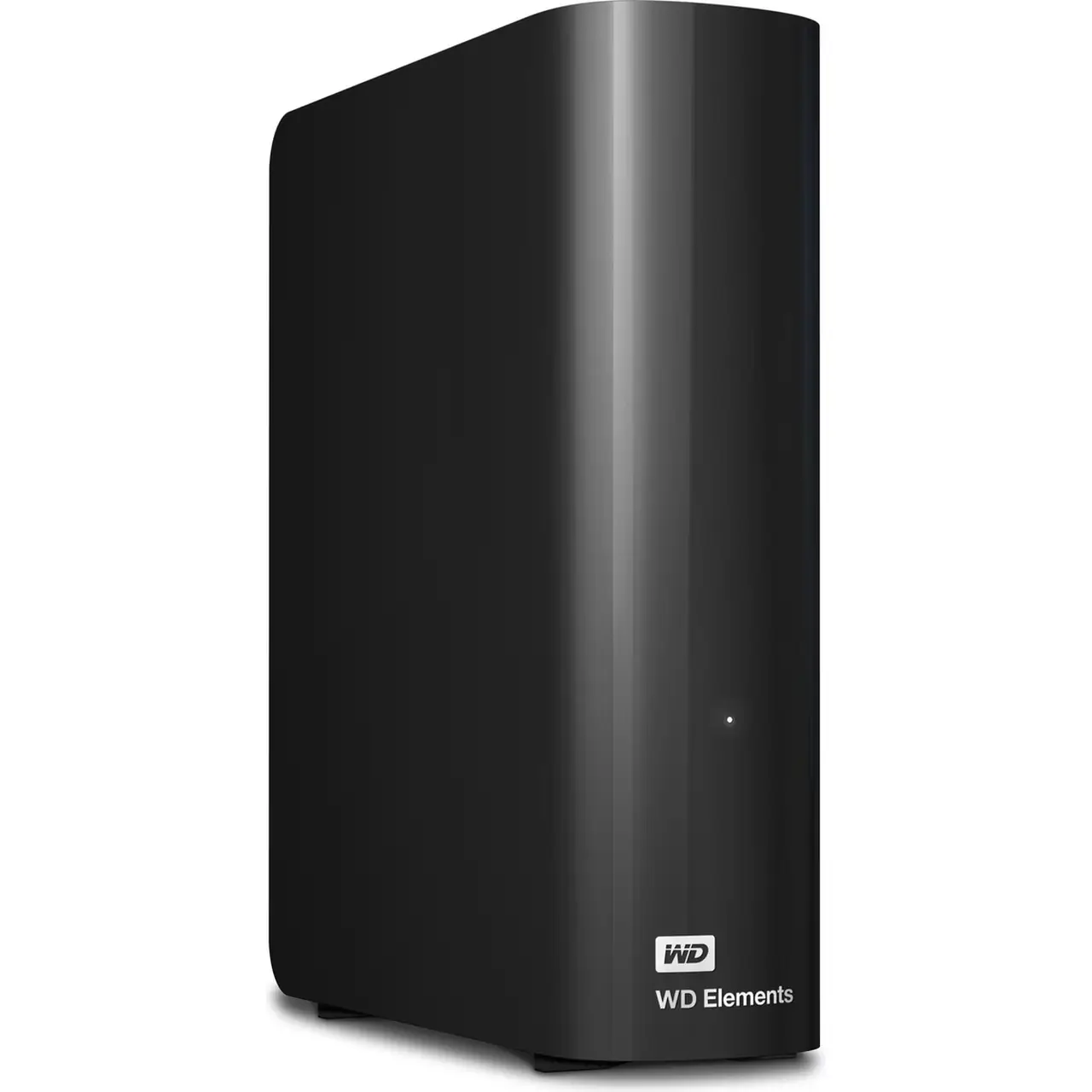
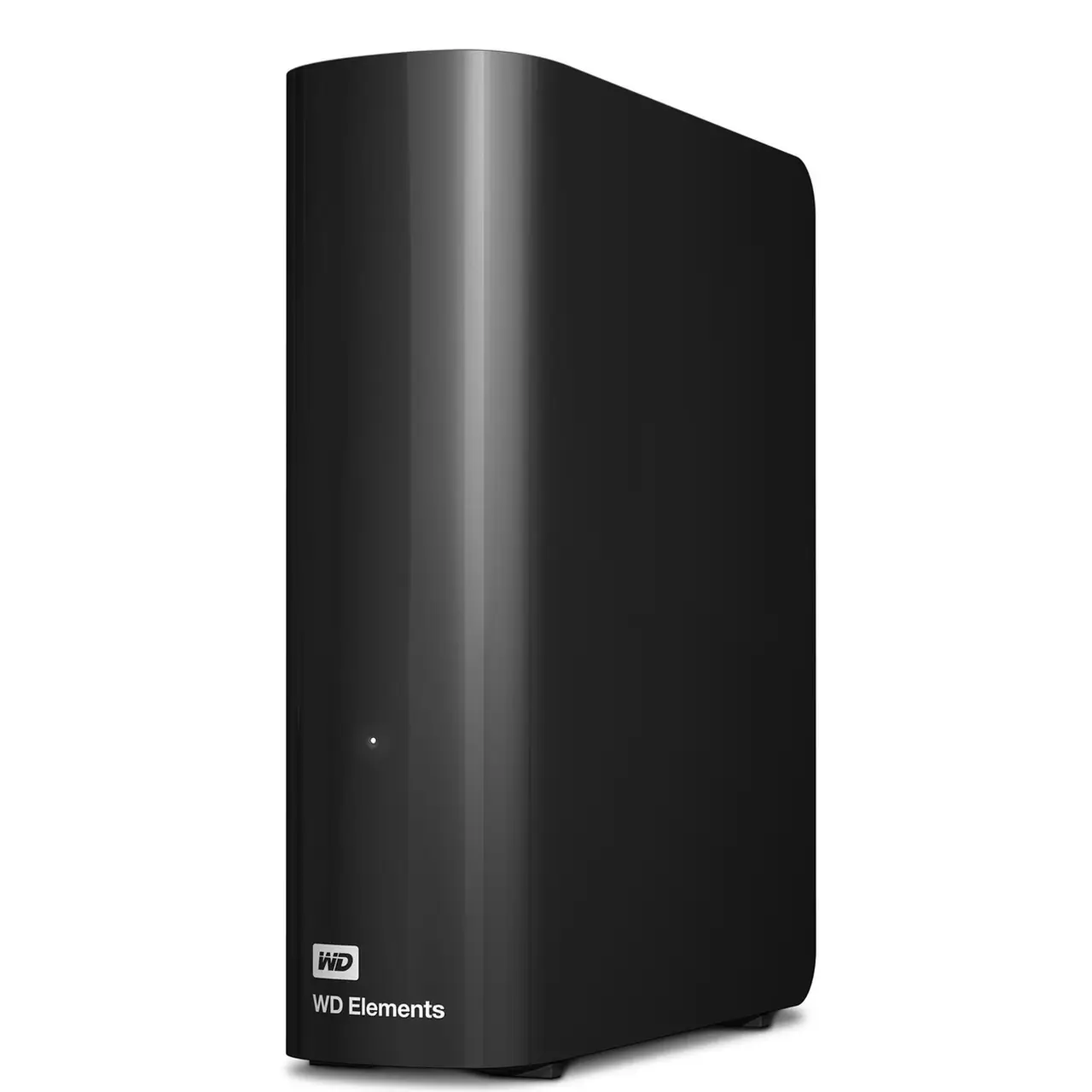
Keep large files, media libraries and backups together with the WD Elements 18TB External Desktop Hard Drive. It connects via USB 3.2 Gen 1 and is compatible with USB 2.0, offering a straightforward way to manage files in one place. Preformatted as NTFS for Windows 10 or later, it includes a power adapter for desktop use; Mac users can reformat it for a compatible file system. A practical choice for home users and anyone needing substantial storage for files, media or backups.
How to Choose the Right External Hard Drive
Choosing an external hard drive comes down to how much data you need to store, where you will use the drive and whether it works with your computer. Compare capacity, connection and power requirements, and compatibility before buying.
Key Features to Consider
Use these criteria to match an external hard drive to your files, devices and everyday setup.
- Storage capacity: Estimate the space needed for documents, photos, videos and backups, then allow room for future files. A larger external hard drive capacity can suit extensive media libraries or whole-computer backups, but check that you have a practical way to organise and back up the data.
- Connection, power and placement: Check whether the drive uses USB-A or USB-C and whether your computer has a compatible port; an adapter may be needed. Portable drives are generally easier to move, while desktop drives may need a separate power supply and a permanent place near a mains socket.
- Compatibility and intended use: Confirm support for your operating system and check the drive’s file system, as reformatting may be needed to use it across Windows and macOS. For regular backups, look for straightforward backup software or use your computer’s built-in tools, and keep a separate copy of important files.
Make Room for Every File: 18TB for Your Digital Life
18TB of Space for Files, Media and Backups
Bring large files, treasured photos, video collections and important backups together with 18TB of storage. The WD Elements desktop hard drive gives you a dedicated place to build a sizeable media library or keep files in one convenient location. Use it to support the way you organise your digital content at home or at your desk, with generous capacity ready for a wide range of personal storage needs. Its straightforward approach makes expanding your available storage simple.
USB Connectivity for a Straightforward Setup
Connect the drive to your computer using USB 3.2 Gen 1 for a simple desktop storage setup. It also supports USB 2.0 compatibility, giving you flexibility with compatible devices and ports. The drive arrives preformatted as NTFS and ready to use with Windows 10 or later, so you can get started with your files and folders. For macOS, you can reformat the drive to use a compatible file system and make it part of your Apple-based storage setup.
Desktop Power and Easy File Management
Designed for desktop use, the WD Elements drive includes a power adapter to supply the power it needs while connected at your workspace. Keep documents, media and backup copies together on one drive, then manage them using the familiar file tools on your computer. The preformatted NTFS setup offers a convenient starting point for Windows users, while macOS users can reformat the drive for a compatible file system. With 18TB of capacity in one place, organising a growing collection feels straightforward.
WD Elements 18TB External Desktop Hard Drive: Who It Suits
Windows Users Keeping Backup Copies
If you want a dedicated place for Windows backups, connect the
preformatted NTFS drive to a PC running Windows 10 or later
and use its 18TB capacity to keep backup files together,
making your backup storage straightforward to manage.
People Organising Large Media Libraries
If your films, photos and other media are spread across
devices, use the 18TB capacity to bring a large library
together on one desktop drive; USB 3.2 Gen 1 connectivity
gives you a direct connection to a compatible computer, so
your collection is easier to keep organised.
People Storing Large Files
When you need room for large files beyond your computer’s
internal storage, keep them on the drive and connect it via
USB 3.2 Gen 1 or USB 2.0; you get one place to store and
manage them.
Mac Users Ready to Reformat a Drive
If you use a Mac, reformat the drive for a compatible file
system before storing your files; the included power adapter
supports desktop use, giving you a practical way to keep files
together at your desk.
Frequently Asked Questions
Is the WD Elements 18TB hard drive good for backing up photos and videos?
The WD Elements provides 18 TB of desktop storage for large photo and video libraries, backups and other files. It connects to your computer over USB 3.2 Gen 1, with USB 2.0 compatibility for older ports. You can organise files in one place and transfer them directly from a Windows computer.
Can I use the WD Elements 18TB drive with a Mac?
Yes, you can use the WD Elements with a Mac after reformatting its NTFS drive to a Mac-compatible format such as exFAT or HFS+. It arrives ready to use with Windows 10 and later, so reformat it using your Mac before transferring files if you want to use it there.
How should I set up the WD Elements desktop hard drive safely?
Place the 3.5-inch WD Elements drive on a stable, level surface and keep its ventilation openings clear. Connect it to mains power with the supplied adapter, then eject it through your computer’s operating system before unplugging it to help protect your files. This gives the drive airflow and a safer connection routine.
Don't just buy, Joybuy
Discover more of your favourite brands on Joybuy and enjoy great offers.