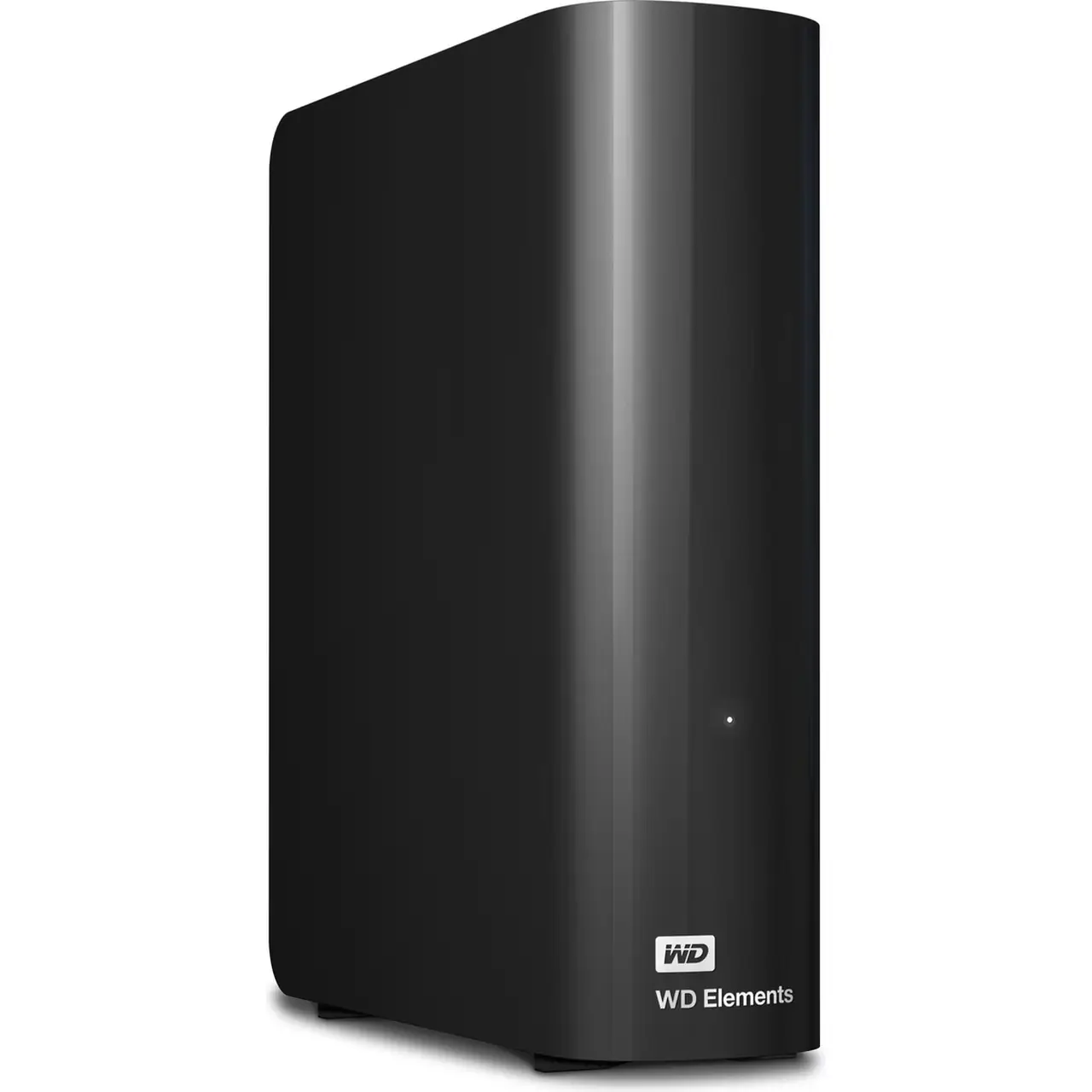
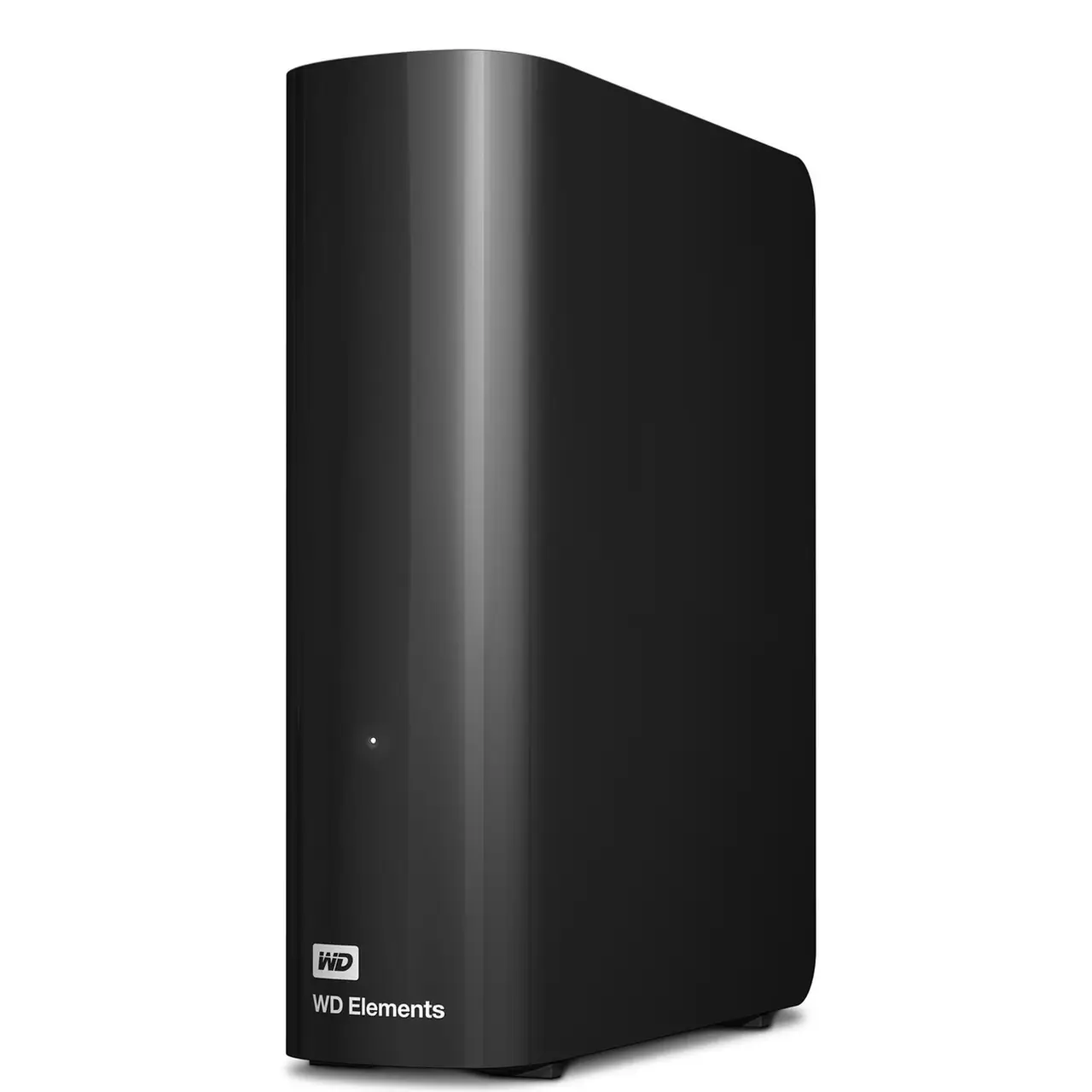
Keep a large digital library in one place with the WD Elements 24TB desktop external hard drive. Connect it via USB 3.2 Gen 1, with USB 2.0 compatibility, and use the included power adapter for external power. It suits anyone managing extensive media collections, backups or large files; a free trial of WD SmartWare Pro supports scheduled backups to the drive or, with a cloud account, to the cloud.
How to Choose the Right External Hard Drive
Start by considering how much storage you need, where you will use the drive and which devices it must work with. Comparing capacity, connection, power requirements and physical design can help you choose an external hard drive that suits your files and routine.
Key Features to Consider
Use these criteria to narrow down your options before you buy:
- Storage capacity and drive type: Estimate the space needed for documents, photos, videos and backups, allowing room for future files. A traditional HDD can offer high capacity for archiving, while an SSD is generally faster and more resistant to knocks but may cost more per terabyte.
- Connection and compatibility: Check the drive’s USB connection and confirm that it works with your computer or other intended device; an adapter may be needed if the ports differ. Also check support for your operating system and whether the drive’s file system is suitable for your devices, as reformatting may be required.
- Size, power and intended use: Choose a compact, bus-powered drive if you need to carry it around, or consider a larger desktop drive if it will stay in one place; desktop models commonly need a mains power supply. For regular transport, look for a robust enclosure, and remember that an external drive should not be your only copy of important data.
Make Room for More: One Home for Your Digital Library
24TB of Space for Files, Media and Backups
Bring your growing collection together with 24TB of storage in one desktop external hard drive. It offers room for media libraries, backups and large files, helping you keep more of your digital life organised in one place. From treasured photos and video collections to important project files, the capacity gives you a central destination for the content you want to store and access. Add it to your home or office setup as a practical way to build a substantial library around your everyday storage needs.
Flexible USB Connectivity for Your Setup
Connect the drive to your computer through USB 3.2 Gen 1, with compatibility for USB 2.0 devices too. This gives you a convenient connection option for adding storage to a compatible setup and keeping files within reach. The included power adapter supplies the external power required for use, making the drive a straightforward addition to a desktop workspace. Whether you are bringing together a media library or storing large files, its USB connection helps make your chosen storage available as part of your routine.
Scheduled Backups to the Drive or Cloud
Add a regular backup routine with the included free trial of WD SmartWare Pro. The software supports scheduled backups to the drive, helping you keep selected files organised in a dedicated storage location. With a cloud account, you can also schedule backups to the cloud, giving you another destination for your files. Choose an approach that suits the way you manage your library, from storing backups locally to including cloud storage in your plan. It is a helpful way to make file organisation and backup planning part of your workflow.
WD Elements 24TB Desktop External Hard Drive
WD Elements 24TB Desktop External Hard Drive
The WD Elements desktop external hard drive provides 24TB of
storage for media libraries, backups and large files. Its
3.5-inch form factor connects via USB 3.2 Gen 1 and is
compatible with USB 2.0; the included power adapter provides
the external power required for use. A free trial of WD
SmartWare Pro supports scheduled backups to the drive or to
the cloud with a cloud account. Keep more of your files
organized and accessible in one place.
Frequently Asked Questions
Will the WD Elements 24TB work with a computer that has USB 2.0?
Yes, the WD Elements 24TB desktop drive is compatible with USB 2.0 as well as USB 3.2 Gen 1. Connect it to your computer’s USB-A port with the supplied cable; transfers over USB 2.0 run at that interface’s speed. Its 24TB capacity is suited to large photo, video and backup libraries.
Does the WD Elements 24TB external hard drive need a power socket?
Yes, the WD Elements 24TB is designed for desk use and needs mains power through its included external adapter. Connect the adapter to the drive and a socket, then link the drive to your computer with the included USB cable. This powered 3.5-inch drive gives you one desktop location for large files and backups.
How do I avoid losing files when disconnecting the WD Elements 24TB?
To protect files on the WD Elements 24TB, eject it through your computer’s operating system before unplugging the USB cable. Keep the 3.5-inch drive on a stable, ventilated surface, away from moisture, direct sunlight and knocks. For important files, keep a second backup as well, so you have another copy to rely on.
Don't just buy, Joybuy
Discover more of your favourite brands on Joybuy with great offers.