
Lieferung heute & morgen

Qualitätsgarantie

Willkommens-Angebote freischalten: KOSTENLOSE Lieferung | Bis zu 80 % RABATT | Kostenlose 30-Tage-JoyPlus-Testphase
App herunterladen
From Your Joybuy Product Recommendation Officer
Buffering video streams in the bedroom, dropped video calls in the home office, or slow downloads on the balcony—Wi-Fi dead zones in your home are a common frustration. A centrally placed router often isn't enough to reliably cover an entire apartment or a multi-story house with a strong signal.
The solution is often a device that can extend your Wi-Fi range. But the selection is vast: Is a simple Wi-Fi repeater enough, or is a Mesh Wi-Fi System the better choice? This article provides guidance and introduces various models to help you make an informed decision for better Wi-Fi in your home.
Before you decide on a model, there are a few technical aspects to consider. These will help you find the right solution for your home layout and usage needs.
The most fundamental decision is between a single repeater and a complete mesh system.
Wi-Fi Repeater: A repeater receives the signal from your existing router and rebroadcasts it. It's well-suited for targeting a single dead zone, such as in a specific room. Setup is usually very simple, often just requiring the push of a button (WPS). However, for larger or more complex layouts, this solution can hit its limits, as it often creates a separate network with its own name, and speed can decrease with distance.
Mesh Wi-Fi System: A mesh system consists of multiple stations (nodes) distributed throughout the house that communicate with each other. They create a single, seamless Wi-Fi network (whole-home Wi-Fi). Your devices, like smartphones or laptops, automatically connect to the node with the strongest signal without any connection drops. Mesh systems are ideal for larger apartments, multi-story homes, and households with many connected devices.
Wi-Fi standards determine the maximum speed and efficiency of the network.
For less tech-savvy users, a straightforward installation is crucial. Many devices offer setup via WPS (Wi-Fi Protected Setup), which only requires pressing a button on the repeater and the router. Mesh systems are typically configured via a smartphone app that guides the user step-by-step through the process and also allows for later network management.
Here is a selection of devices that cover different needs—from simple signal boosting to complete home coverage.
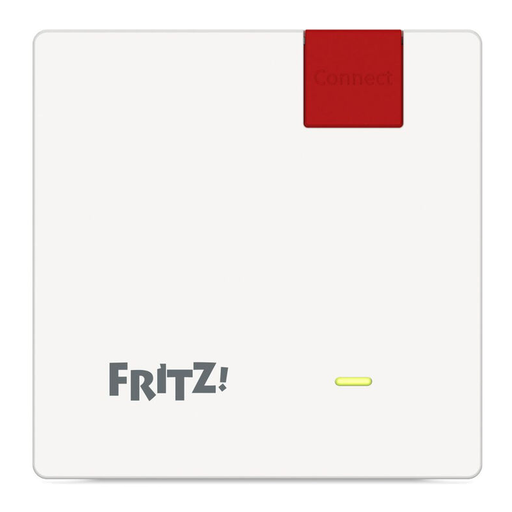
Go to Product: FRITZ!Repeater 600
Why it stands out: The FRITZ!Repeater 600 is an extremely compact and energy-efficient solution for targeted Wi-Fi signal extension. Its unobtrusive design plugs discreetly into any outlet.
Advantages:
Who is it for? This repeater is a great choice for users looking to cover a single, well-defined dead zone in a small to medium-sized apartment. It is especially suitable for FRITZ!Box users, as it seamlessly integrates into their mesh system, but it also works with other standard routers.
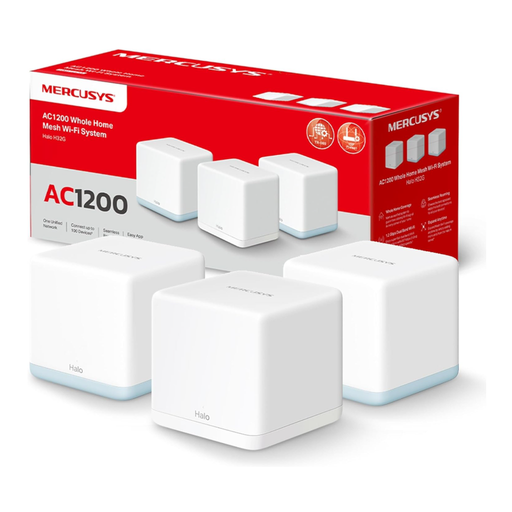
Go to Product: MERCUSYS Halo H1500X (3-Pack)
Why it stands out: This kit provides a complete Mesh Wi-Fi System featuring the modern Wi-Fi 6 standard. It is designed to deliver a stable and comprehensive connection for numerous devices.
Advantages:
Who is it for? Ideal for families in houses or large apartments looking for a future-proof solution. Anyone using many devices simultaneously—for streaming, gaming, home office, and smart home—will benefit from the performance and stability of the Wi-Fi 6 standard.
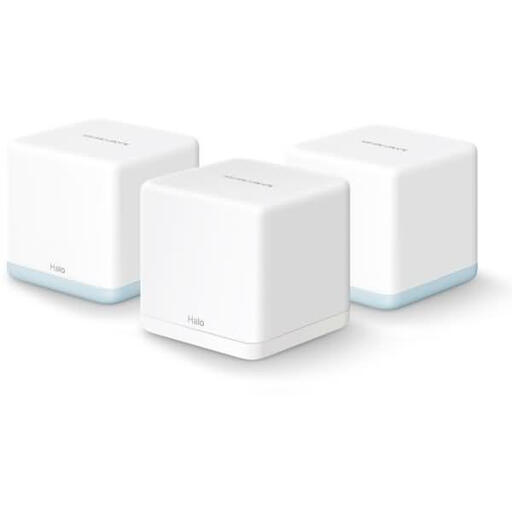
Go to Product: MERCUSYS Halo H1200G (3-Pack)
Why it stands out: The Halo H1200G is a budget-friendly mesh system that offers reliable coverage for everyday use and makes it easy to get started with mesh technology.
Advantages:
Who is it for? This system is aimed at budget-conscious users in medium-sized apartments or homes. It's a solid choice for those looking to upgrade from a single router or a simple repeater to ensure stable baseline coverage for browsing, social media, and video streaming throughout their home.
If the models presented here don't exactly meet your needs, there are plenty of other options available. Browse our selection of other electronics and accessories to find the perfect component for your home network.
A Wi-Fi repeater is a single device that picks up your router's signal and rebroadcasts it. This can lead to a slight loss in speed and often requires you to manually switch networks. A Mesh Wi-Fi System consists of multiple intelligent nodes that form a single, large network. Your devices automatically and seamlessly switch to the strongest node, ensuring uninterrupted coverage.
A repeater or mesh node should be placed halfway between your router and the area with a weak signal. It's crucial that the device can still receive a good signal from the router at its location to rebroadcast it effectively. Placing it directly in the dead zone is not effective.