What should you look for when buying?
For large designs uploaded over Wi-Fi through thick walls, both the connection between the router and repeater and your internet connection’s upload speed matter. A wired access point bypasses the wireless link, while a wireless repeater still needs a signal from the router where it’s placed. devolo and TP-Link, among others, explain this distinction.
| What matters |
What to check before buying |
Who is it most relevant to? |
| Getting a connection through thick walls |
Whether an Ethernet cable or network socket is available, and whether the model supports access point or Ethernet bridge mode. |
If I can run a cable close to my workspace, I want to avoid sending the wireless signal through the walls. Around 36% of consumers prioritise a wired connection. |
| Getting a signal from the router without a cable |
Find a spot between the router and home office where the repeater can still receive a signal from the router. Then check the signal and upload speed at your destination. |
If a cable isn’t an option, I need a socket in a spot with a usable signal from the router. Around 29% of consumers pay particular attention to choosing a suitable location. |
| Identifying the cause of slow uploads |
Compare the upload speed over Ethernet directly from the router with a test at your workspace; don’t confuse Wi-Fi data rates with internet upload speeds. |
Before buying a device, I want to know whether it’s the internet connection or the wireless link that’s slowing things down. Around 21% of consumers check the cause of slow uploads first. |
| Adding it to your existing mesh network |
Check the router model, firmware, supported mesh combinations and the operating mode you need. |
If I want to keep using my existing router mesh, the repeater needs to be compatible with it. Around 14% of consumers prioritise mesh compatibility. |
Joybuy products for extending your wireless network
This Joybuy selection includes wireless Wi-Fi repeaters for extending an existing home network. Before buying, check whether your internet connection itself is limiting upload speeds and whether the repeater’s intended location still gets a signal from the router.
 No image available
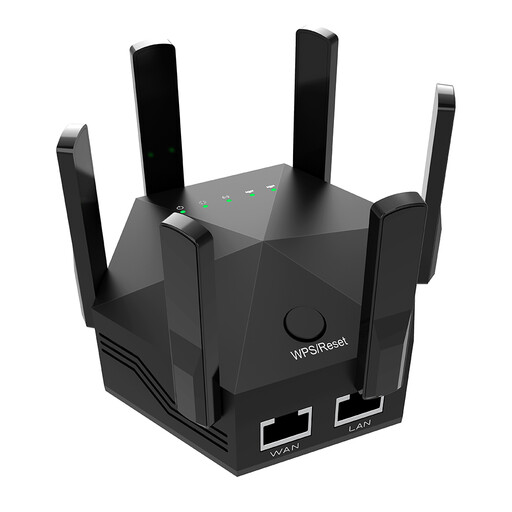
Dual-band Wi-Fi signal booster, 1200 Mbit/s, 6 adjustable antennas
For extending an existing Wi-Fi network wirelessly. When used wirelessly, the repeater still needs to receive a signal from the router where it’s placed; the stated Wi-Fi data rate doesn’t prove what upload speed you’ll get.
For indoor use; EU plug, black.
View at Joybuy
 No image available
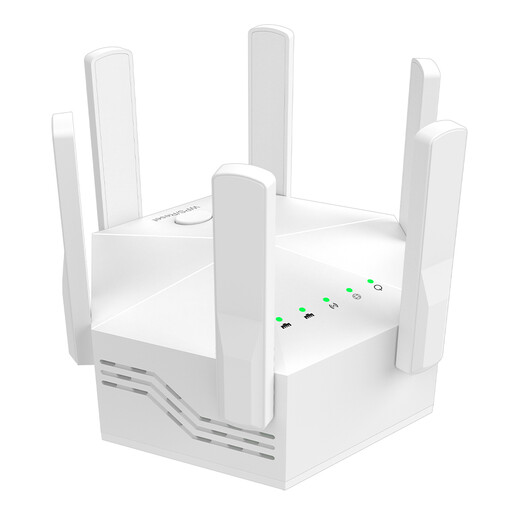
Dual-band Wi-Fi booster, 1200 Mbit/s, 6 antennas
For extending an existing Wi-Fi network wirelessly. When used wirelessly, the repeater still needs to receive a signal from the router where it’s placed; the stated Wi-Fi data rate doesn’t prove what upload speed you’ll get.
EU plug, white.
View at Joybuy
 No image available
Compact Wi-Fi booster
For extending an existing Wi-Fi network. When used wirelessly, the repeater still needs to receive a signal from the router where it’s placed; the stated Wi-Fi data rate doesn’t prove what upload speed you’ll get.
View at Joybuy
 No image available
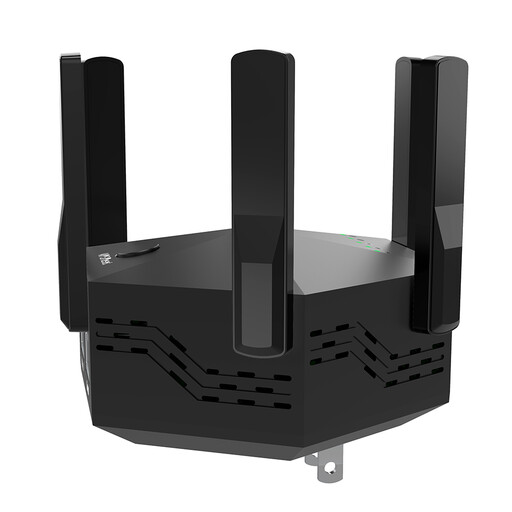
Dual-band Wi-Fi signal booster, 1200 Mbit/s, 6 adjustable antennas
For extending an existing Wi-Fi network wirelessly. When used wirelessly, the repeater still needs to receive a signal from the router where it’s placed; the stated Wi-Fi data rate doesn’t prove what upload speed you’ll get.
For indoor and home use; EU plug.
View at Joybuy
 No image available
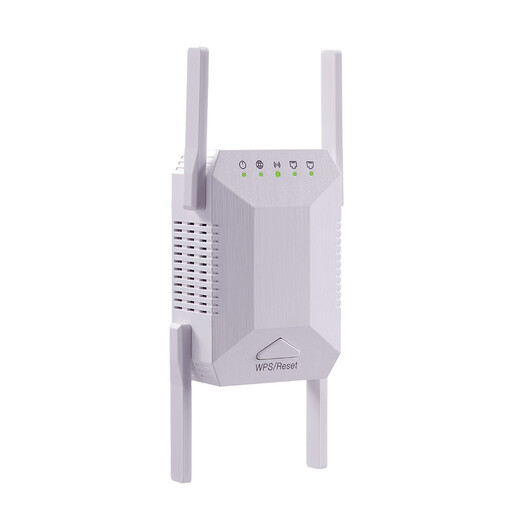
Dual-band Wi-Fi repeater, 1200 Mbit/s, 5G, 4 adjustable antennas
For extending an existing Wi-Fi network wirelessly. When used wirelessly, the repeater still needs to receive a signal from the router where it’s placed; the stated Wi-Fi data rate doesn’t prove what upload speed you’ll get.
For indoor use, white.
View at Joybuy
Frequently asked questions
How can I tell whether I need a repeater at all?
First, measure your upload speed using a computer connected directly to the router by Ethernet, then compare it with a test at your workspace. The Bundesnetzagentur offers broadband speed tests; its formal procedure for proving connection performance only accepts direct Ethernet tests. If the speed is already low at the router, better Wi-Fi coverage won’t fix it.
Where should I put a wireless repeater?
Don’t put it in a Wi-Fi dead zone. TP-Link’s instructions recommend a spot roughly halfway between the router and the area you want to cover, still within the router’s range. Check the signal strength shown there, then test your upload speed at your workspace.
Does my mesh repeater need to be from the same manufacturer as my router?
Check support for the specific mesh system rather than relying on the brand name alone. The TP-Link RE705X needs a compatible router for EasyMesh; ASUS requires an AiMesh-compatible ASUS router to use AiMesh with the RP-AX58. For Speed Home WLAN, Telekom lists supported Speedport models and the latest firmware. General repeater functionality doesn’t automatically mean these mesh features are available.
What should I know about firmware and ongoing use?
Check whether firmware updates are available for your specific model and how to install them. Telekom warns that missed updates can cause its devices to malfunction and leave security vulnerabilities.
Do I need an individual frequency licence for a Wi-Fi repeater in Germany?
You don’t need to apply for an individual frequency allocation to use Wi-Fi in the frequency bands generally allocated by the Bundesnetzagentur; the applicable conditions of use still apply. The Bundesnetzagentur also explains the CE marking requirement for products covered by relevant EU harmonisation rules and newly placed on the EU market. The CE mark isn’t an independent test of upload performance.


