Households with simultaneous video calls
If you’re streaming a recording and making a call at the same time, check the available upload speed and the connection on the device you’re using for the video call.


First, check your internet connection and Wi-Fi signal in the places where you want to stream and make calls. A new router won’t fix a slow broadband connection or automatically eliminate a Wi-Fi dead spot. If Wi-Fi is the issue, choose a router that’s compatible with your connection type. If the signal is weak in another room, a wired LAN connection or compatible additional access point may be more important than a more powerful standalone device. Prioritising video calls can help when several devices are using the network at once, provided the specific model and its software support this feature.
If you’re streaming a recording and making a call at the same time, check the available upload speed and the connection on the device you’re using for the video call.
If your TV or computer is further away from the router, check whether a wired LAN connection or an additional access point could improve the signal there.
If you want to replace your provider’s device, consider your connection type, whether you need a modem, and the work involved in setup and updates.
Suitable if: Streaming and calls work well, or a test suggests your internet connection rather than your Wi-Fi is the issue.
Trade-off: You avoid buying a router, but it won’t fix a Wi-Fi dead spot.
Suitable if: The issue is the Wi-Fi connection near your current router and one router location can reach the rooms you use.
Trade-off: For a direct connection, the modem must match your connection type. If you have a suitable modem or ONT, you can also use a router without a compatible built-in modem.
Suitable if: The place where you watch or make calls is in a room with a weak signal.
Trade-off: Extending your Wi-Fi may require extra hardware or cabling. Check that it’s compatible with your existing network.
| Buying consideration | What to look for | Who should pay particular attention? |
|---|---|---|
| Reliable video calls | Check your actual upload and download speeds under the conditions in which you plan to use the connection. Look for a prioritisation feature listed for the specific model and software version. | If I want to avoid interruptions to my call when another device is streaming, I pay particular attention to upload speed and the connection on the device I’m using for the call. Around 33% of consumers put reliable video calls first. |
| Signal where you use your devices | Test the connection in the room affected. Check whether you can connect your TV, computer or an additional access point via LAN. | If the place where I watch or make calls has weak Wi-Fi, the signal in that specific spot matters most. Around 27% of consumers focus on coverage in that room. |
| Connection compatibility | Check whether you have DSL, cable or fibre broadband with an ONT, and whether the device includes a compatible modem or can work with your existing equipment. | If I want to replace my provider’s device, the router must match my existing connection type. Around 20% of consumers prioritise this compatibility. |
| Effort and existing equipment | Test your existing connection before replacing a device. If you’re buying your own router, also consider setup and firmware maintenance. | If I want to avoid extra devices and setup, I first check the connection, router location and wired options. Around 20% of consumers prioritise keeping extra work to a minimum. |
The advertised Wi-Fi data rate doesn’t tell you the actual upload and download speeds your broadband connection provides.
First, test your broadband connection and check the signal on the device affected, ideally via LAN or close to the router as well.
DSL modems, cable modems and routers used behind an ONT are designed for different types of connection. A router without a suitable modem can’t replace a DSL or cable connection on its own.
Before choosing a router, check your connection type, whether you already have a modem or ONT, and which telephony features you need.
If the signal is weak in a distant room, how the connection reaches that room is what matters. Simply changing the router won’t necessarily solve the problem.
Test the room first, then check whether a LAN connection or compatible access point could help.
The FRITZ!Box 7690 is designed for DSL or use behind suitable upstream equipment, while the FRITZ!Box 6670 Cable is designed for a compatible cable connection.
The Archer AX55 is an example of a Wi-Fi 6 router with gigabit ports and OneMesh. If you’re connecting it directly, check the modem requirements separately.
According to ASUS, the RT-AX57 Go offers router, mobile tethering and WISP modes for users who need these types of connection.
The routers and Mesh systems below are worth considering if you want to set up or extend a Wi-Fi connection for several devices or rooms. Before buying, check that the device is compatible with your connection. The listed features don’t replace testing your broadband connection or signal where you plan to use it.
 No image available
This two-unit Mesh kit is described as a home network with several possible access points.
Wi-Fi 7; dual-band; gigabit WAN/LAN ports; OFDMA and Multi-Link Operation.
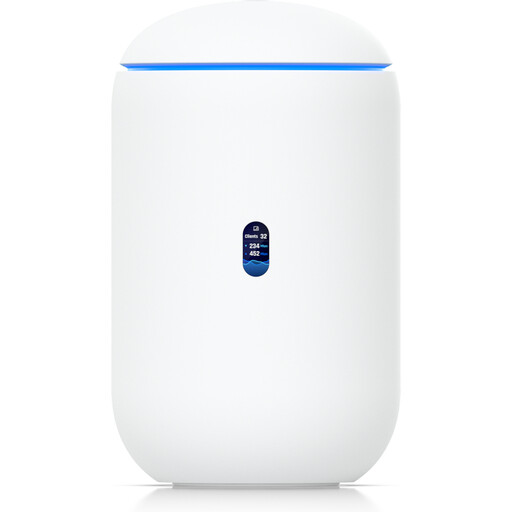 No image available
This model combines a router, built-in Wi-Fi and WAN ports, making it an option for a wireless home network. Check that the modem or ONT setup is right for your connection.
Tri-band Wi-Fi 7; four 2.5-GbE RJ45 ports; 10G SFP+ port and several WAN options.
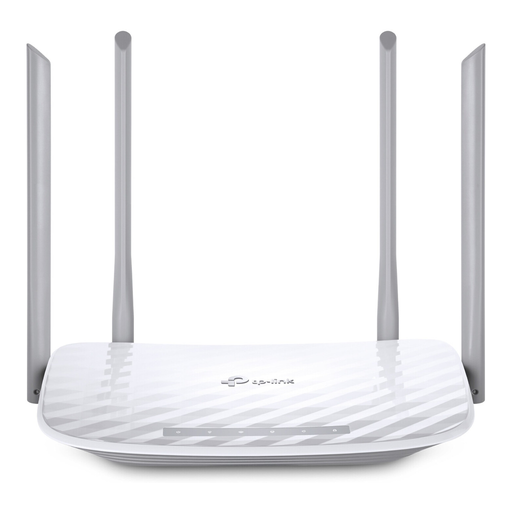 No image available
This dual-band router is designed to connect to a modem and support several Wi-Fi devices.
2.4 GHz and 5 GHz bands; one WAN and four LAN ports with a maximum speed of 100 Mbit/s; four external antennas.
 No image available
This three-unit kit is described as a Mesh home network with access points in several rooms.
Dual-band; router or access point mode; two gigabit LAN/WAN ports per unit; MU-MIMO and QoS.
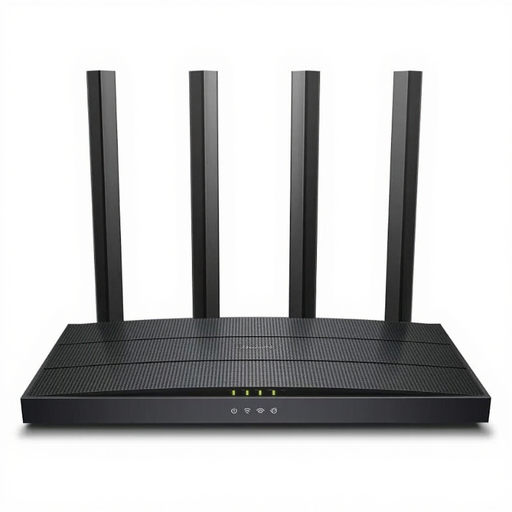 No image available
This standalone router can connect to a modem or be used in access point mode. No built-in modem is listed.
Dual-band Wi-Fi; four gigabit Ethernet ports; MU-MIMO.
There’s no definitive speed requirement for the theatre platform, as it hasn’t been specified. Netflix recommends a download speed of at least 15 Mbit/s for a single 4K stream. For a 720p group video call in its web app, Zoom lists 2.6 Mbit/s upload and 1.8 Mbit/s download. These service-specific figures don’t provide a universal minimum for other platforms. Also consider other devices and the actual speed of your broadband connection.
Compare the connection on the affected device with a test via LAN or close to the router, and check your broadband speed. The Bundesnetzagentur’s broadband measurement tool lets you compare your actual data transfer rate with the speed agreed in your contract.
The router must be technically compatible with your connection, and you’ll be responsible for setup, updates and some troubleshooting. The Verbraucherzentrale advises that, in the event of a defect, you should contact the retailer under the statutory warranty.
Yes. According to the Bundesnetzagentur, the right to choose your own end device at the network termination point applies to VDSL and cable networks, as well as passive optical fibre networks. You’ll still need to check that the specific device is technically compatible with your connection.
Wi-Fi radio routers covered by the applicable EU harmonisation legislation must carry a CE marking when placed on the EU market. The Bundesnetzagentur explains that this requirement applies to products within its scope. The marking isn’t a guarantee of performance for streaming or video calls.