Joybuy products for Wi-Fi across multiple floors
This selection includes separately mounted access points, routers, mesh systems and a repeater. You can weigh up whether to keep your router and which connection between floors best suits your set-up.
 No image available
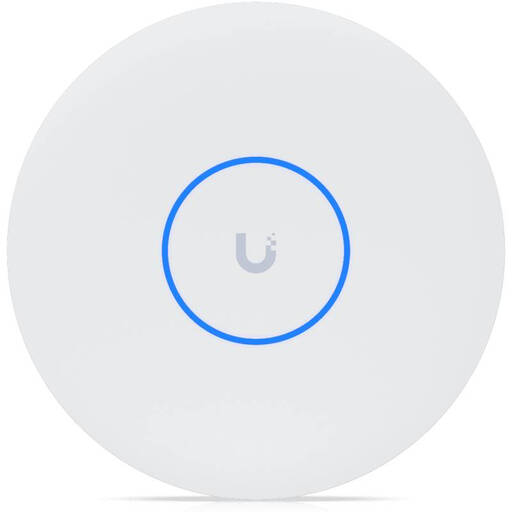
Ubiquiti UniFi U7 Pro XG WiFi 7 Access Point
For a wired Wi-Fi set-up with a separately mounted access point.
Wi-Fi 7, tri-band, 10GbE uplink and PoE+.
A PoE+ switch or injector is required according to the description and is not included; operation requires UniFi Network version 9.0.114 or later.
View at Joybuy
 No image available
TP-Link Deco BE22 (2-Pack)
This set of two Deco units is designed for a mesh network with router or access point mode.
Wi-Fi 7, dual-band and Gigabit WAN/LAN ports on each unit.
Check the recommended operating mode and connection layout for using it behind your existing router.
View at Joybuy
 No image available
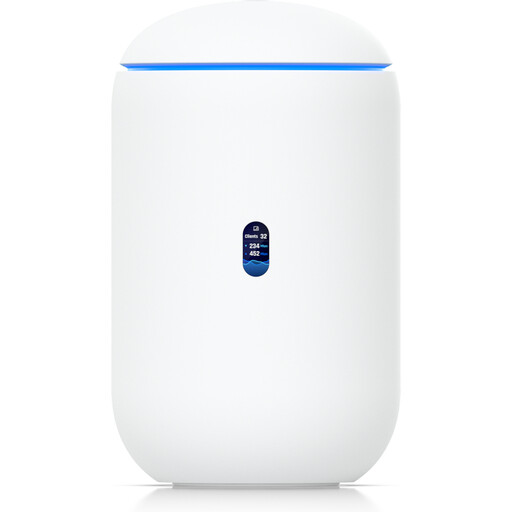
Ubiquiti UniFi Dream Router 7
For a router set-up with integrated tri-band Wi-Fi; this is not a multi-unit mesh kit.
The description lists four 2.5 GbE RJ45 ports and one 10G SFP+ port.
Management requires UniFi Network version 9.0.108 or later.
View at Joybuy
 No image available
MERCUSYS ME80X Wi-Fi 6 Range Extender
According to the description, the extender can be used as a wired access point or wirelessly in repeater mode.
AX3000, dual-band and one Gigabit Ethernet port; listed speeds are 574 Mbps at 2.4 GHz and 2402 Mbps at 5 GHz.
In repeater mode, it needs to be placed within range of the existing router.
View at Joybuy
 No image available
MERCUSYS Halo H25BE Mesh Wi-Fi Kit (2-Pack)
This two-unit kit is designed to provide Wi-Fi coverage across multiple areas.
Wi-Fi 7 BE3600, dual-band and three Gigabit ports per unit.
According to the instructions, set up the main unit at the modem and place the second unit within range of the first.
View at Joybuy
Common questions about Wi-Fi uploads across multiple floors
Should I test my internet connection before buying?
Yes, if slow uploads are what prompted you to buy. Germany’s Federal Network Agency broadband measurement tool compares your connection’s data rate with the rate agreed in your contract. Testing the Wi-Fi at your workstation as well can help you pinpoint a local connection problem.
How do I connect Deco nodes to an existing router via Ethernet?
It depends on the operating mode. TP-Link explains that in access point mode, a satellite can be connected to a Deco unit or to the main modem or router. In router mode, follow the connection instructions for your specific system to avoid network loops.
Does a wired access point need a standard power socket?
It depends on the model. According to the official specification, the UniFi U7 Pro requires PoE+ through its network connection. Make sure you plan for the right power supply.
Do I need an individual frequency allocation for 6 GHz Wi-Fi in Germany?
Germany’s Federal Network Agency has made the 5945–6425 MHz band available for general use under order 76/2025. Within the conditions of this general allocation, an individual frequency allocation is not normally required. Device settings and conditions of use must comply with those requirements.
What should I check when buying an imported Wi-Fi device?
Check the labelling and documentation for the specific device on offer. When monitoring radio equipment on the market, Germany’s Federal Network Agency checks points including CE marking, product identification, German-language instructions and a declaration of conformity.


