
Lieferung heute & morgen

Qualitätsgarantie

Willkommens-Angebote freischalten: KOSTENLOSE Lieferung | Bis zu 80 % RABATT | Kostenlose 30-Tage-JoyPlus-Testphase
App herunterladen
A wireless mouse can help keep your workspace tidy and work well with a PC, laptop, home office setup or gaming rig. But not every model will automatically be the right choice. Features that make little difference in everyday use are often heavily promoted, while important details such as connectivity, battery replacement and shape can be overlooked.
A high DPI figure simply describes how sensitive the sensor can be set to. Moderate settings are usually enough for office work. For gaming, a precise sensor, stable wireless connection and suitable polling rate can matter more than an especially high maximum DPI. So a wireless gaming mouse with 24,000 DPI is not automatically a better fit for everyone than a model with 1,600 or 4,000 DPI.
Manufacturers’ battery-life claims often refer to specific operating conditions. Lighting, connection type, polling rate and intensity of use can all affect actual battery life. If you’re considering a mouse with long battery life, also check whether it uses AA batteries, has a built-in rechargeable battery or can still be used while charging.
An ergonomic mouse needs to suit your hand size, preferred grip and posture. A symmetrical shape can be practical for both right- and left-handed users, but it won’t necessarily offer the same support as a model designed specifically for right-handed use. Weight and width also affect control. For longer sessions, aim to keep your hand in a relaxed position and take regular breaks.
A Bluetooth mouse connects directly to many laptops, tablets and compatible PCs. It doesn’t need a USB receiver, leaving a USB port free. Product specifications may, for example, state a range of up to 10 metres, but walls, metal surfaces and other wireless signals can reduce it.
A wireless mouse with a 2.4 GHz receiver is usually set up via plug and play. It’s handy for desktop PCs and devices without Bluetooth, but it needs a free USB port. Multi-device mice combine both options and, depending on the model, can switch between several devices. Before buying, check which ports your PC or laptop has.
Optical sensors work well on typical office surfaces, mouse mats and many wooden desks. Glass or highly reflective surfaces can interfere with tracking. Look for adjustable DPI settings so you can control the mouse comfortably on both small and large screens.
For gaming, polling rate, wireless stability and input lag also matter. A polling rate of 1,000 Hz means the mouse theoretically reports its position every 1 millisecond. Higher rates can use more system resources and require compatible hardware and software. For office applications, this figure is usually not important.
A quiet mouse can be useful in open-plan offices, libraries or when working in the evening. Claims such as ‘90 per cent less click noise’ should be treated as manufacturer specifications, not as a promise of complete silence. If you use lots of keyboard shortcuts, look for programmable mouse buttons. Check that the required software is compatible with your operating system.
For battery-powered models, consider how easy it is to find compatible AA batteries. Models with a USB-C rechargeable battery avoid regular battery purchases, but need to be charged. According to manufacturers, actual battery life can depend on lighting, connection mode and usage, among other factors.
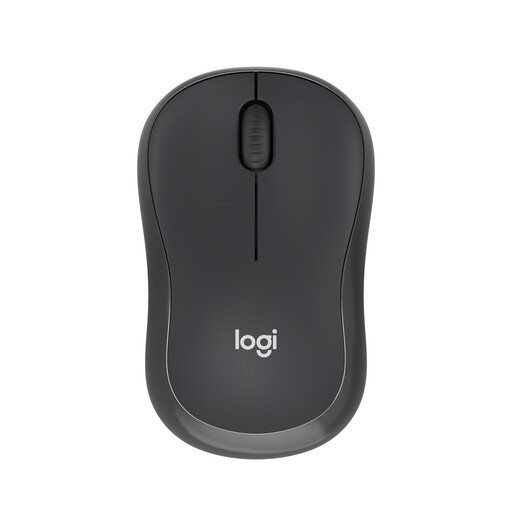
Why this product suits this profile: This compact Bluetooth mouse is designed for anyone looking for a simple solution for a laptop, tablet or PC without an extra receiver.
According to the product description, it doesn’t need a USB dongle and is designed for both right- and left-handed users. Its automatic power-saving function helps prevent unnecessary battery use.
Logitech claims up to 18 months of use from a single AA battery and a 90 per cent reduction in click noise.
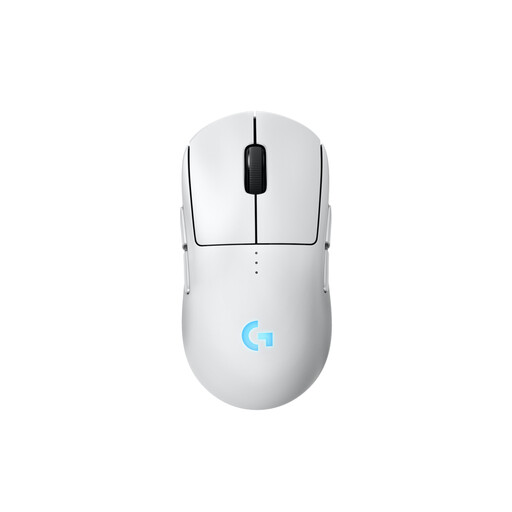
Why this product suits this profile: This symmetrical gaming mouse can be configured for right- or left-handed use and comes with interchangeable magnetic side buttons.
Separate battery-life figures make the effect of lighting clear. You can also keep using the mouse via USB-C while it charges.
According to Logitech, the HERO 2 sensor offers a resolution of up to 44,000 DPI. Battery life is stated as up to 95 hours without lighting.
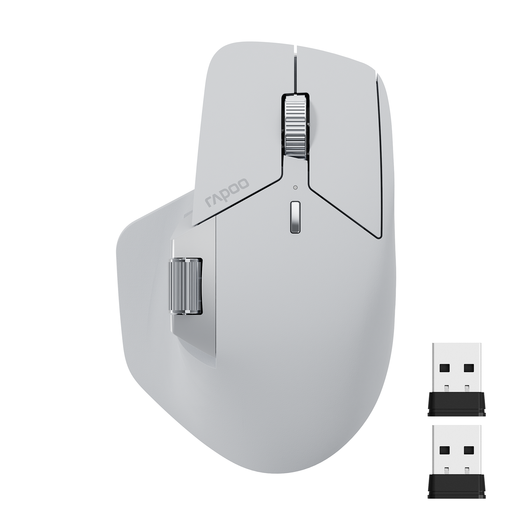
Why this product suits this profile: This multi-device mouse is aimed at home workers and mobile professionals who want to switch between up to four devices.
Bluetooth 5.0, 2.4 GHz wireless and wired connectivity are available as separate options. The DPI settings are clearly specified.
According to RAPOO, it has 11 programmable buttons, up to 4,000 DPI and up to 90 days of battery life.
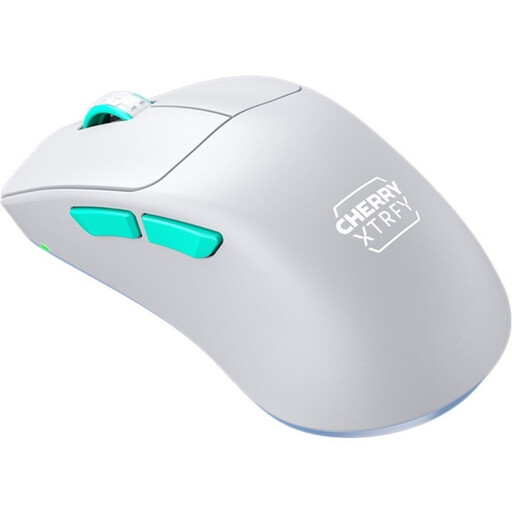
Why this product suits this profile: This right-handed model is a good fit for anyone looking for a lightweight gaming mouse with a pronounced ergonomic shape and a 2.4 GHz connection.
The product specifications list weight, dimensions, connectivity and battery life separately. This makes it easier to judge whether the mouse will suit your hand and preferred gaming style.
According to CHERRY, the mouse weighs 53 grams, uses a PixArt 3395 sensor and offers up to 75 hours of battery life.
We’ve put together a complete, regularly updated list of products that meet these strict selection criteria and fully comply with the safety regulations in force in the EU.
For Bluetooth models, switch on Bluetooth on your PC or laptop, then select the mouse from the list of devices. With a 2.4 GHz wireless mouse, plug in the supplied USB receiver and switch the mouse on. You may need the manufacturer’s software for extra features such as macros or programmable mouse buttons.
The lifespan depends on the switches, scroll wheel, rechargeable battery or replaceable batteries, and how often you use the mouse. This is different from the operating time per charge or set of batteries. Check the specified power source and whether you can charge the battery while using the mouse.
Battery-powered models may require replacement batteries, depending on how often you use them. A built-in rechargeable battery needs regular charging instead, and may lose capacity over time. Many models come with a USB-C cable, but dedicated chargers or wireless charging accessories may be sold separately.