
Lieferung heute & morgen

Qualitätsgarantie
App herunterladen
Kategorien
Choosing a monitor is a fundamental decision for any PC gaming setup. The WQHD resolution (2560 x 1440 pixels), also known as a 1440p monitor, has established itself as the go-to standard for serious gamers. It offers a significant leap in detail over Full HD (1920 x 1080) without the extreme hardware demands of 4K (3840 x 2160). This allows for high frame rates combined with crisp visuals. This article analyses the key technical parameters for selecting a WQHD gaming monitor in 2026 and presents a curated selection of top models.
A gaming monitor's performance is determined by the interplay of several technical specifications. An informed decision is based on analysing these metrics in the context of your own requirements.
WQHD resolution realises its full potential on screen sizes between 27 and 32 inches. A 27-inch WQHD gaming monitor offers a high pixel density of approximately 109 ppi (pixels per inch), resulting in exceptionally sharp and detailed image reproduction. On 32-inch models, the pixel density is slightly lower, but this can be offset by a more immersive viewing experience.
Panel technology is a key factor influencing colour accuracy, contrast, and response speed.
For fluid gameplay, a high refresh rate and a low response time are crucial.
Adaptive sync technologies dynamically match the monitor's refresh rate to the frame rate output by the graphics card. This prevents screen tearing and stuttering. The most common standards are AMD FreeSync and NVIDIA G-Sync. Many monitors today are G-Sync Compatible, meaning they also support a variable refresh rate with NVIDIA graphics cards.
Based on the technical criteria above, we have compiled a selection of monitors that cater to different requirements and use cases.
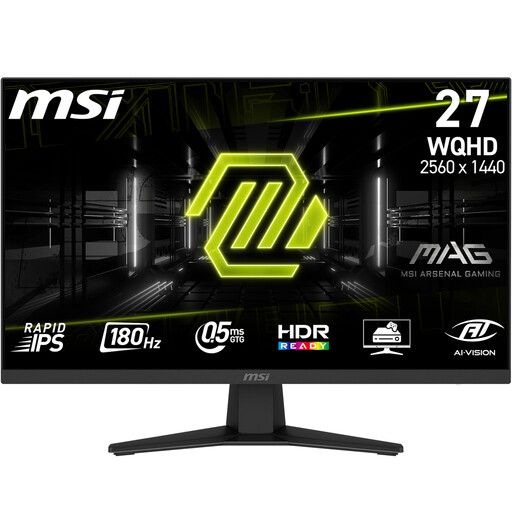
Why We Recommend It: The MSI MAG 274QFDE combines a high 180 Hz refresh rate with the excellent colour performance of a Rapid IPS panel. With a 0.5 ms (GtG) response time, it's built for speed and offers a well-rounded package for both competitive and visually demanding games.
Key Features:
Best For: Gamers looking for a responsive all-rounder that performs exceptionally well in fast-paced esports titles and visually rich, story-driven games.
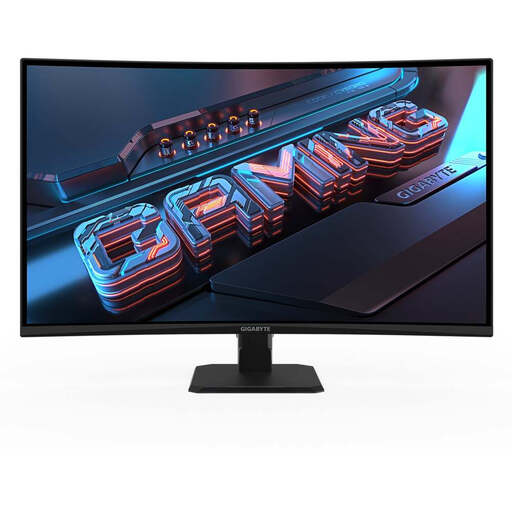
Why We Recommend It: This model from GIGABYTE is all about immersion. The combination of a large 31.5-inch display, a pronounced 1500R curve, and a high-contrast VA panel pulls you right into the game. Its high 3,500:1 static contrast ratio ensures excellent detail in dark environments.
Key Features:
Best For: Gamers seeking maximum immersion in single-player titles, racing sims, or RPGs, who value a large, curved display with strong contrast.
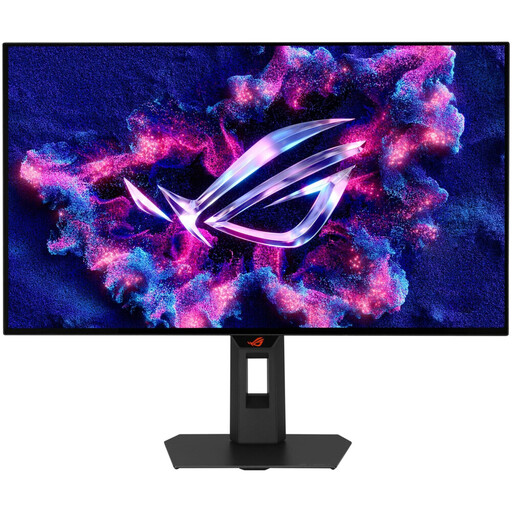
Why We Recommend It: The ASUS ROG Strix XG27AQWMG represents the pinnacle of gaming monitor technology. Its Tandem OLED panel delivers not only perfect blacks and extreme contrast but also an ultra-high 280 Hz refresh rate and a near-instantaneous 0.03 ms (GtG) response time.
Key Features:
Best For: Esports professionals and enthusiasts for whom every millisecond counts and who refuse to compromise on speed and image quality. This model is designed for top-tier competitive play.
The models featured here cover a broad spectrum. If your specific requirements or budget call for a different solution, it's worth exploring other available models. You may find additional promotions and deals on gaming hardware in our Discount Code category.
1. Is WQHD better than 4K for gaming? For most gamers, WQHD represents the better compromise. It enables high refresh rates (144 Hz and above) with mid-range to high-end graphics cards. 4K gaming requires significantly more powerful and expensive hardware to achieve comparably smooth frame rates. WQHD thus offers an optimal balance between visual quality and performance.
2. What graphics card is needed for a 144Hz WQHD monitor? To take full advantage of a 144Hz WQHD monitor, an upper mid-range or high-end graphics card is recommended. Models like an NVIDIA GeForce RTX 4060 Ti / 4070 or an AMD Radeon RX 7700 XT / 7800 XT are generally capable of rendering modern titles at WQHD resolution with high frame rates. The exact performance will depend on the specific game and the chosen graphics settings.