Label years quickly and easily
If you only need to label a few folders, you can enter the year directly on the device. Brother Germany lists TZe tapes in widths of 3.5, 6, 9 and 12 mm for the PT-D210.


For a few individual years, a label maker with its own keyboard is often all you need. If you print consistent labels regularly, a PC connection can be useful. Prefer designing labels on your smartphone? Choose an app-controlled model, but check the compatible tape or roll width, cassette type and how the device is operated before you buy.
If you only need to label a few folders, you can enter the year directly on the device. Brother Germany lists TZe tapes in widths of 3.5, 6, 9 and 12 mm for the PT-D210.
If you use the same layouts repeatedly, designing them on a computer is an alternative to entering them on the device. The Brother PT-D410 offers keyboard input and a USB connection for designing labels with P-touch Editor.
If you prefer to enter text on your mobile device, an app-controlled model could be a good fit. Brother Germany describes this way of operating the P-touch CUBE; check which app and tape format you need before buying.
First decide whether you want to design labels on the device, on a computer or in an app. Then measure the available space on the folder spine and check that it matches the label format and consumables for the device.
A good choice if: you want to enter individual years directly at your desk.
Consider: The Brother PT-D210 supports TZe tapes up to 12 mm wide; you’ll need a different model to design labels on a PC.
A good choice if: you want the option to create repeat layouts on the device or on a computer.
Consider: A PC connection isn’t essential for printing a few simple years; make sure the tape width and layout suit the folder spine.
A good choice if: you prefer designing text in an app on your smartphone or tablet.
Consider: You’ll need a compatible mobile device to use the app. TZe and LetraTag cassettes are different systems.
A good choice if: you want to create larger labels rather than use narrow tape.
Consider: Check the specific model and material to make sure the label fits the folder spine and remains easy to read for your intended use.
| What matters | What to check before buying | Who is it important to? |
|---|---|---|
| Readability and size | Measure the labelling area on the folder and compare it with the supported tape or roll width. | If I want to read the year easily when the folder is upright and position the label neatly, the space on the spine is what matters most. Fit and readability are the top priorities for around 36% of consumers. |
| Label tapes and ongoing costs | Check the cassette range, the width and colour you need, and what’s included in the specific offer. | If I want to print more labels for future years, I want to know which cassettes fit the device first. Compatible tapes and ongoing costs are the main concern for around 29% of consumers. |
| Consistent labels for a series | Check whether entering text and previewing it on the device is enough, or whether you need a PC connection that’s explicitly supported. | If I want to label several year folders in the same style, being able to repeat the design matters. Around 21% of consumers put consistent labels for a series first. |
| Smartphone operation | Check that the app, mobile device and cassettes you need are compatible with the specific model. | If I prefer designing text on my smartphone, I want to be sure the app and device work together. Around 14% of consumers prioritise designing labels on a smartphone. |
The Brother PT-D210 and PT-D410 use TZe tapes, while the DYMO LetraTag 200B uses LetraTag cassettes. The two systems are not interchangeable.
Check the device, the tape included and the cassettes you’ll need in future as a complete package.
You’ll need cassettes from the matching system for any further labels.
A supported tape width alone doesn’t tell you whether the label will fit the space available on your folder spine.
Measure the labelling area, then choose your text and tape width to suit.
The Brother P-touch CUBE and DYMO LetraTag 200B are designed for use with a mobile app. DYMO also states that the LetraTag 200B requires four AA batteries, sold separately.
Before buying, check how the device is operated, which mobile device you’ll need and what’s included in the specific offer.
You may also need to buy the batteries separately for the DYMO LetraTag 200B.
Epson Germany lists the LW-K400 and LW-C610 models checked as no longer available.
Consider the technical specifications separately from the availability of a specific offer.
P-touch models offer keyboard input, a PC connection or smartphone app control.
The LetraTag 200B is an app-controlled label maker for organising your home and home office.
NIIMBOT’s product range also includes B-series thermal label makers.
LabelWorks is a range of label makers; the German product pages checked cover the LW-K400 and LW-C610 models.
The Joybuy products below are mainly app-controlled label printers and models for roll labels. For year folders, check that the format and material suit the folder spine. The tape and roll widths listed aren’t automatically suitable for every labelling area.
 No image available
For folder labels designed on a smartphone; the description lists folder tags as one of its uses.
Bluetooth connection with the Print Master app; stated label widths: 20 to 50 mm. The design process described requires the app.
 No image available
For designing labels and gift ribbon on the go; check that your chosen label format suits your folder.
Bluetooth connection and Print Master app; according to the product details, gift ribbon is sold separately.
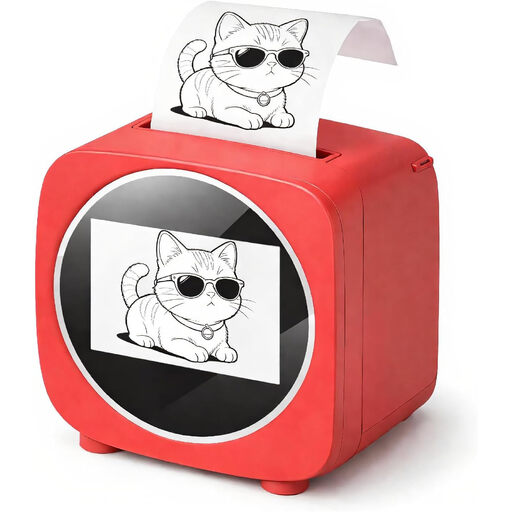 No image available
For app-assisted label design; check in advance that the roll format will fit your folder spine.
The description mentions a 2.4-inch colour display, the Tiny Print app and a thermal paper roll.
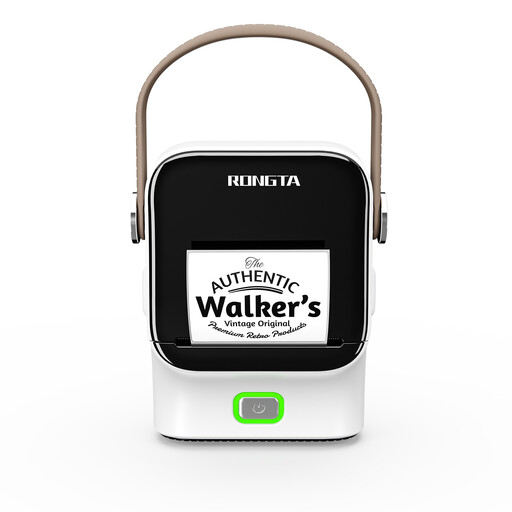 No image available
For designing labels on the go at home or in the office; compare the roll format with the space on your folder spine.
Bluetooth and app control; stated roll widths: 16 to 54 mm. The maximum print width is listed as up to 48 mm.
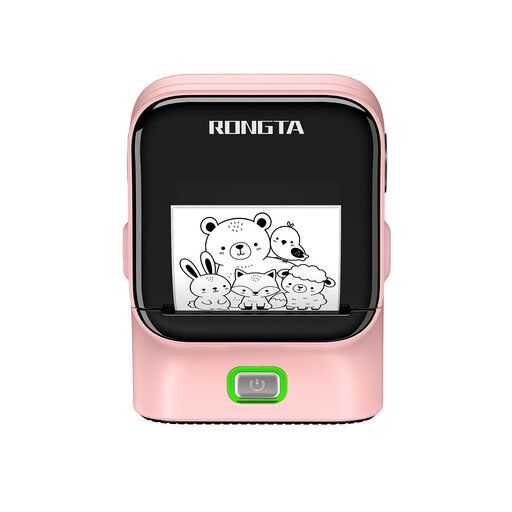 No image available
For repeat office and filing labels; check that your chosen roll format will fit the folder.
The product description lists Bluetooth, USB, thermal transfer printing and roll widths from 16 to 54 mm. The Rlabel app is used for Bluetooth operation.
No, you don’t generally need a PC connection to print individual years. The Brother PT-D210 lets you enter text and use templates directly on the device; with the PT-D410, you can also design labels on a computer using P-touch Editor via USB.
Measure the labelling area on your folder and compare it with the tape or roll width supported by the specific device. If you’re choosing an app-controlled model, also check that the app and your mobile device are compatible.
No, TZe and LetraTag are different cassette ranges. Before buying, check which consumables fit the specific device and what width you need for your folders.
No, the year on a folder doesn’t replace checking the retention period for the documents inside. Section 147 of the German Fiscal Code (AO) sets out retention periods and when they begin for certain documents; it doesn’t establish one single period for all personal folders. The relevant requirements depend on the type of document and the rules in force.