People responsible for year-by-year filing
If you want to read the year labels from the shelf, choose a tape width and contrast that suit the folder spines you already have. Brother lists different supported tape widths for its P-touch devices.


For printing individual years and accommodating different volunteers, a device with its own keyboard is an obvious choice. An app-based device may suit you better if you need lots of labels in a consistent style and have a compatible smartphone or PC. First, measure the usable space on the folder spine, then check the supported tape width, compatible refills and the cost of consumables. A manufacturer's specifications for tape and device do not guarantee that a label will stick equally well to every folder.
If you want to read the year labels from the shelf, choose a tape width and contrast that suit the folder spines you already have. Brother lists different supported tape widths for its P-touch devices.
If several people will occasionally print a year label, a built-in keyboard lets them do so without using a smartphone app. Brother and DYMO list suitable handheld devices in their product information.
For labels you use repeatedly, consistency and compatible refills are important. Brother and Phomemo specify compatible tape systems for their respective devices; check that the refill works with your model before buying.
Best if: Different volunteers need to enter short year labels directly on the device.
Things to consider: Brother lists TZe tapes up to 12 mm for the PT-H110; DYMO specifies 12-mm LetraTag cassettes for the LetraTag 100H. The tape systems are not interchangeable.
Best if: You need lots of labels in a consistent style, or with additional information, and have a compatible mobile device or PC available.
Things to consider: You’ll need compatible software and a suitable device. Brother lists TZe tapes up to 24 mm for the P-touch CUBE Plus; check that this width will fit the spine.
Best if: You want individual labels rather than continuous label tape.
Things to consider: Nelko specifies a label size of 14 × 40 mm for P21 labels. Check that this fixed size will fit the folder spines you have.
If you’re labelling year folders for a community centre, the key considerations are fit, ease of use, consumables and how to keep repeat batches looking consistent.
| What matters | What to check before buying | Who is it most important for? |
|---|---|---|
| Readability and fit | Measure the usable spine area and compare it with the supported tape width. | If the year needs to be readable from the shelf, I’ll measure the usable spine area first. Around 36% of consumers prioritise readability and fit. |
| Operation without an app | Try entering and correcting a year directly on the device. | If different volunteers will only occasionally add a year, I want them to be able to enter it directly on the device. Around 29% of consumers prioritise operation without an app. |
| Cost of compatible refills | Compare compatible cassette systems and the usable tape length or number of labels. | I’ll need compatible refills for each new year and want to factor in the cost of consumables. Around 21% of consumers prioritise ongoing material costs. |
| Consistent design across a batch | Consider the size of the batch and the mobile devices or PCs available; try designing a label. | If lots of folders need to look the same, I want to reuse templates. Around 14% of consumers prioritise a consistent look across larger batches. |
LetraTag, TZe and P12-compatible tapes belong to different device systems, even if they have the same stated width.
Before ordering, check the full model name and the stated cassette compatibility.
An app-based device requires a compatible mobile device or PC for input. That’s different from a handheld device with its own keyboard.
Ask the people who will be labelling folders to try entering a year, and check which device they’ll have available.
Epson marks the LabelWorks LW-C410 as discontinued. A product page showing specifications and accessories doesn’t necessarily mean the device is currently available to buy.
Check availability of the device and compatible refills separately.
You’ll need compatible labels or tape for each new year, and refill formats vary between systems.
Compare the device and the compatible supplies you’ll need together. Factor in the usable tape length or number of labels, too.
Brother offers devices with their own keyboards, as well as app- and PC-operated P-touch models for this purpose.
The LetraTag 100H is a standalone handheld device for short labels on storage boxes and folders.
The P12 Pro is an app-operated alternative, with its own documented range of compatible tapes.
LabelWorks is a relevant alternative tape system, although the documented German model LW-C410 is no longer available.
The following Joybuy products are options for app- or software-assisted labelling and filing. Before choosing, check that the way the device works and the materials it uses suit your folder spines and the devices available to the team.
 No image available
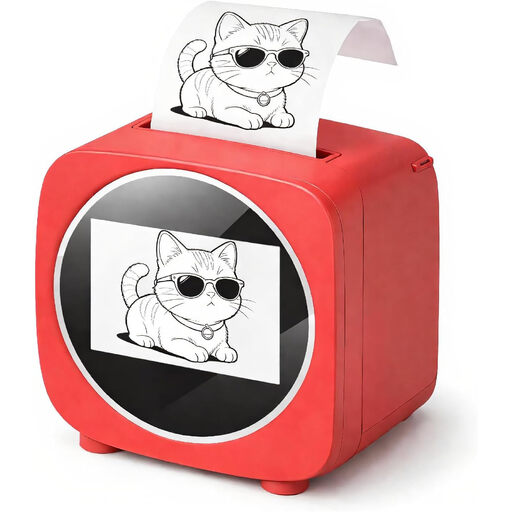
An option for repeat folder labels if you’d like to use templates in an app-based workflow; check first that this way of working suits your volunteers.
The product title states that one roll of labels is included.
 No image available
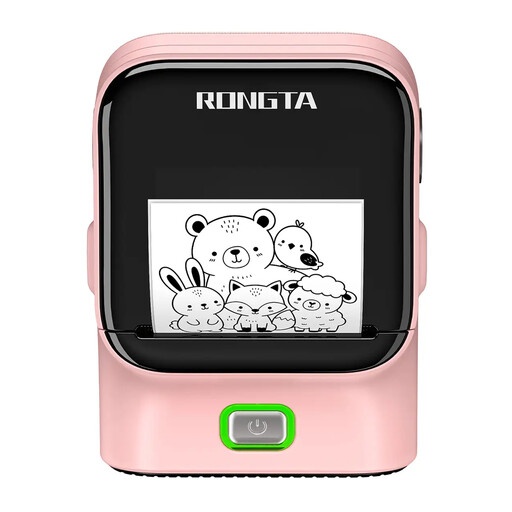
This device may suit app-designed labels if the Print Master app fits the way your team works.
The product information states that one label refill is included.
 No image available
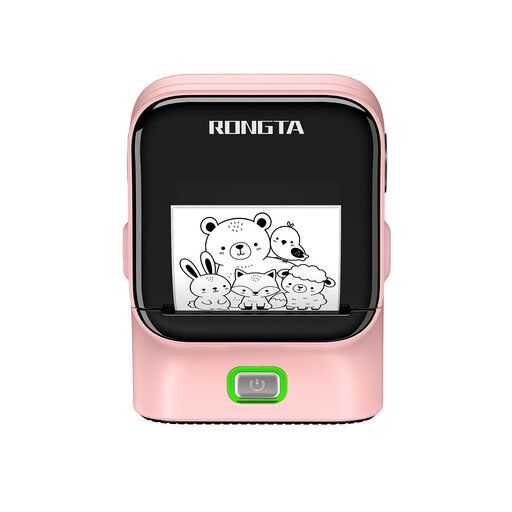
An option for designed labels if you’d like to use app templates. Check that thermal paper is suitable for the intended labelling area and use.
 No image available
A possible option for office and organisation tasks. The product title specifies 203 DPI and 50 mm/s; also check that the available labels will fit the folder spines.
 No image available
This device may suit filing systems if the Rlabel app is available on the smartphones or tablets you use.
The product information describes operation via the Rlabel app.
Measure the area available for labelling and print a test label with the full year first. Brother lists TZe tapes up to 12 mm for the PT-H110 and tapes up to 24 mm for the P-touch CUBE Plus; DYMO specifies 12-mm cassettes for the LetraTag 100H. Compare the actual tape width with the space available.
No. The Brother PT-H110 and DYMO LetraTag 100H are handheld devices; Brother describes label design for the P-touch CUBE PT-P300BT as app-based. Before buying, check which mobile device your team can use for this.
Choose a cassette based on the exact device model and tape system, not just the brand or width. When comparing consumables, also consider the usable tape length or the number of labels included. Follow the instructions for your specific device when changing the tape and cleaning it.
Your statutory rights against the seller are separate from any voluntary guarantee. The Verbraucherzentrale (German consumer advice centre) notes that the specific rights you have depend on the purchase contract and the fault. If the organisation is making the purchase, check who is named as the buyer and the terms of the contract.
A year label alone doesn’t answer this question. If the label includes personal data, consider what it says, where the folder is stored and who is authorised to access it. The Federal Commissioner for Data Protection and Freedom of Information describes confidentiality as protection against unauthorised people seeing or using personal data. Buying a device does not automatically give you permission to display this information.