
Lieferung heute & morgen

Qualitätsgarantie

Willkommens-Angebote freischalten: KOSTENLOSE Lieferung | Bis zu 80 % RABATT | Kostenlose 30-Tage-JoyPlus-Testphase
App herunterladen
An electric height-adjustable desk can make your home office, workplace or study space more flexible. But the motor isn’t the only thing that matters. The desk’s size, stability, controls, cable management and safety features all determine whether it’s a good fit for everyday use.
Many models look similar at first glance. The differences often only become clear when you use them: a desk that’s too small leaves little room for a monitor and keyboard, an unstable frame can wobble at greater heights, and a lack of automatic shut-off increases the risk of collisions with obstacles. Check these points before you buy.
A wide adjustment range may sound appealing, but what matters is whether the lowest and highest settings suit your sitting and standing heights. The models considered here, for example, have a range of around 72 to 120 cm. When sitting, your forearms should rest comfortably on the desk while your hands are level with the keyboard. When standing, position the screen so that you can keep your head as straight as possible.
Maximum load capacity doesn’t always mean the desk can safely support that weight while moving. Check whether the manufacturer distinguishes between static load capacity and dynamic load capacity. Several JOYFURNOS models have a stated maximum static load capacity of 70 kg. The Loctek model is rated at 60 kg. Remember to add together the weight of your monitor, laptop, speakers, mounts and any other items.
A USB-C port, memory function or accessory pouch can be useful, but these features alone say nothing about how stable the desk is. Also check the frame material, desktop size, adjustable feet and information about collision protection. A desk with a memory function makes it easier to switch between saved positions, provided the rest of the construction meets your needs.
A height-adjustable standing desk should move smoothly and under control. According to the product information, the JOYFURNOS models have a quiet motor and four saved height settings. The Loctek model has a stated lifting speed of 15 mm/s, a lift of 450 mm and a six-button control panel.
Look for:
The JOYFURNOS product information notes that overheating protection may be activated if you adjust the height continuously for more than two minutes. The desk must then be left for 18 minutes before you use the adjustment function again. Bear this restriction in mind if you expect to adjust the desk frequently or for extended periods.
A 120 x 60 cm desk may be enough for a laptop and a single monitor. If you also use paperwork, a keyboard or a second device, a larger surface may be more practical.
When choosing a height-adjustable computer desk, don’t consider the width alone. A depth of 60 or 70 cm affects how far you sit from the monitor and how you arrange your workspace.
Cable grommets, organisers and hooks help stop cables from hanging over the desk edge or becoming taut as the desk rises. A desk with a USB-C port can make it easier to charge compatible devices. Before buying, check that the port provides the charging power you need and whether a power adapter is included. A USB-C port doesn’t automatically replace a full docking station.
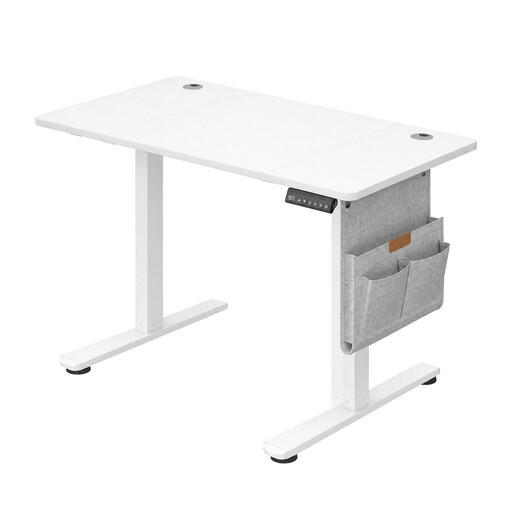
Why this product suits this profile: The compact 120 x 60 cm surface is a good fit for smaller rooms and typical laptop or single-monitor workstations. Four saved positions make it easier to switch between sitting and standing heights.
The product information gives specific measurements, an adjustment range of 72 to 120 cm and a static load capacity of 70 kg, rather than relying on general promises about comfort.
Four memory height settings, a steel frame, cable grommets, plus a storage pouch and hooks.
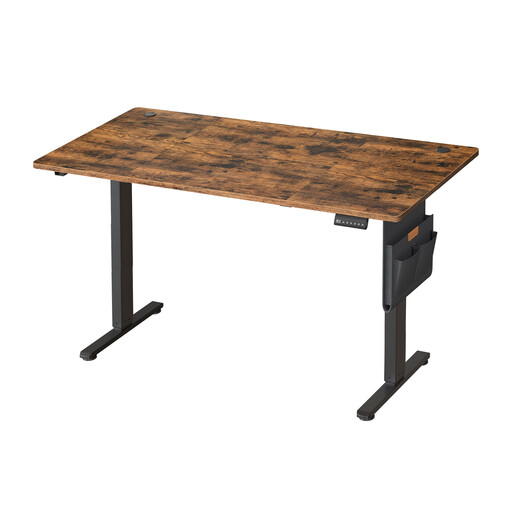
Why this product suits this profile: At 140 x 60 cm, it gives you more workspace than a compact 120 cm desk. The USB-C port, memory function and cable grommets are useful features for a well-organised electric home-office desk.
The feature list is backed up with specific details, including a static load capacity of 70 kg, a height range of 72 to 120 cm and adjustable feet.
USB-C port, four saved height settings, steel frame, cable management and a control-panel lock.
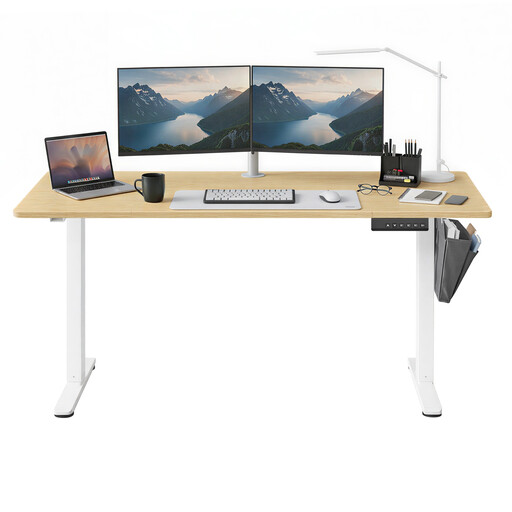
Why this product suits this profile: The 160 x 70 cm surface is designed to accommodate several monitors, paperwork and accessories. It’s a good fit for frequent users, provided you have enough room and a suitable power supply.
The larger desktop is complemented by details including a static load capacity of 70 kg, adjustable feet and a collision sensor.
160 x 70 cm surface, four memory positions, USB-C port, two cable grommets and adjustable feet.
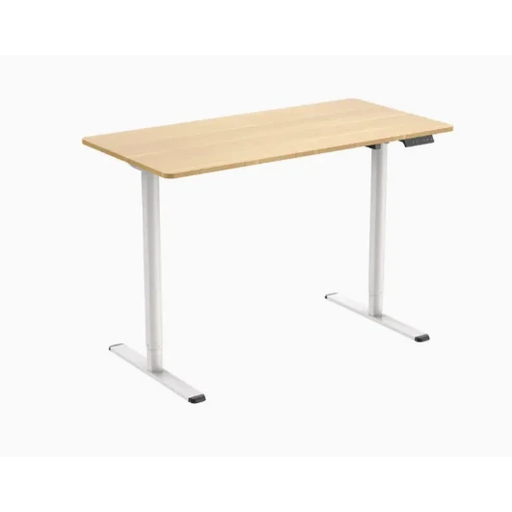
Why this product suits this profile: This model combines a compact 120 x 60 cm desktop with four saved positions and a stated adjustment range of 73 to 118 cm. It’s suitable for work or study spaces where room is limited.
The lift height, lifting speed and load limit are all clearly stated. According to the product information, the maximum static load capacity is 60 kg.
Stated lifting speed of 15 mm/s, four memory presets and a steel frame with an inverted column design.
We’ve put together a complete, regularly updated list of products that meet these strict selection criteria and fully comply with the safety regulations in force in the EU.
Measure the available space before assembling the desk. Leave enough clearance between the desk and the wall so the desktop doesn’t hit it when moving up or down. Route the cables so they won’t be pulled tight or trapped.
Also remember to:
An ergonomic desk doesn’t replace a suitable sitting position, a correctly adjusted monitor or regular changes of position. Electric height adjustment is a way to adapt your workspace to different tasks.
When sitting, keep your shoulders relaxed and your forearms roughly level with the desktop. When standing, adjust the desktop so you can use the mouse and keyboard without raising your shoulders. The right height depends on your body, chair and accessories. Saved positions are useful, but there’s no single fixed setting that suits everyone.
Its lifespan depends on the motor, frame, load, assembly and how you use it. Exceeding the stated load limit or making frequent, continuous adjustments can put more strain on the components. Regularly checking the screws, keeping the desk level and observing the rest periods required when overheating protection is activated all help ensure proper use.
Most of the electricity is used during the brief periods when the desk is adjusting height. Depending on the electronics and power adapter, it may still use some power in standby mode. If you’ll be away for an extended period, unplug it if this is compatible with the instructions. A power-saving mode on the control panel, as listed for selected JOYFURNOS models, can help manage standby power.