
Lieferung heute & morgen

Qualitätsgarantie

Willkommens-Angebote freischalten: KOSTENLOSE Lieferung | Bis zu 80 % RABATT | Kostenlose 30-Tage-JoyPlus-Testphase
App herunterladen
Phomemo labels are suitable for pricing, barcodes, product packaging, organisation systems and creative projects. But when choosing labels, paper colour isn’t the only thing to consider. Compatibility with your printer model, label size and intended use are all important.
It’s easy to make avoidable mistakes when buying Phomemo label rolls:
Before placing your order, check the exact model on your device or in the app. Product details distinguish between Phomemo M110 labels, Phomemo M220 labels, Phomemo D30 labels and Phomemo T02 sticker paper.
According to the product description, the M110 label printer supports label widths of 20 to 50 mm. It connects via Bluetooth using the Print Master app on iOS or Android devices. Barcode, QR code and serial number printing can be useful for retail, stock management and dispatch. Even so, it’s essential to choose a roll approved for your specific model.
The label width determines how much space you have for text, a logo or a barcode. A narrow format is often enough for a small office drawer. Larger surfaces are needed for shipping labels, price labels or product information.
Check the following details:
Barcodes need a large enough print area. Small characters, tight spacing or poor contrast can make them harder to scan. It’s a good idea to test-scan a label using the intended scanner or a smartphone.
Self-adhesive thermal paper works without toner or an ink cartridge. This reduces the need for consumables, but it doesn’t mean every label is suitable for every environment. High temperatures, direct sunlight, moisture or friction can affect legibility, depending on the material.
Standard rolls are often enough for shop items, parcels or short-term organisational tasks. For important stock labels, check in advance that the surface, adhesive and intended storage period are suitable for your needs. Only rely on durability claims if they’re specifically stated in the product information and relevant to your intended use.
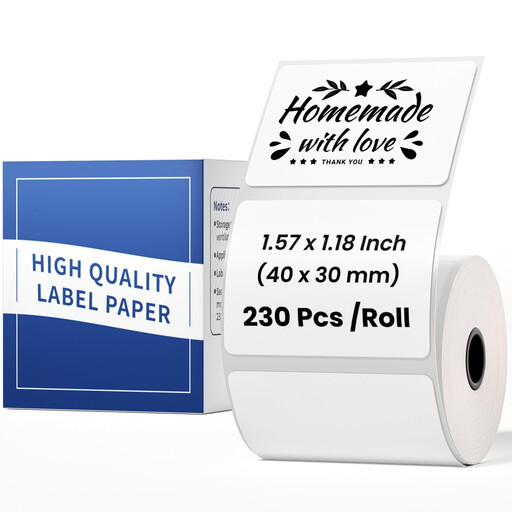
Why this product suits this user: This size is designed for small price, barcode and packaging labels. According to the product details, each roll contains 230 labels, making it suitable for regular, small-scale labelling tasks.
The product name specifically lists the M110 and M220. This makes it easier to check compatibility with your printer before buying.
Compact size; 230 labels per roll; designed for barcodes, prices and parcel labelling.
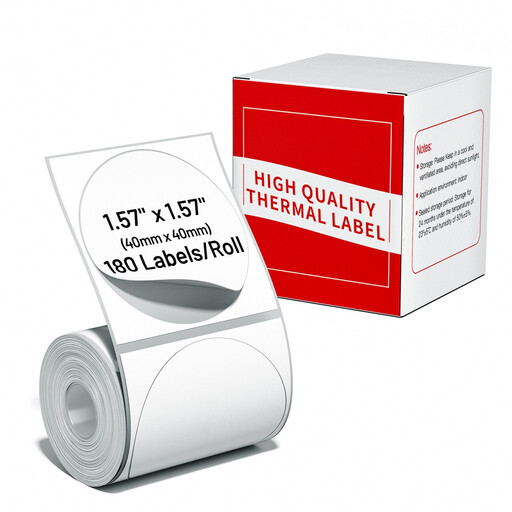
Why this product suits this user: The round shape is suitable for jars, gift packaging, boutiques, handmade products and decorative product labelling.
The round shape is clearly specified. This helps prevent you from accidentally ordering rectangular rolls for a decorative project.
50 × 50 mm; round label shape; listed as suitable for M110, M220 and PM241BT.
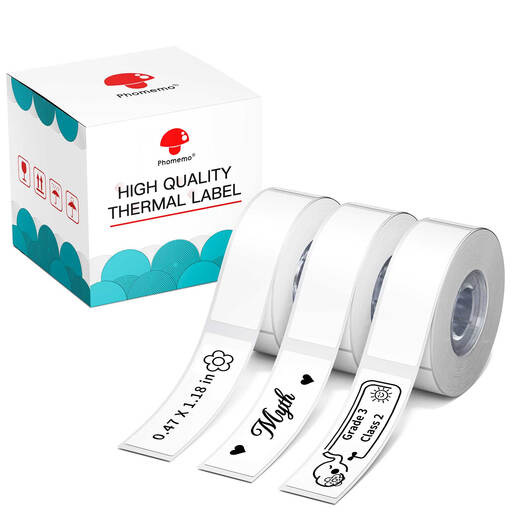
Why this product suits this user: The narrow format is ideal for short notes, files, cables, small containers and clear organisation systems at home or in the office.
These rolls are specifically listed for the D30 Label Maker. This helps avoid the common mistake of confusing them with wider M110 or M220 rolls.
Narrow size; 3 rolls in the pack; listed for the Phomemo D30 Label Maker.
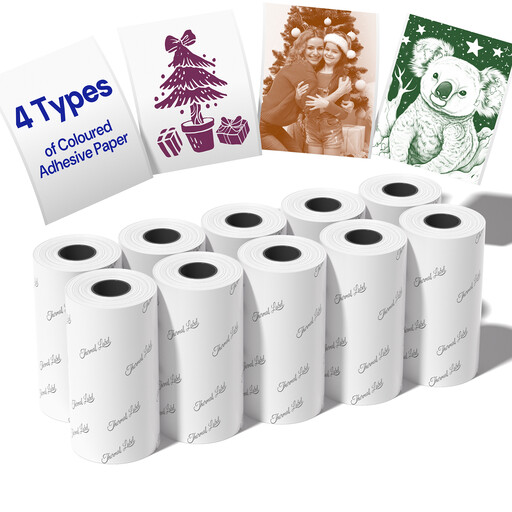
Why this product suits this user: Coloured and transparent sticker paper is designed for study notes, scrapbooking, photos, DIY projects and personal labels.
Compatibility with T02, Q02E, M02L and M02X is listed in the product name. This helps you avoid confusing sticker paper with rolls for the M110, M220 or D30.
50 mm × 3.5 m; 3 rolls in the pack; coloured and transparent options for creative projects.
We’ve put together a complete, regularly updated range of products that meet these strict selection criteria and the safety regulations that apply in the EU.
The M110 is compatible with, among others, label rolls listed for the M110 and M220. Before ordering, compare the size, roll feed and width with the details for the specific product. According to the product description, the M110 supports label widths from 20 to 50 mm.
Their lifespan depends on the material, storage and surrounding conditions. Direct sunlight, heat, moisture and friction can affect the print. If you need labels for important, long-term identification, test their adhesion and legibility under the conditions in which they’ll actually be used.
Thermal printing doesn’t need an ink cartridge or toner cartridge. However, running costs depend on the price per roll, the number of labels and any waste. Divide the price of a roll by the number of labels it contains, and make sure you choose the right size for your intended use.