
Lieferung heute & morgen

Qualitätsgarantie

Willkommens-Angebote freischalten: KOSTENLOSE Lieferung | Bis zu 80 % RABATT | Kostenlose 30-Tage-JoyPlus-Testphase
App herunterladen
Phomemo labels are used for prices, barcodes, addresses, product identification and organising things at home. But the price per roll isn’t the only thing to consider before you buy. The key factors are printer model, label size, number of rolls and intended use. A low-priced option may not be practical if the roll doesn’t fit your printer or the label is too small for the information you need to print.
Phomemo M110, M220 and D30 printers don’t necessarily use the same rolls. Even if the labels look similar, their width, cut and feed mechanism can differ. So before ordering, check which models are explicitly listed as compatible.
Depending on the size, Phomemo M110 labels and Phomemo M220 labels may be suitable for barcodes, prices or parcels. Phomemo D30 labels, on the other hand, are designed for the D30 Label Maker. Don’t choose rolls for a different printer based on their appearance alone.
A round label, for example, is suitable for logos, product seals or brief identification. A rectangular format is more practical for a full address or a longer barcode. Smaller labels don’t automatically save money if you have to split the information across several stickers.
“Three rolls” doesn’t necessarily mean more labels overall than “one roll”. Compare the number of labels per roll as well as their dimensions. Some of the available options contain 230 labels per roll, others 100, while some are sold in multipacks.
Choose your printer first, then select the label format. Rolls measuring 50 × 50 mm, 1,57 × 1,18 inches and 1,96 × 3,14 inches are among the options available for the M110 and M220 models. The D30 requires label tapes designed for that printer, with their own specified widths.
Certain 50 × 50-mm round labels are also listed as compatible with the PM241BT printer. Check this against the product description for your specific printer.
The dimensions determine how much text, a barcode or a logo will fit on a label.
For barcode labels, make sure the code is printed in full with enough clear space around it. A wider format is usually more practical for address labels than a narrow roll.
Thermal labels generally don’t need ink or a toner cartridge. This reduces the need for printing supplies, but makes the surface sensitive to certain environmental conditions. Direct sunlight, high temperatures, moisture and friction can affect legibility, depending on the material and storage conditions.
Store unused rolls in a clean, dry place away from excessive heat. For long-term archiving or demanding outdoor use, check the manufacturer’s specific guidance on durability and material resistance.
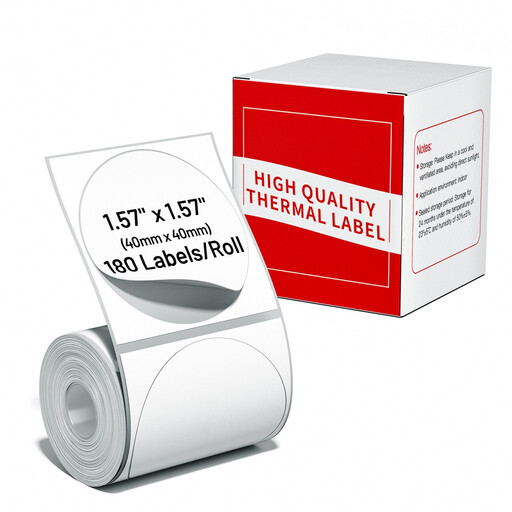
Why this product suits this profile: A single roll in a round format is a manageable choice for beginners, and is suitable for short labels, logos or product seals.
The size of 50 × 50 mm and round shape are clearly stated, so you can check before buying whether there’s enough space for the information you want to print.
Round 50-mm format; listed in the product name as suitable for M110, M220 and PM241BT; one roll per pack.
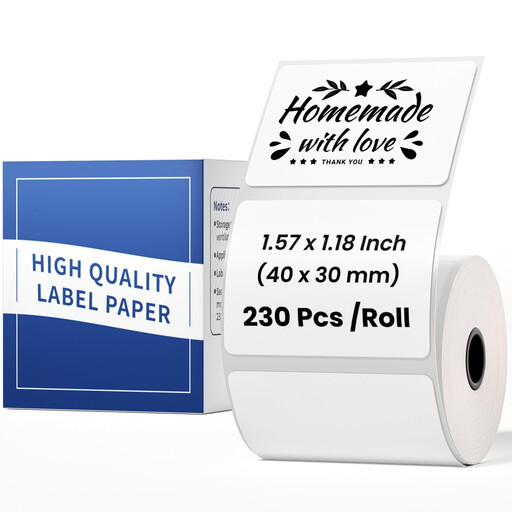
Why this product suits this profile: The rectangular size makes it easy to create clear labels for barcodes, prices and parcels.
The product details specify both the format and M110 and M220 as compatible models, making it easy to check compatibility before ordering.
230 labels per roll; rectangular size of 1,57 × 1,18 inches; listed as suitable for barcode, price and parcel labels.
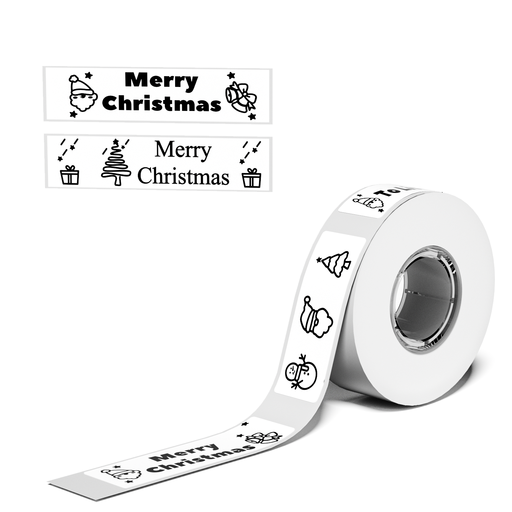
Why this product suits this profile: This narrow format is designed for a D30 Label Maker and is suitable for small organising labels, brief notes and compact labels.
The product name specifies the D30 and the narrow size, reducing the risk of accidentally ordering a roll for the M110 or M220.
Three rolls included; 0,47 × 1,57 inches; listed as suitable for the D30 Label Maker.
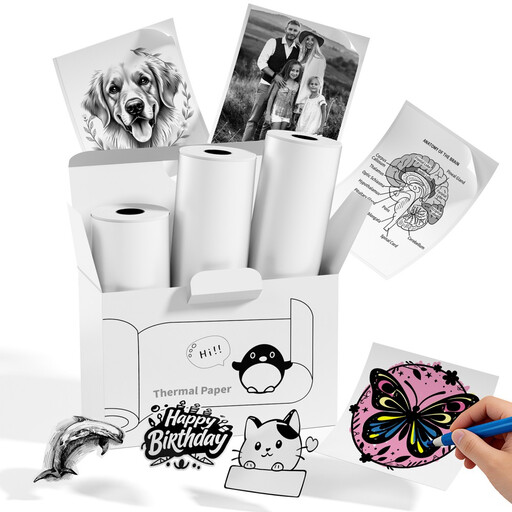
Why this product suits this profile: This material is suitable for T02, Q02E, M02X and M02L mini printers, and can be used for notes, photos, scrapbooking and simple labels.
The compatibility list and size of 50 mm × 3,5 m make it easier to check whether it’s suitable for your mini printer.
Three rolls; self-adhesive thermal paper; 50 mm wide and 3,5 m long per roll, according to the product description.
We’ve put together a complete, regularly updated list of products that meet these strict selection criteria and the safety regulations applicable in the EU.
If you don’t yet have a suitable printer, you could also consider the Phomemo M110 Portable Printer Label Maker. According to the product details, it works without ink or toner, connects to iOS and Android devices via Bluetooth, and supports label widths from 20 to 50 mm. Whether it’s right for you depends on the label size you need and the app you use.
It depends on the size of the roll. The range includes 50 × 50 mm round labels, 1,57 × 1,18 inches and 1,96 × 3,14 inches for the M110 and M220. Before buying, compare the width and cut with the product description for your printer.
There’s no single shelf life that applies to all thermal labels. Storage, light, heat, moisture, friction and the material itself can all affect legibility. For important records, check the specific product information and store sample labels in the conditions you intend to use.
Many compatible Phomemo printers use thermal printing, so they don’t need ink or toner. However, this isn’t automatically true of every device or roll. Check that the printer and consumables are explicitly listed as compatible with the same thermal system.