
Lieferung heute & morgen

Qualitätsgarantie

Willkommens-Angebote freischalten: KOSTENLOSE Lieferung | Bis zu 80 % RABATT | Kostenlose 30-Tage-JoyPlus-Testphase
App herunterladen
A stable and fast network is the backbone of the modern home and office. But when choosing a new network switch, many users fall into avoidable traps that lead to frustration and unnecessary expense. Before you add more ports to your router, it's crucial to distinguish typical marketing hype from the features that truly matter.
As your Joybuy Product Recommendation Officer, I'll help you make the right choice by revealing the most common pitfalls and showing you what really counts in a LAN switch.
Many products advertise features that are irrelevant for the average user, while critical performance specs are hidden in the fine print. Pay special attention to these three points:
To avoid a bad purchase, focus on these three fundamental criteria. They significantly determine the performance and reliability of your network.
The number of ports determines how many devices you can connect. Plan ahead and choose a model with at least two to three more free ports than you currently need.
A PoE switch eliminates the need for separate power adapters for compatible devices. Pay attention to two values here:
We have selected products based on the objective criteria above for typical user profiles.
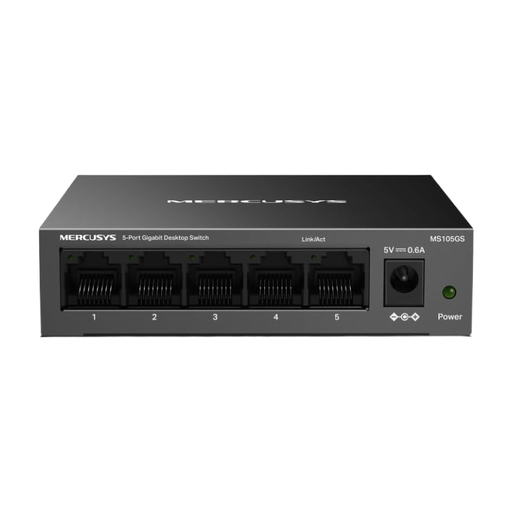
Why it's a good fit: Ideal for users who want to easily and cost-effectively expand their home network to connect devices like a smart TV, gaming console, and PC without having to deal with complicated technology.
As an unmanaged switch with plug-and-play functionality, it bypasses the "managed switch" trap. Its Gigabit speed prevents the bottleneck that occurs with cheaper 100 Mbps models.
A robust metal chassis provides good heat dissipation and durability. The fanless design ensures completely silent operation in living areas.
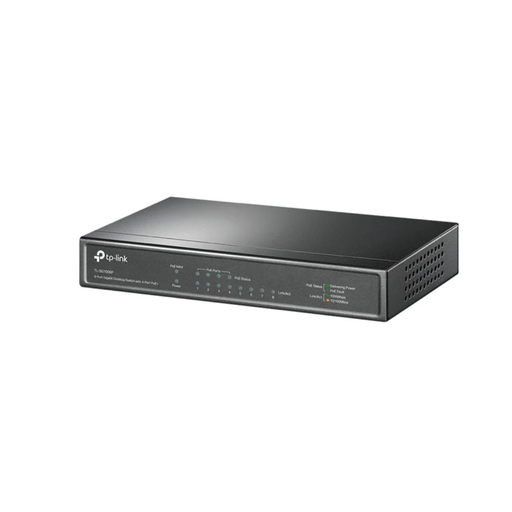
Why it's a good fit: Perfect for small offices or demanding home users who want to run 2-3 IP cameras, VoIP phones, or Wi-Fi access points without additional power adapters, all while benefiting from Gigabit speed.
This model addresses the PoE budget dilemma with a clearly defined total budget of 55 watts. This allows for precise planning and prevents system overload when connecting multiple devices.
Combines 8 Gigabit ports for high data throughput with 4 PoE ports (IEEE 802.3af) in a compact, fanless metal chassis. Intelligent power management prioritises ports under high load.
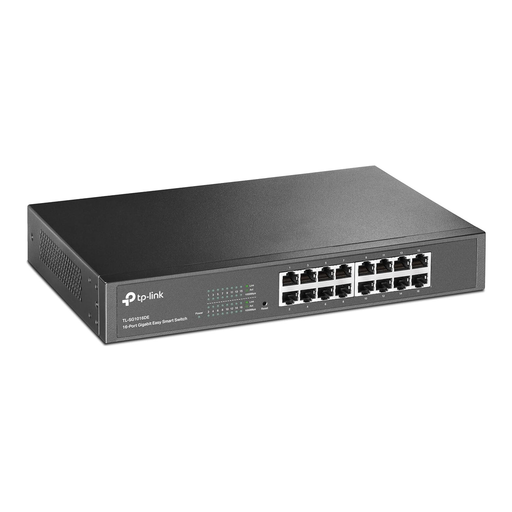
Why it's a good fit: Ideal for growing small businesses or tech enthusiasts who need high port density, reliability, and basic management features for network security and segmentation.
This "Unmanaged Pro" or "Smart Managed" switch is the perfect middle ground. It avoids the high complexity and cost of a fully managed switch but still offers useful features like VLAN support to improve network security.
Offers 16 Gigabit ports for extensive connectivity and a high switching capacity of 32 Gbps. The robust metal chassis is suitable for both desktop use and rack mounting.
We have compiled a complete, up-to-date list of products that fully meet these strict selection criteria and safety standards.
No, in most cases, it does not. An unmanaged switch, like the models recommended here, works on a plug-and-play basis. You connect it to power and your router, plug in your devices, and it works immediately without any setup. Only managed switches require manual configuration, which is intended for professional IT environments.
A correctly chosen switch will not slow down your internet. A problem only arises if the switch's speed is lower than your internet connection's speed. For example, if you have a 500 Mbps internet connection but use an old 100 Mbps switch, it will become the bottleneck. A Gigabit switch (1,000 Mbps) is more than sufficient for all common internet speeds and will not cause a slowdown.
Network switches are very durable devices as they contain no moving parts. Models with a robust metal chassis and a fanless design that passively dissipate heat often have a lifespan of 5 to 10 years, or even longer. Reliability depends heavily on the build quality and environmental conditions (good ventilation).